 New Zealand
  United Kingdom
  Singapore
  Malaysia
  Canada (Français)
 Australia



Have a tour! Explore the Employment Hero platform.
Get hands on with guided product demonstrations, watch our quick videos and understand the value Employment Hero can bring to your organisation.
Interactive Demo
Employee lifecycle
Choose your journey by clicking on the tasks you need to complete during the demo.
Video Demo
Watch our features in action.
Employment Hero on your mind? We don’t blame you. Forget spending hours on tedious HR admin, paperwork and compliance. Watch us in action here.

Interactive HR Software Demos




The streaming demo experience
-
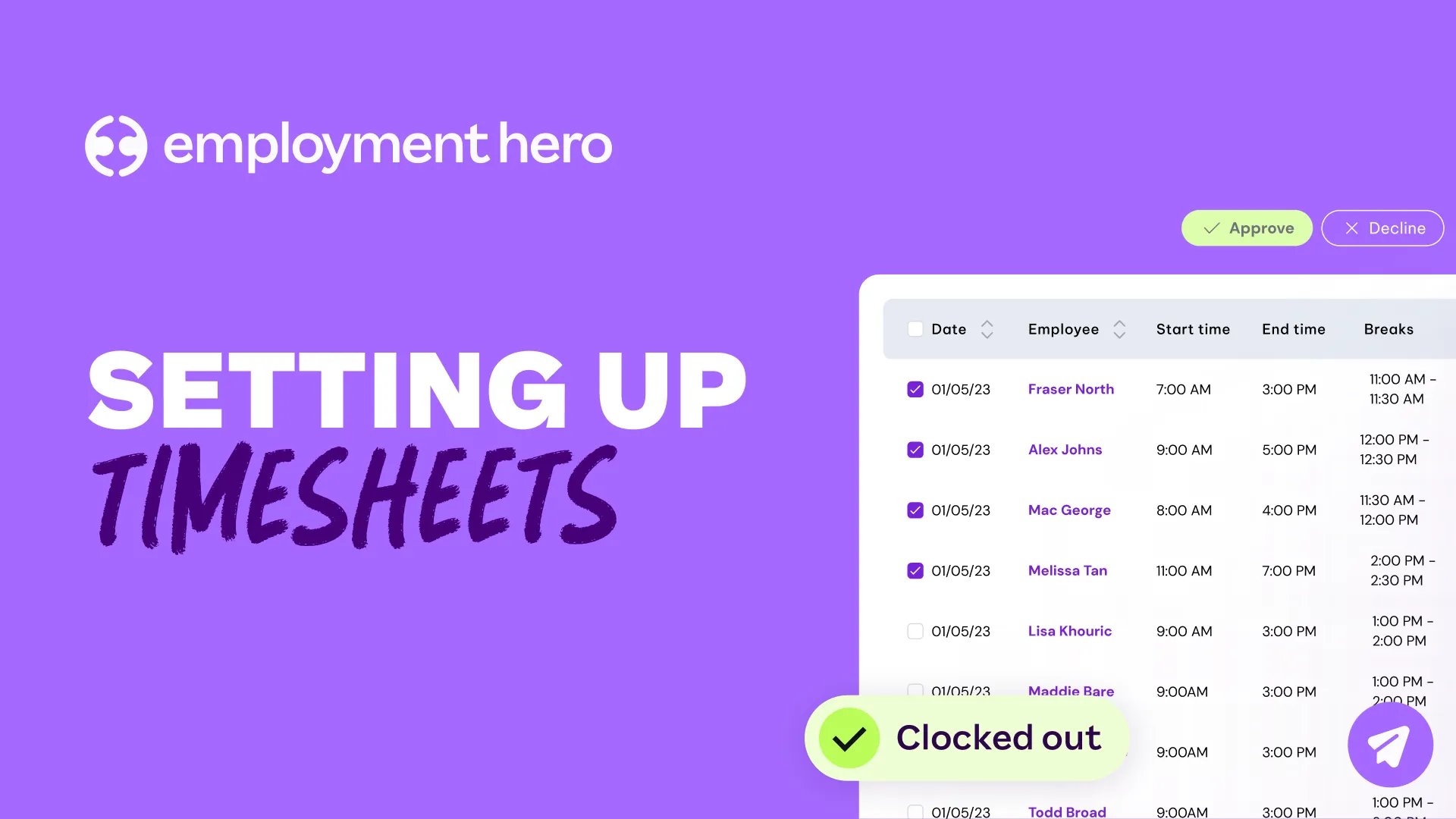
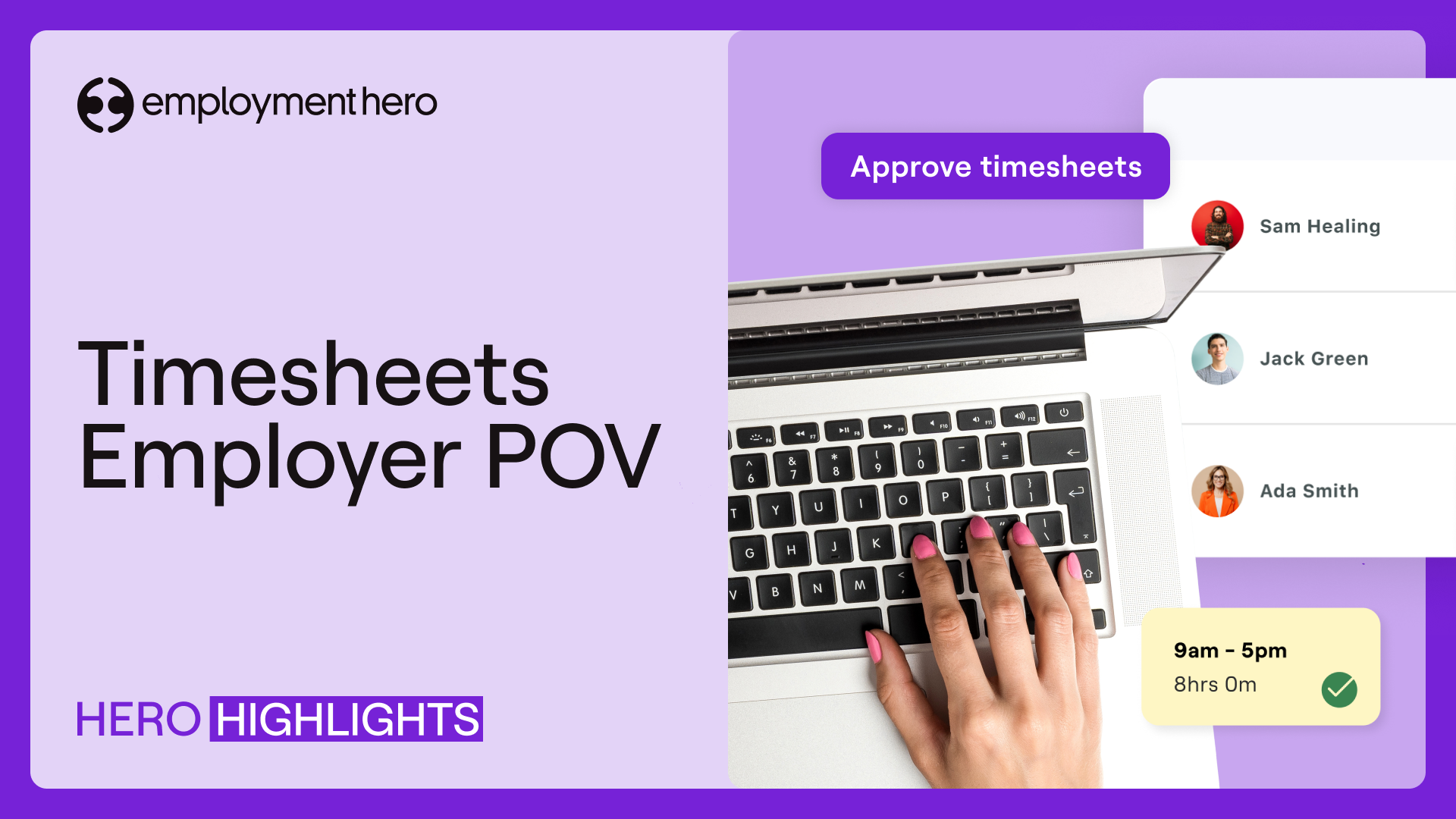
How to Set Up Timesheets in Employment Hero
Walk through configuring your timesheet entry types, overnight timesheets, auto-approval settings, leave-to-timesheet conversion, and rounding rules — then learn how to enable timesheets at the individual employee level.
-
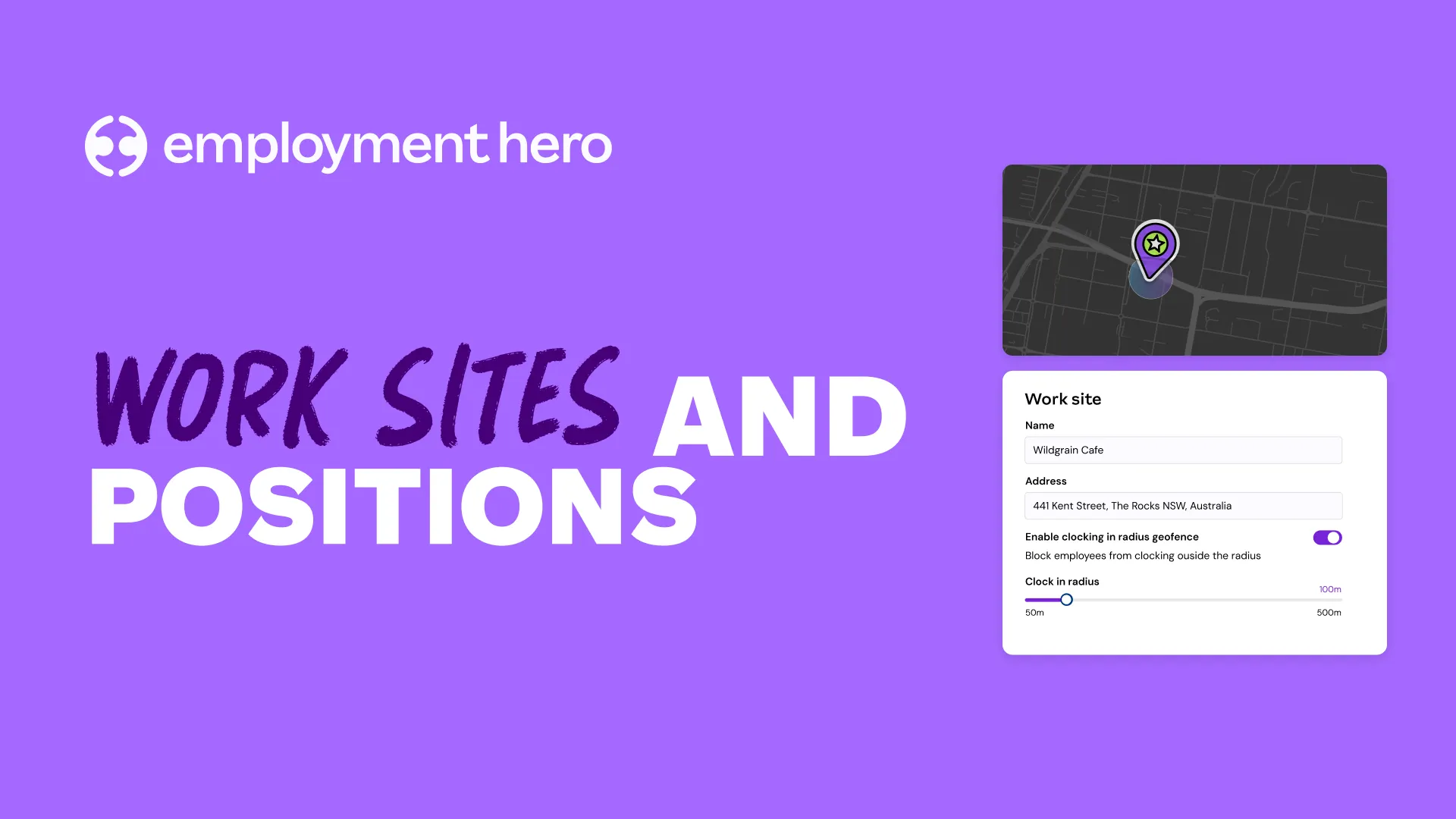
Configuring Work Sites & Positions
Configuring Work Sites & Positions Learn how to create and manage your physical work locations, set default shift times, configure geofencing, assign positions and cost centres, and bulk-import work site data via CSV.
-
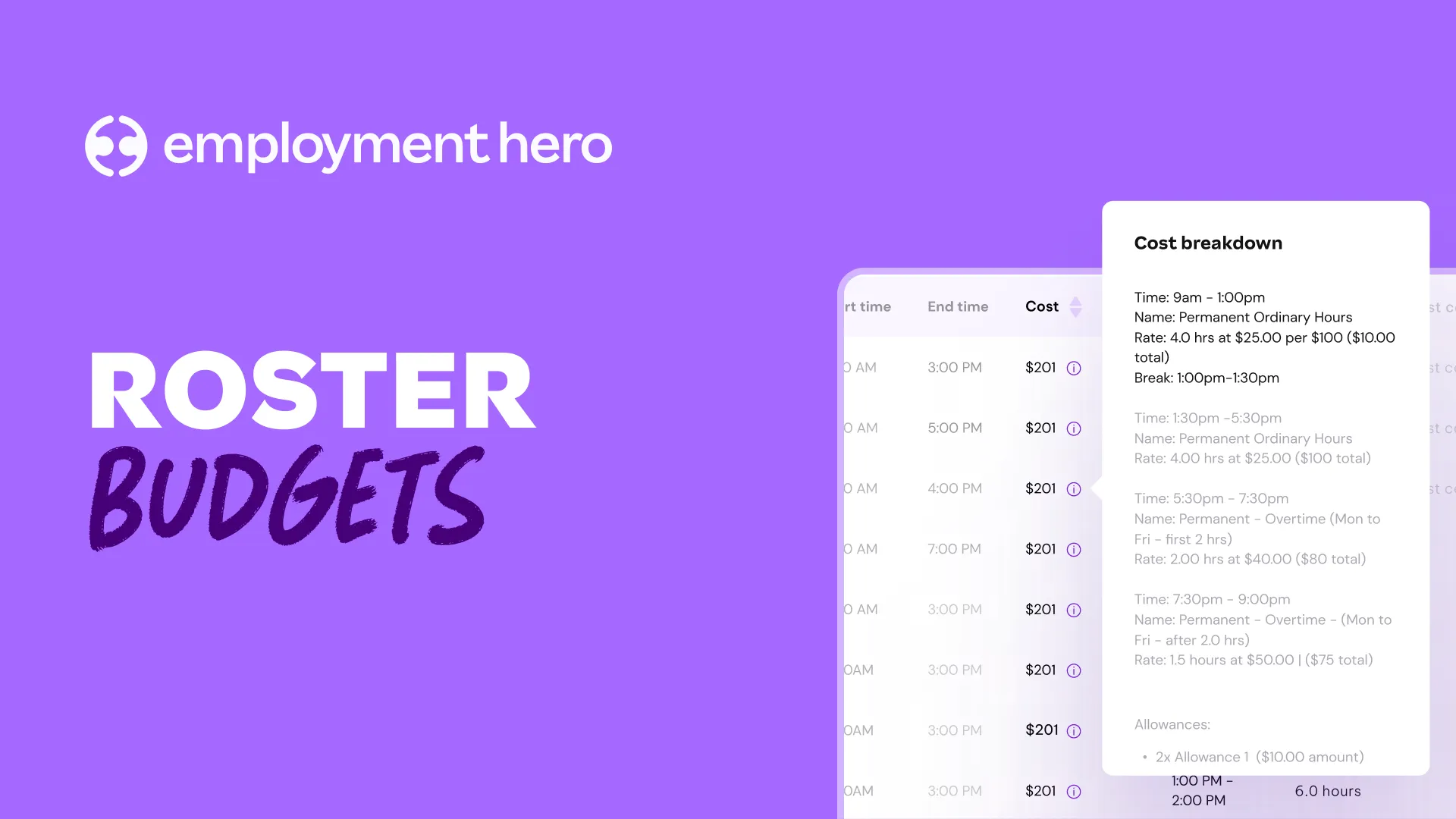
Setting & Tracking Roster Budgets
Setting & Tracking Roster Budgets See how to set hourly and wage budgets per work site, and how the platform flags when you’re approaching or exceeding your budget — before you’ve committed to a single shift.
-
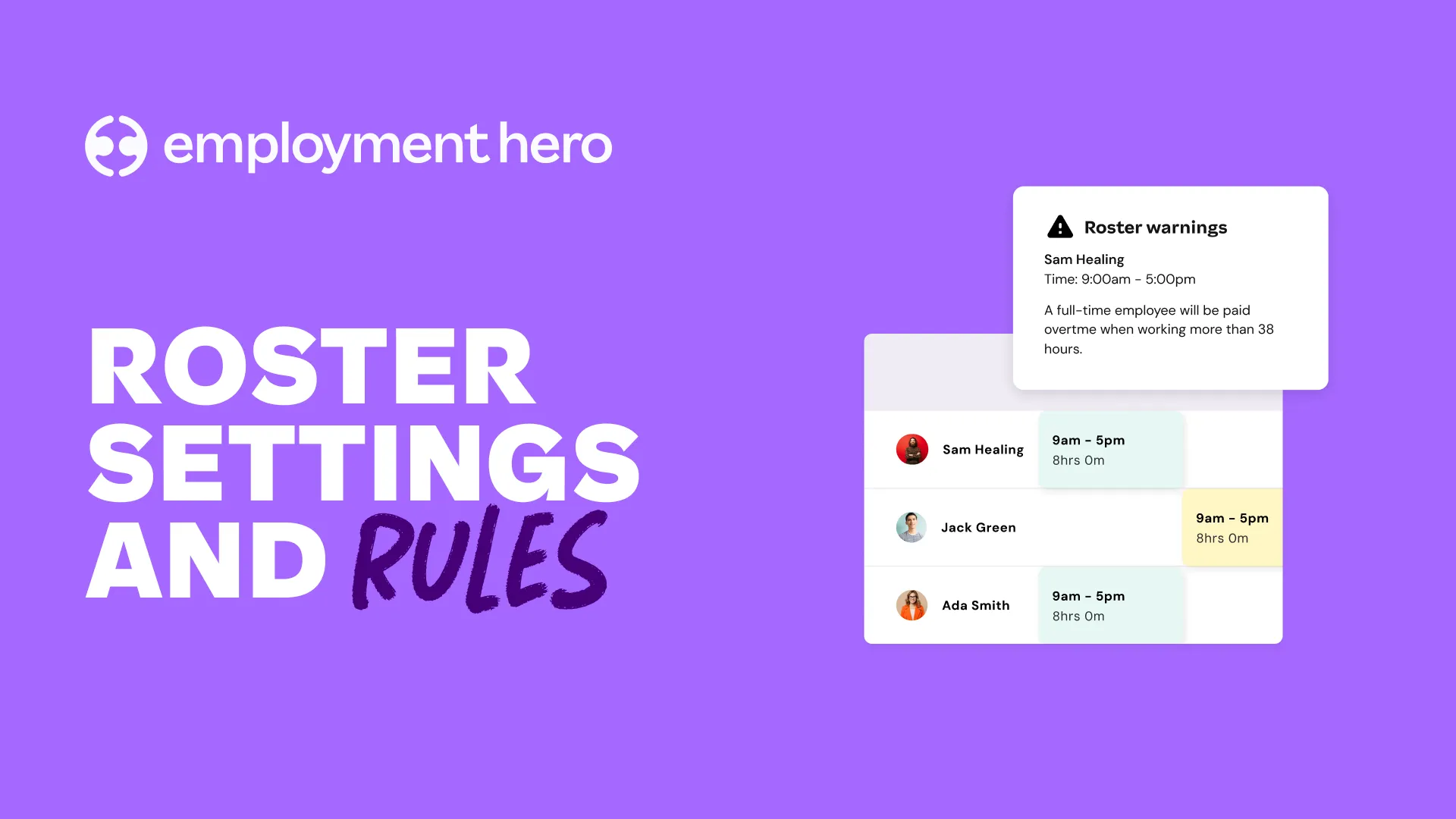
Roster Rules, Warnings & Shift Settings
Roster Rules, Warnings & Shift Settings Configure employee rest period rules, work limit rules, certification requirements, shift confirmation and bidding settings, shift swapping with manager approval, and shift locking parameters to protect payroll accuracy.
-
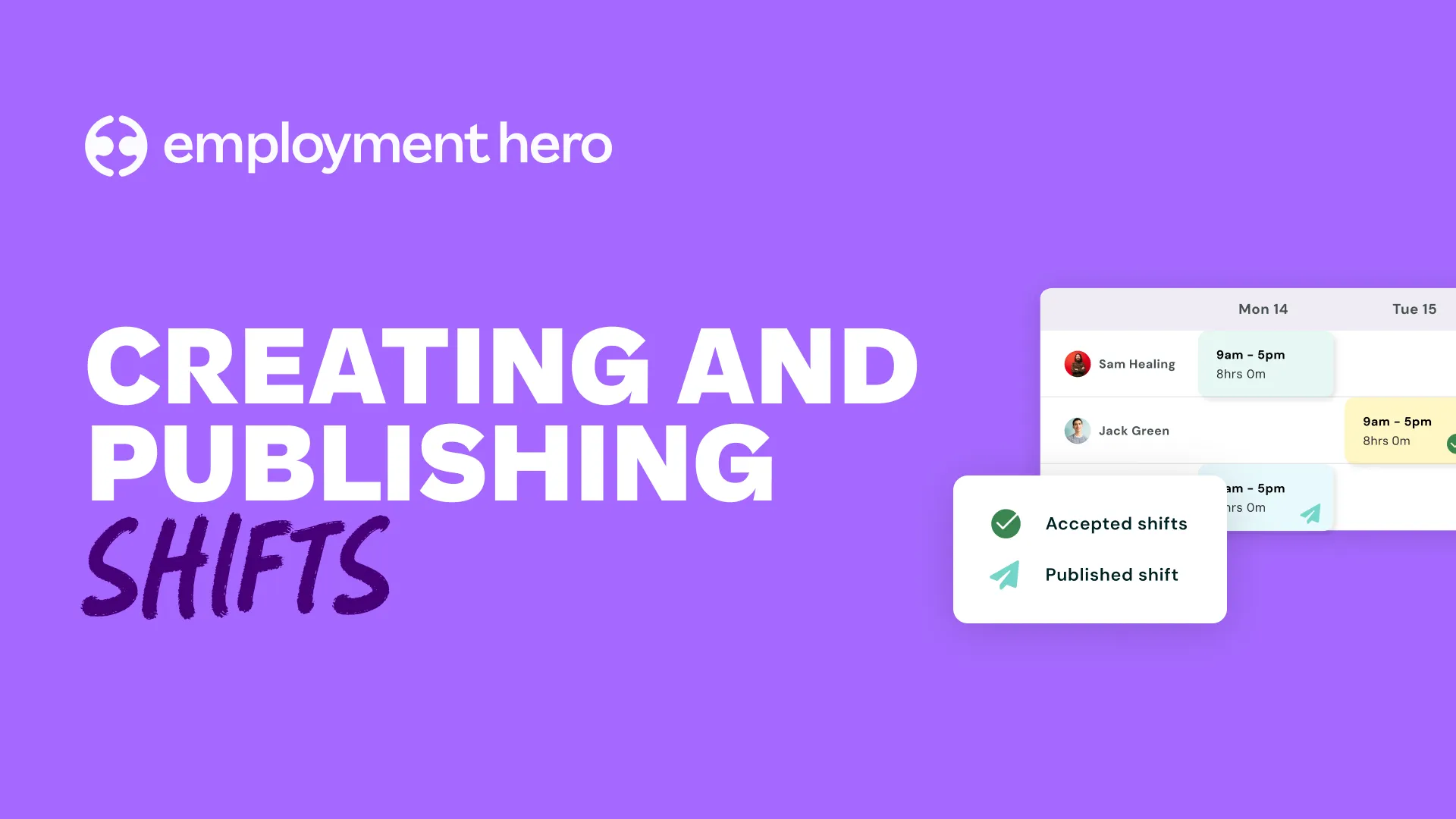
How to Create & Publish Roster Shifts
How to Create & Publish Roster Shifts A full walkthrough of building shifts — including single and bulk creation, assigning employees, applying work types, shift conditions, classifications, and award costing — then publishing shifts so employees are notified instantly.
-
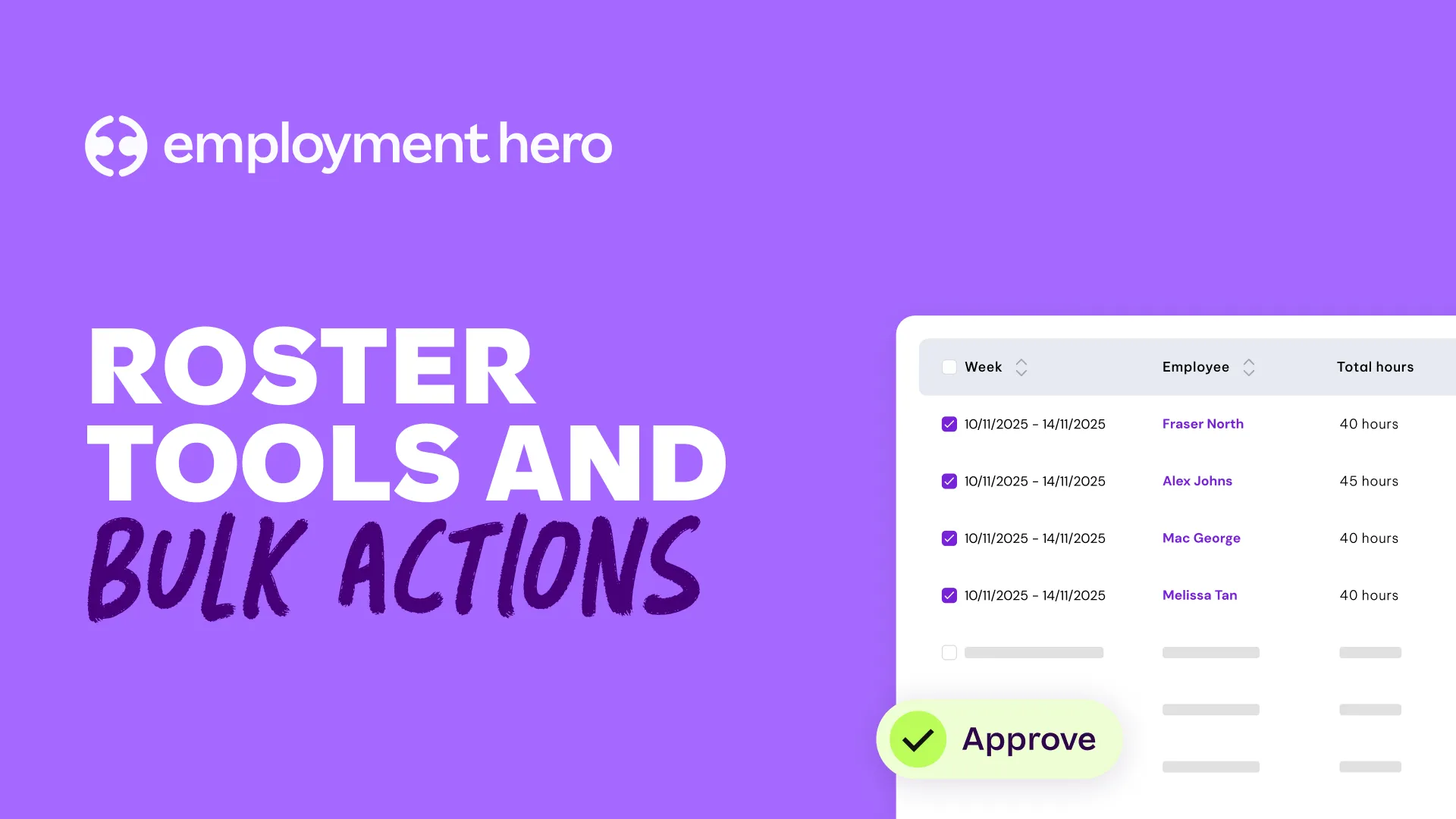
Bulk Actions, Templates & Auto-Rostering
Bulk Actions, Templates & Auto-Rostering Save hours with advanced copy, roster templates, auto-rostering from custom work hours, and sales data import — giving you the tools to build smarter, data-driven rosters at scale.
-
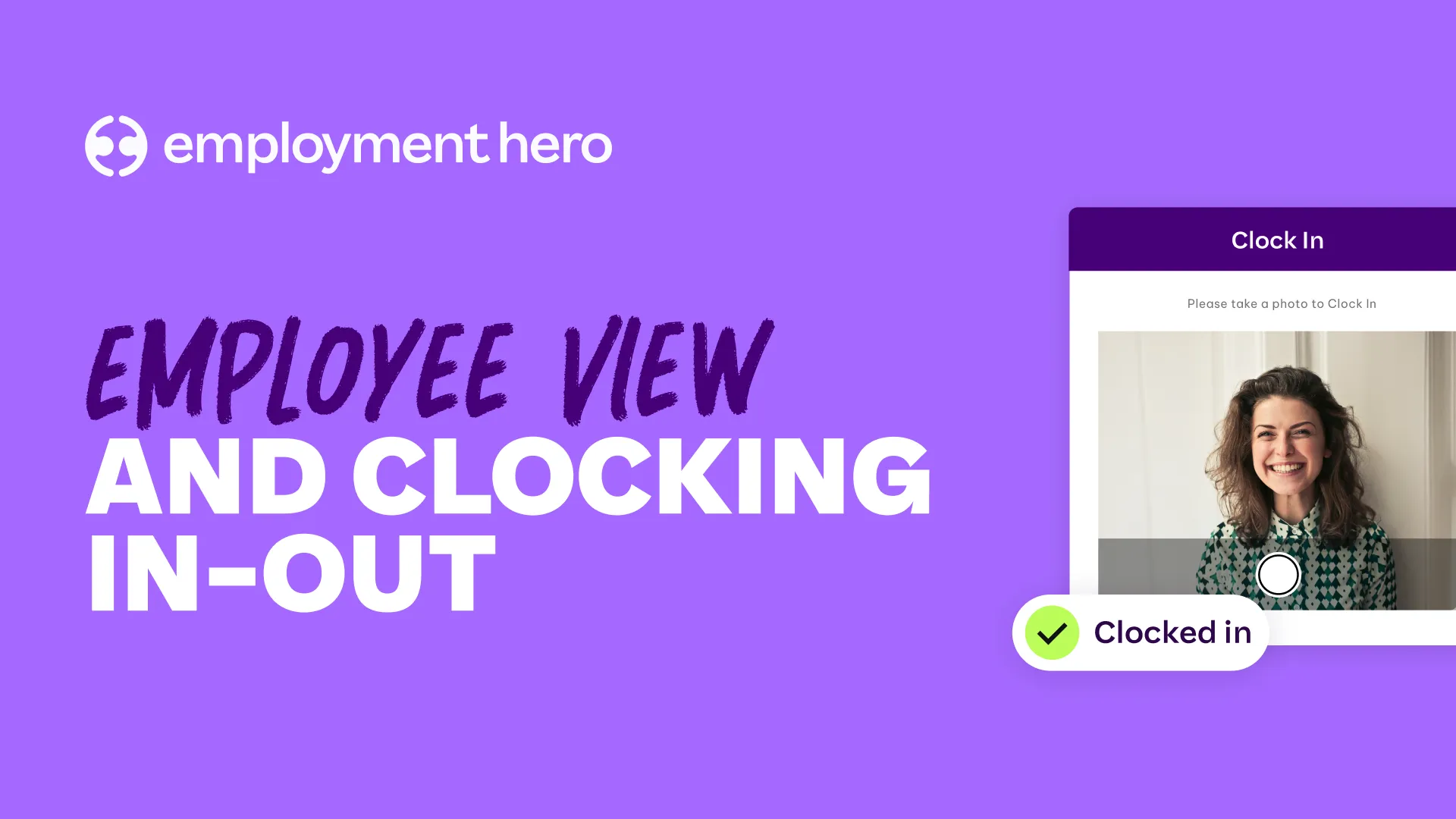
How Employees Clock In & Out
How Employees Clock In & Out See the employee experience firsthand — from viewing published shifts in the Employment Hero Work app to clocking in, logging breaks, and triggering automatic timesheet creation on clock-out.
-
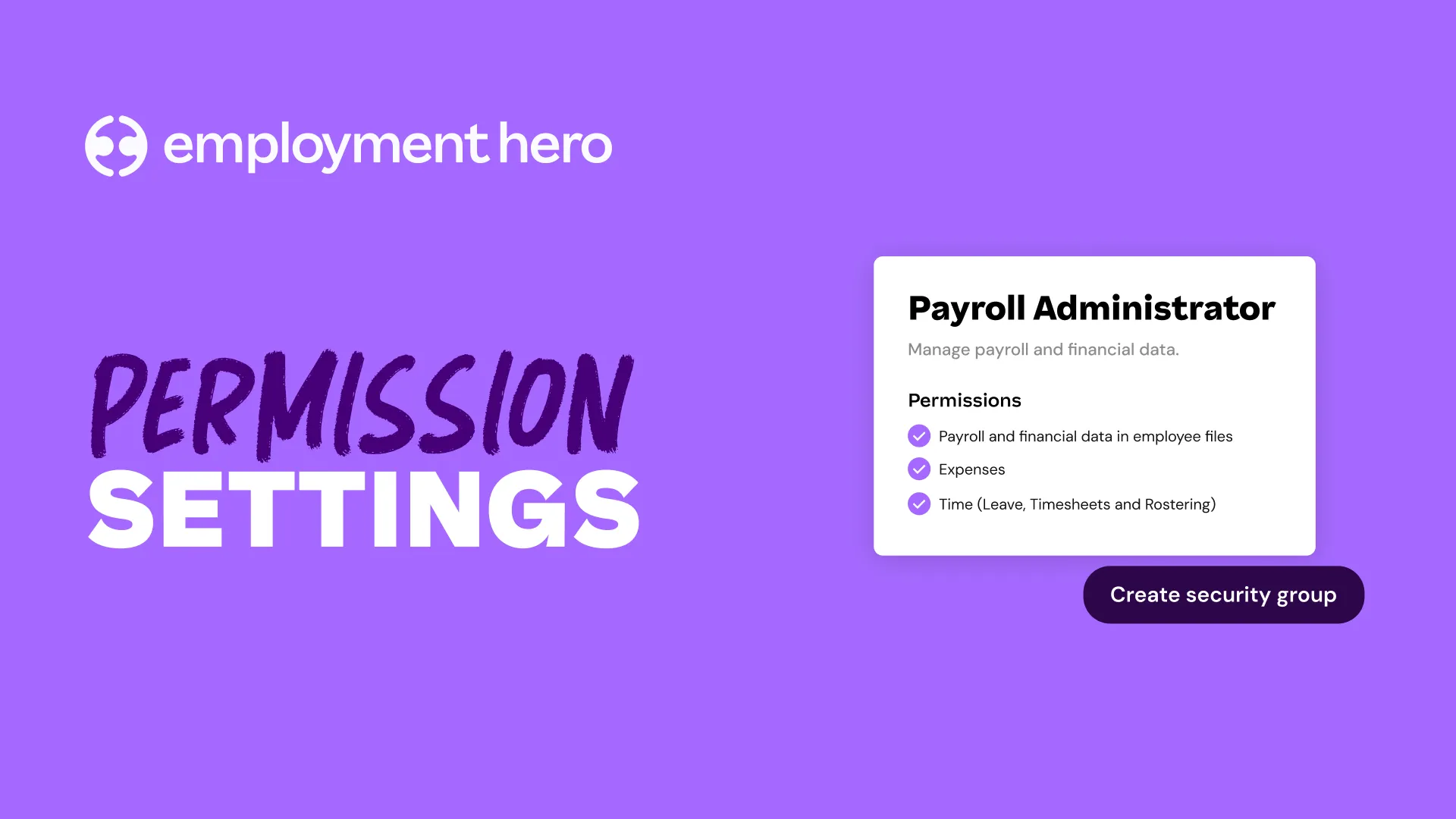
Managing Roster Permissions & Access Control
Managing Roster Permissions & Access Control Learn how to grant the right level of roster access to managers and HR staff — including work site-specific permissions, budget visibility, timesheet management, and how to set it all up without exposing sensitive pay information.
-
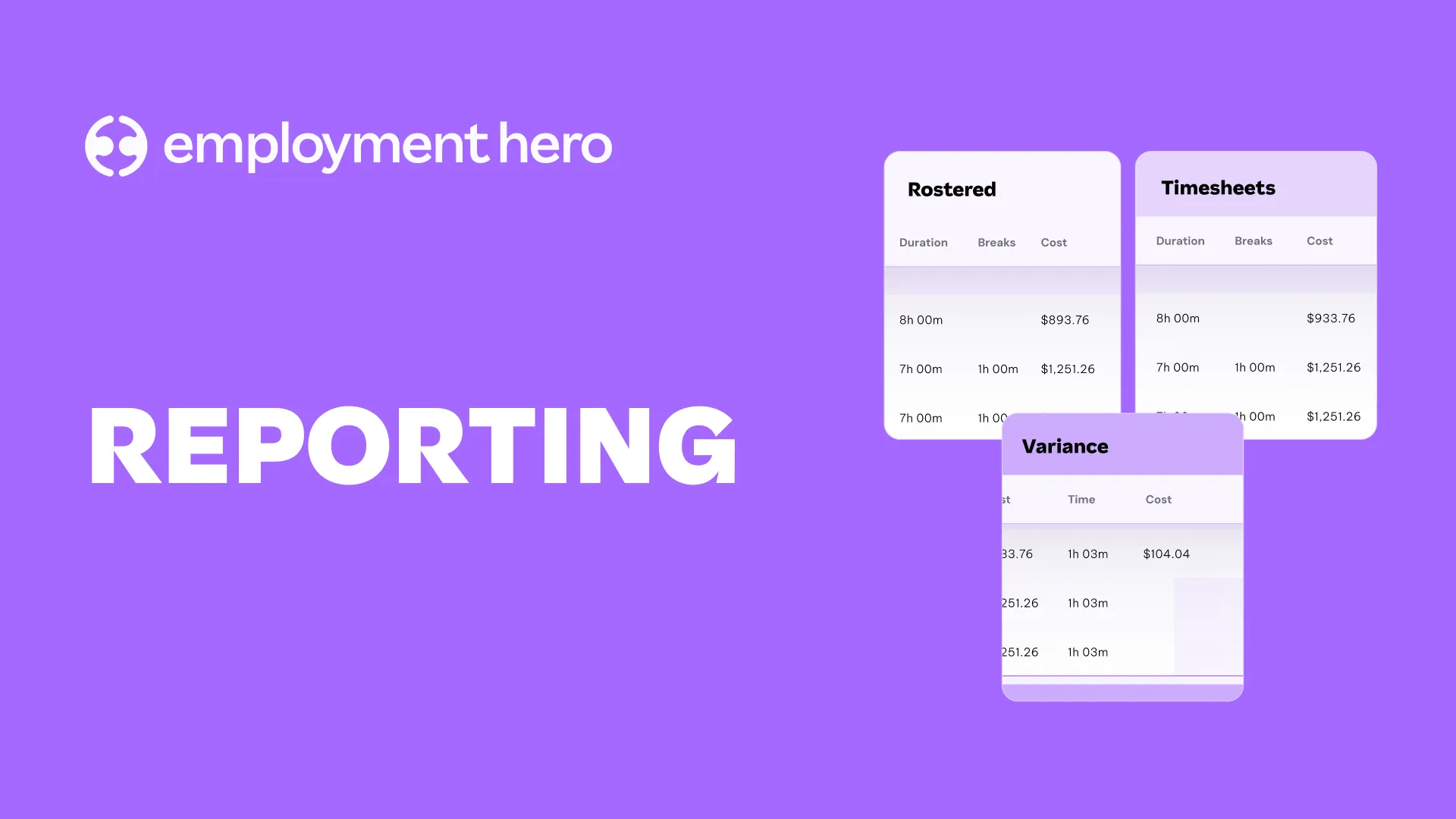
Time & Attendance Reports in Employment Hero
Time & Attendance Reports in Employment Hero Explore the full reporting suite — including the Live View report, timesheet report, roster vs. timesheet comparison, rostering report, and lateness report — to keep attendance accurate and your business informed.
-
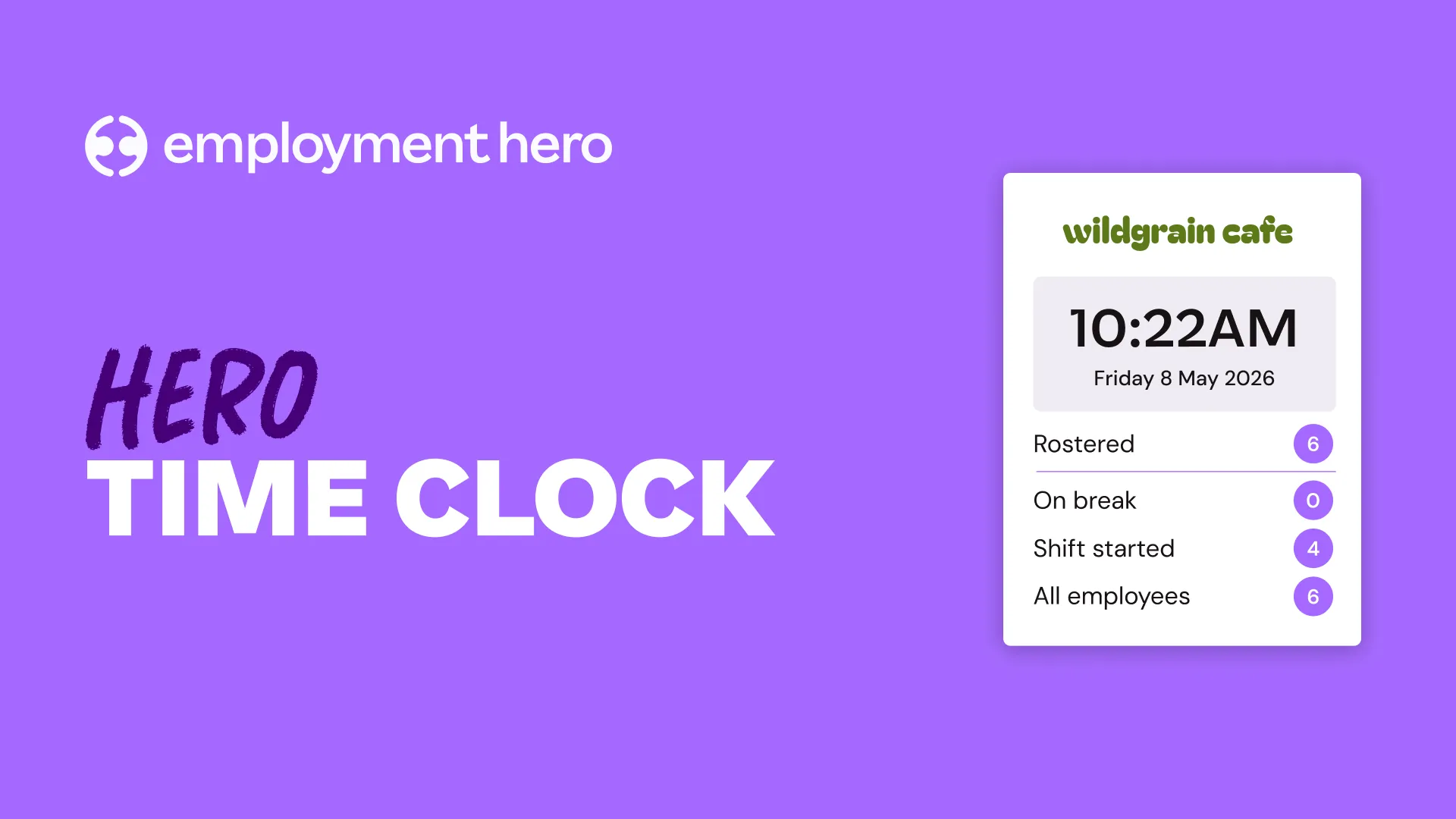
Setting Up & Using the Hero Time Clock Kiosk
Setting Up & Using the Hero Time Clock Kiosk Step-by-step guide to configuring the Hero Time Clock on a tablet — including naming your kiosk, assigning a work site, granting employee access, setting up passcodes, and managing clock-ins and breaks on site.
-

End-to-End Pay Run Process Walkthrough
End-to-End Pay Run Process Walkthrough This video walks through the end-to-end pay run process in Employment Hero’s Intelligent Payroll. It shows how to start and review a pay run, submit it for processing, complete final approvals, generate payslips, and download bank files once the pay run is finalised.
-
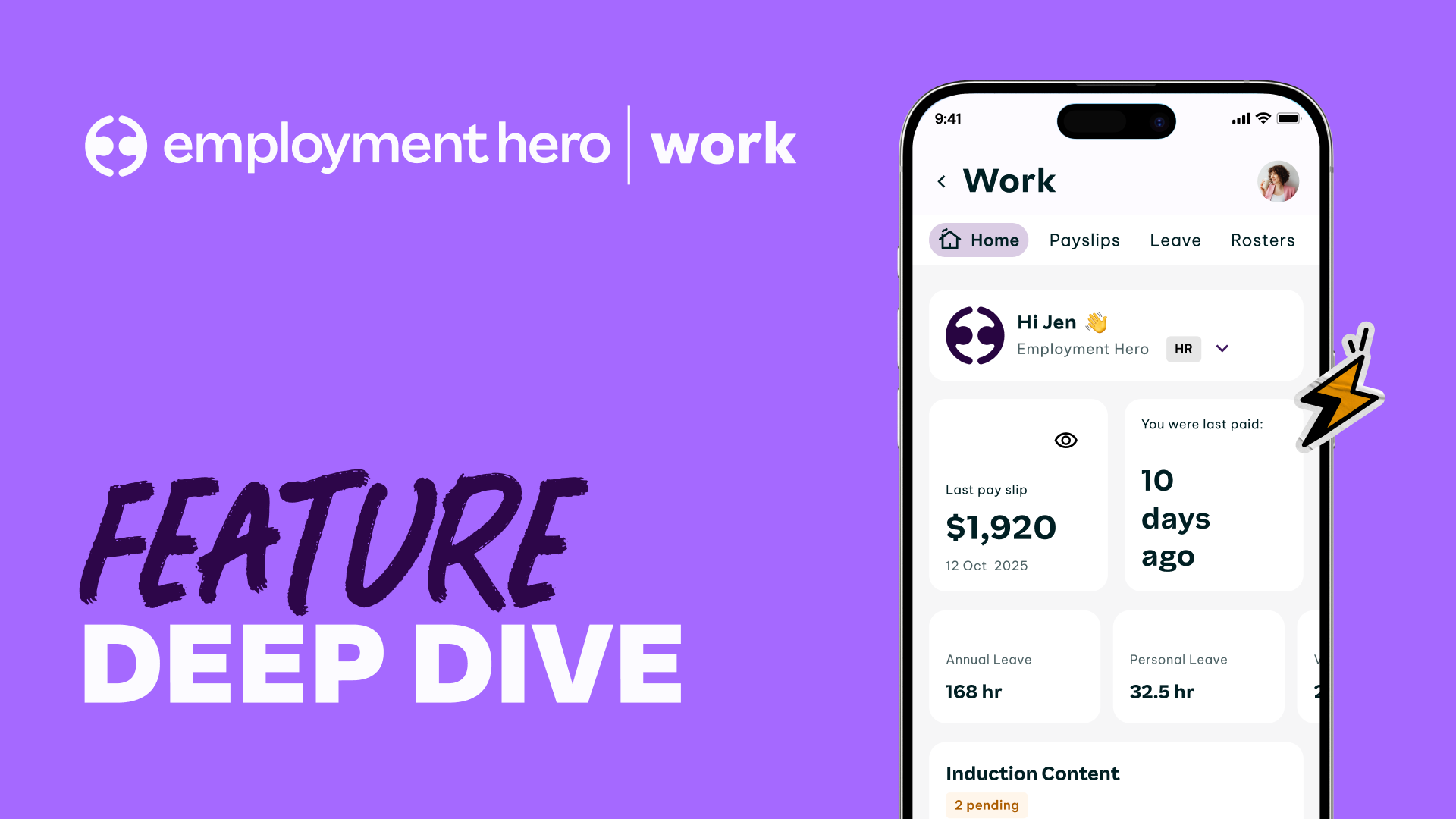
EH Work App Feature Deep Dive
Take a closer look at the features that power Employment Hero Work. From managing timesheets and rosters to accessing pay, benefits and career tools, this in-depth demo shows how each feature works in practice and how they come together to support your team every day.
-
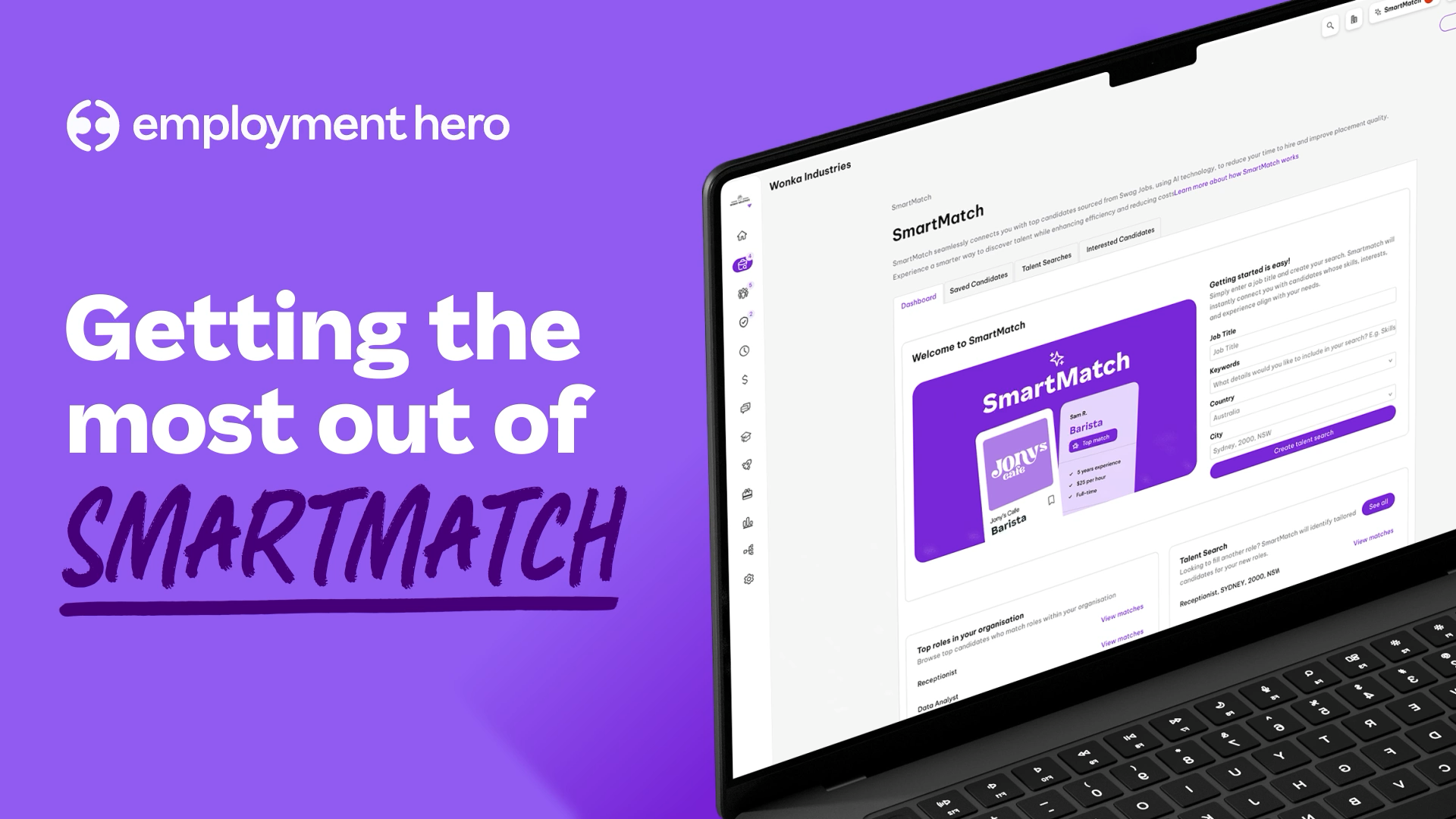
SmartMatch
SmartMatch Employment Hero instantly matches businesses with top candidates from our pool of 2.3M+ candidates.
-
1m 59s
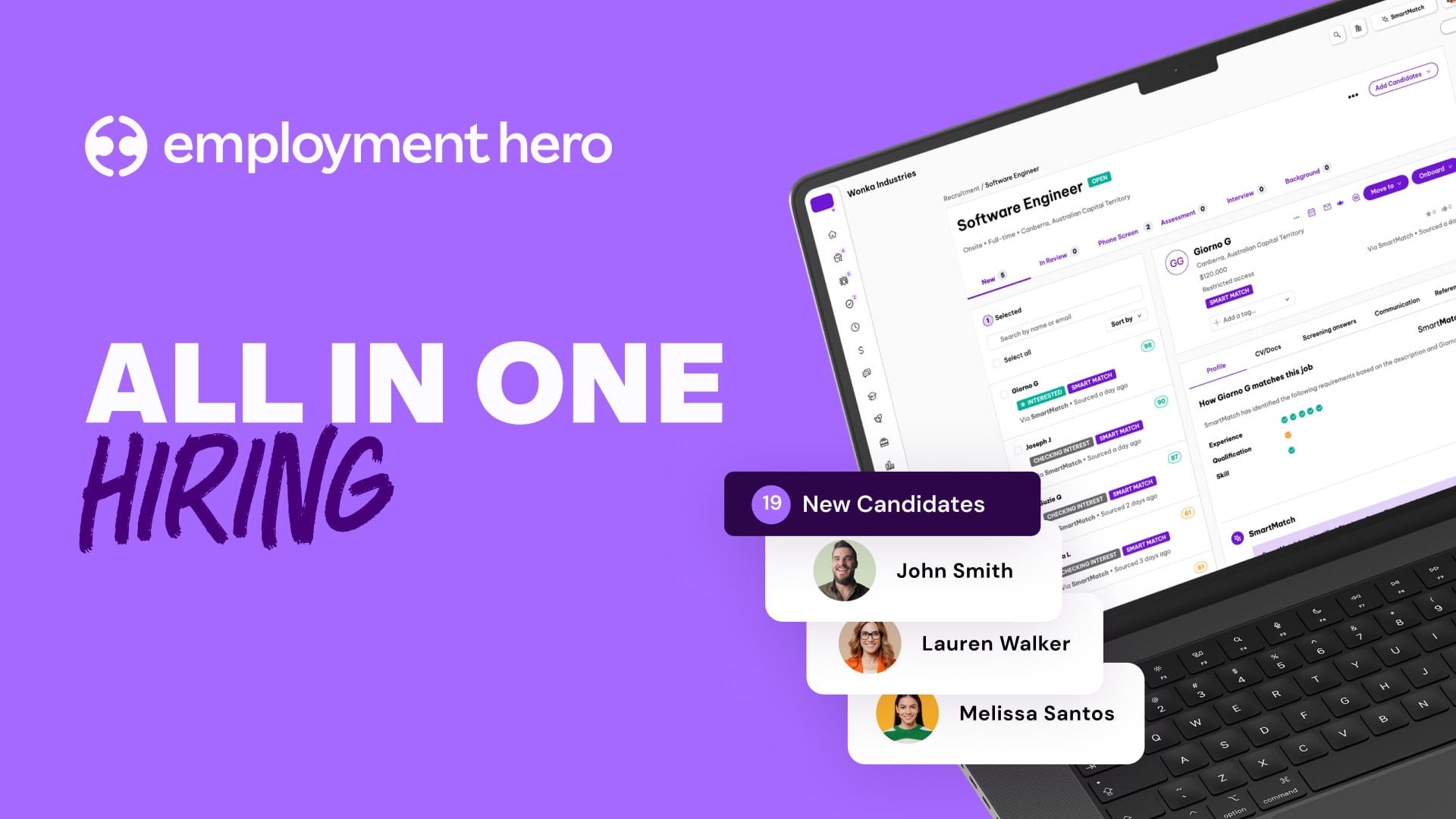
Employment Hero Hiring
Employment Hero Hiring Discover how Employment Hero Hiring can reduce your time to hire by two weeks, cut recruitment costs, and save hours on admin. With a world-class ATS and advanced AI tools, we supercharge your recruitment process.
-
1m 48s
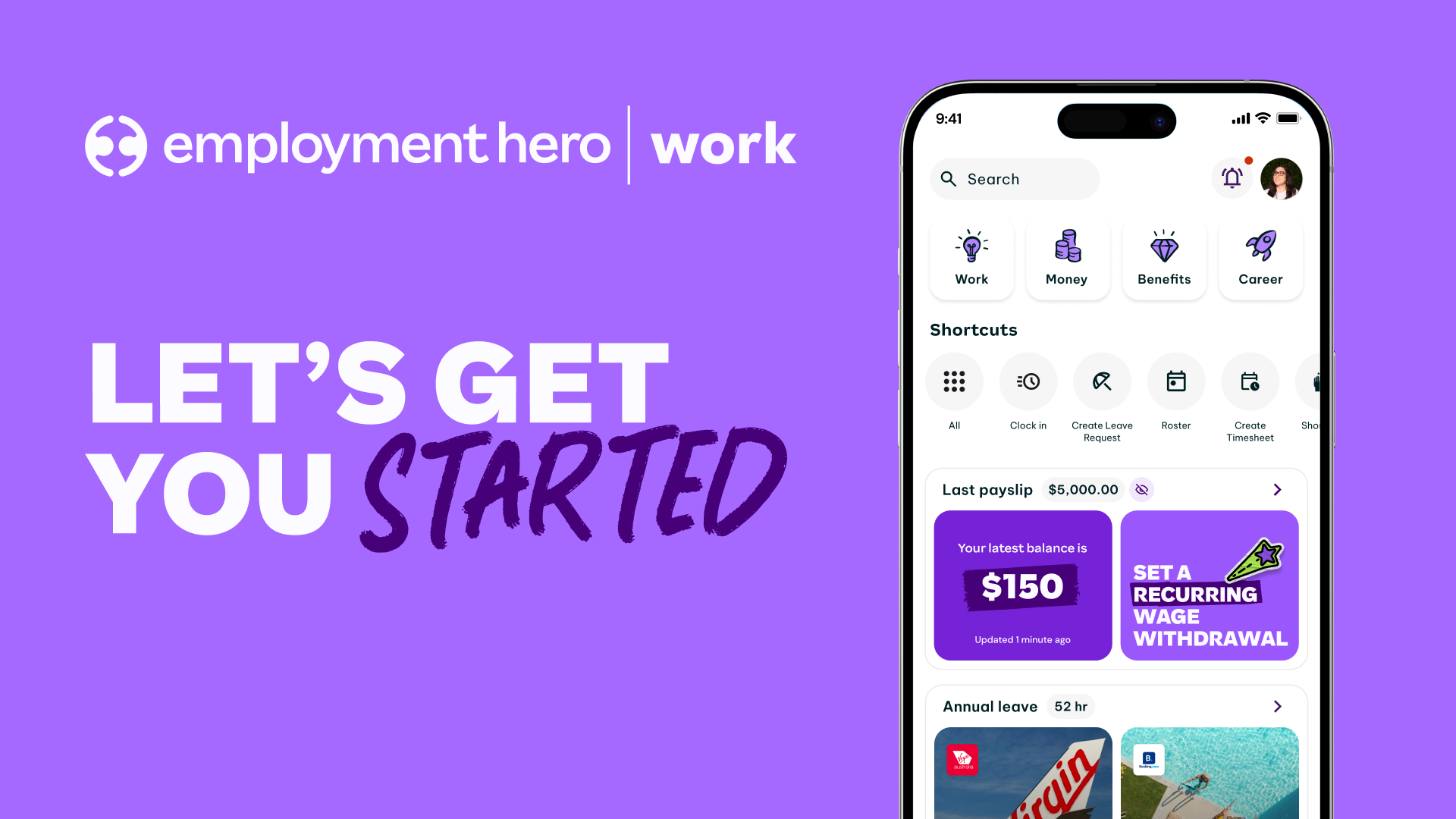
Employment Hero Work | Hero Highlights
Employment Hero Work See how easy it is for your team to manage work and get paid, with Employment Hero Work. Employment Hero Work is the world’s first employment superapp, rolling work, careers, flexible pay and exclusive benefits into one place.
-

39s
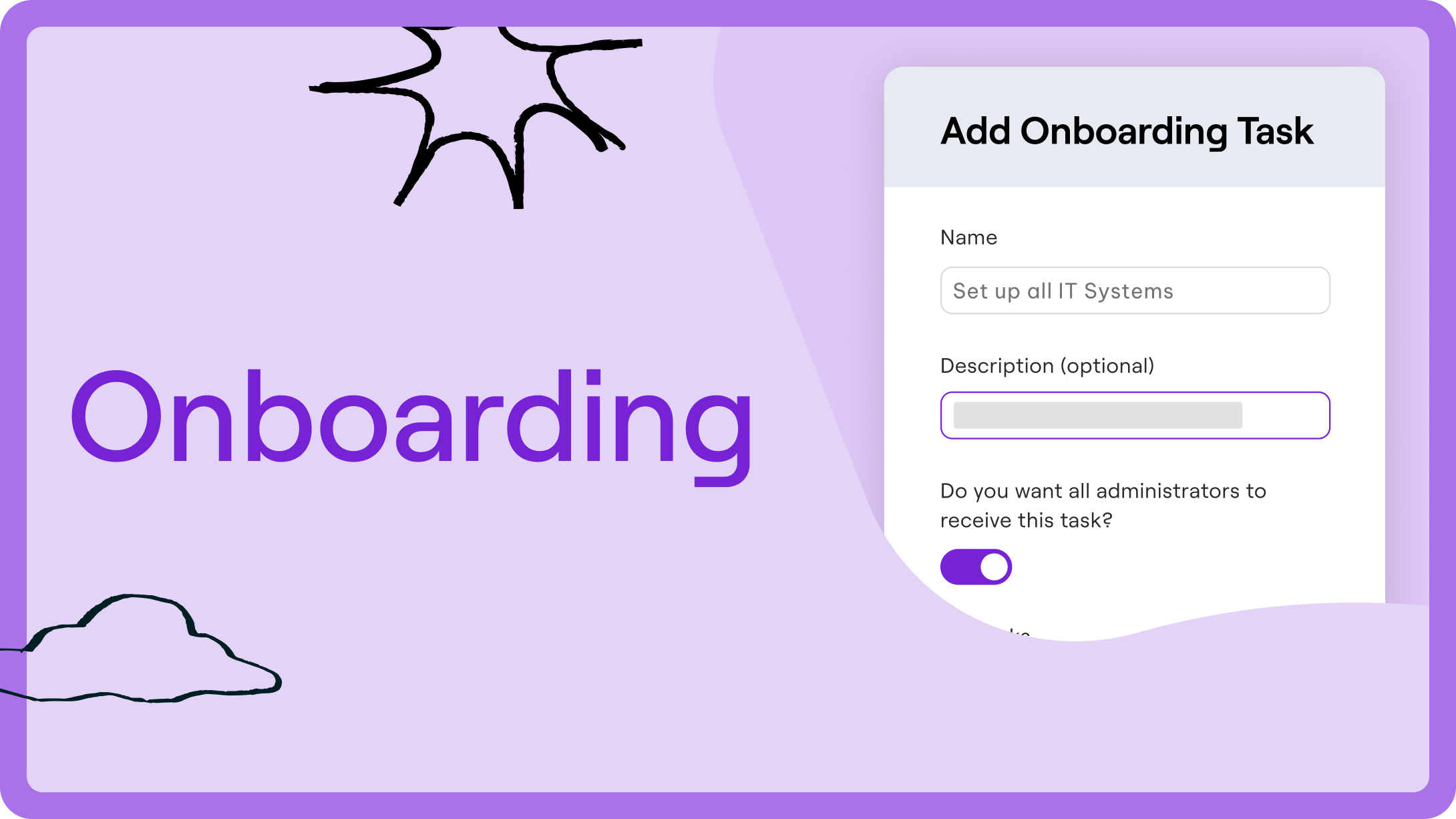
Global Teams | Hero Highlights
Found your new global unicorn? Setting them up for success from here is a breeze.
-
-
1m 23s
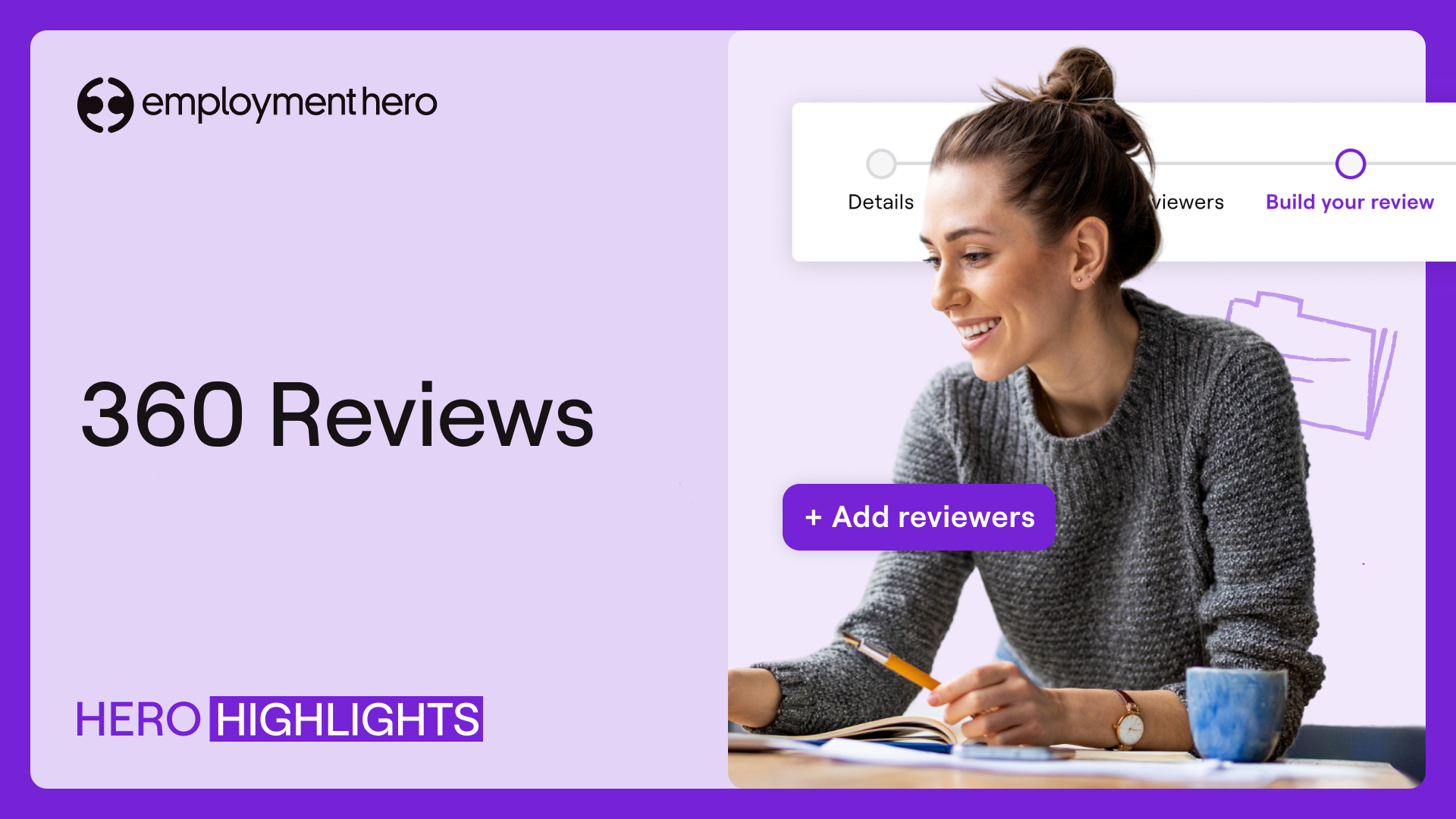
Reviews | Hero Highlights
See how easily you can manage reviews and track progress in Employment Hero.
-
-