 New Zealand
  United Kingdom
  Singapore
  Malaysia
  Canada (Français)
 Australia





Catch payroll problems before they cost you.
Payroll Agent checks timesheets, leave, and expenses against your company policy in real time — flagging issues to employees and managers before they ever reach payroll.
Policy checks, built into the flow of work.
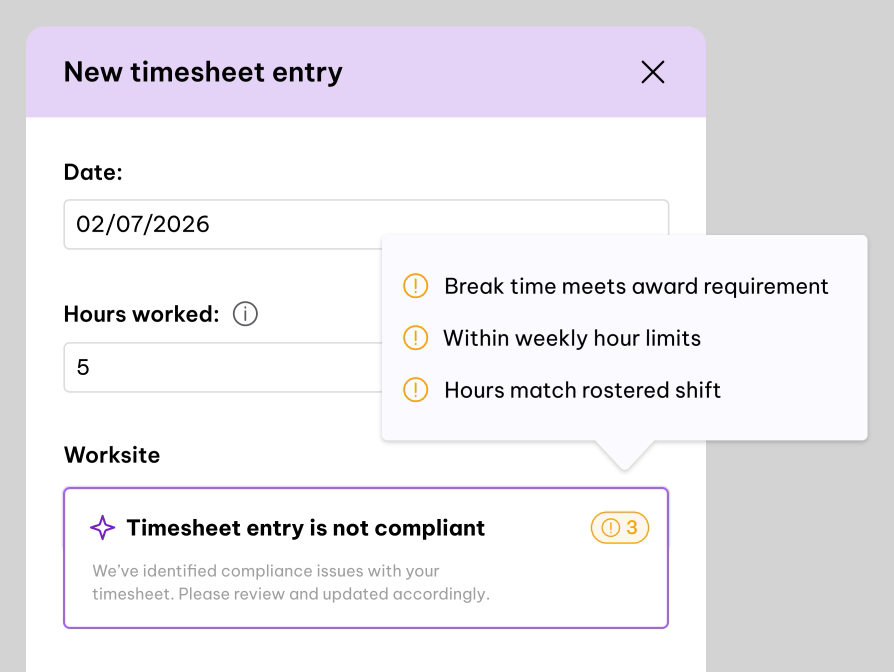
Payroll Agent doesn’t sit off to the side as a separate tool. It runs the moment an employee submits a timesheet, leave request, or expense claim — and again when a manager reviews it — comparing the submission against your company’s own policy and flagging anything that needs a second look.
Checks at the point of submission
As an employee fills in an expense claim (or timesheet, or leave request), Payroll Agent checks it against policy in real time and shows a clear Pass or Warning before they even submit — so issues get caught at the source, not three steps later.
A second check at approval
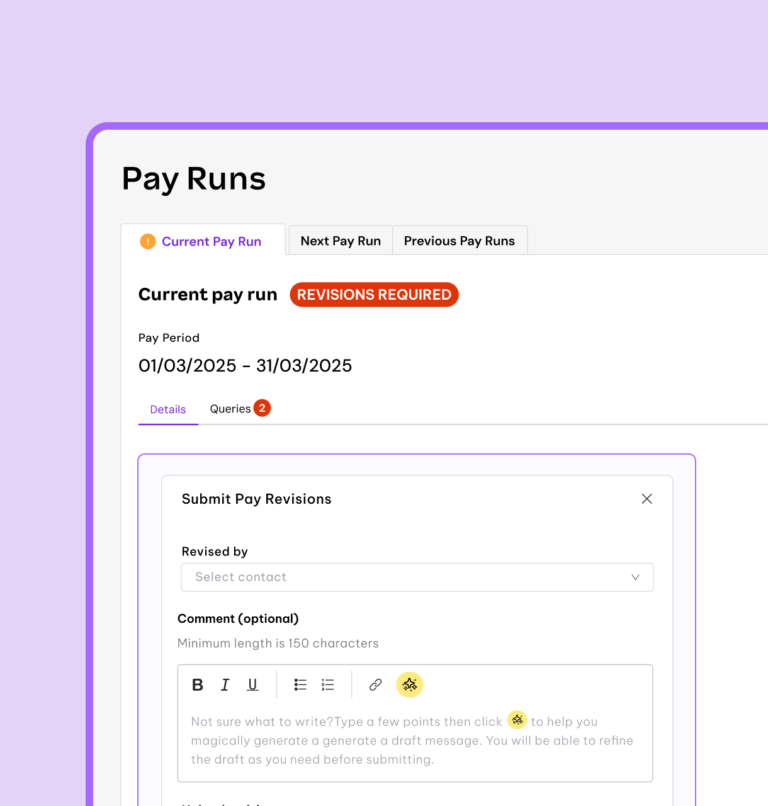
Managers reviewing submissions get the same signal: a flagged status, how many policy conflicts were found, and which specific rules were triggered — so they know exactly what to look at without re-reading the whole policy themselves.
Built from your actual policy documents
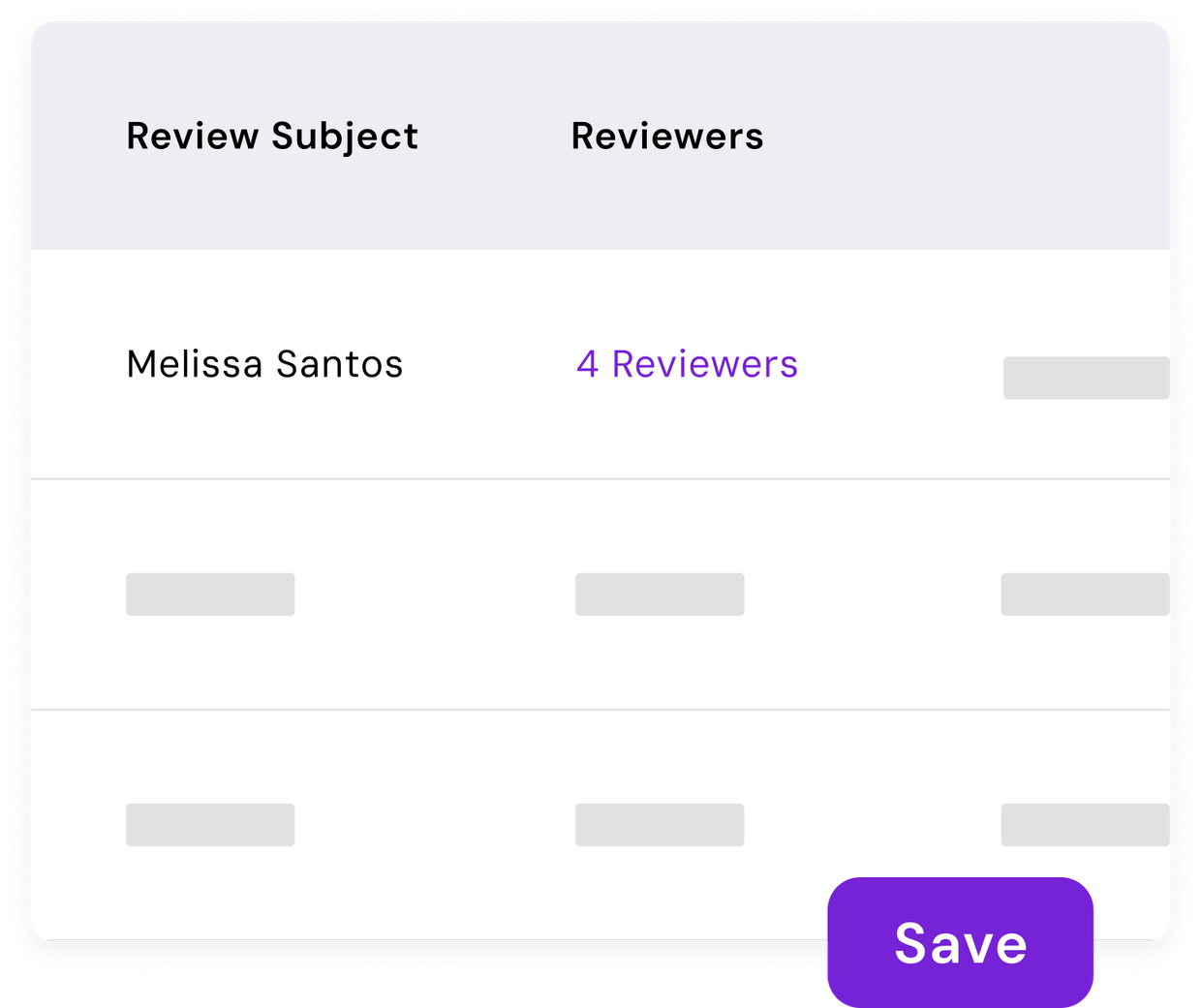
Upload your expense (or leave, or timesheet) policy and Payroll Agent extracts the real rules from it — using your policy’s own wording, not a generic template. A set of sensible defaults, like requiring a receipt, work out of the box even before you upload anything.
Never blocks your workflow
This is a second pair of eyes, not a gatekeeper. Approve and decline buttons always work regardless of what Payroll Agent finds — and if the check itself has an issue, it defaults to Pass rather than incorrectly holding something up.

One pattern, shared across payroll inputs
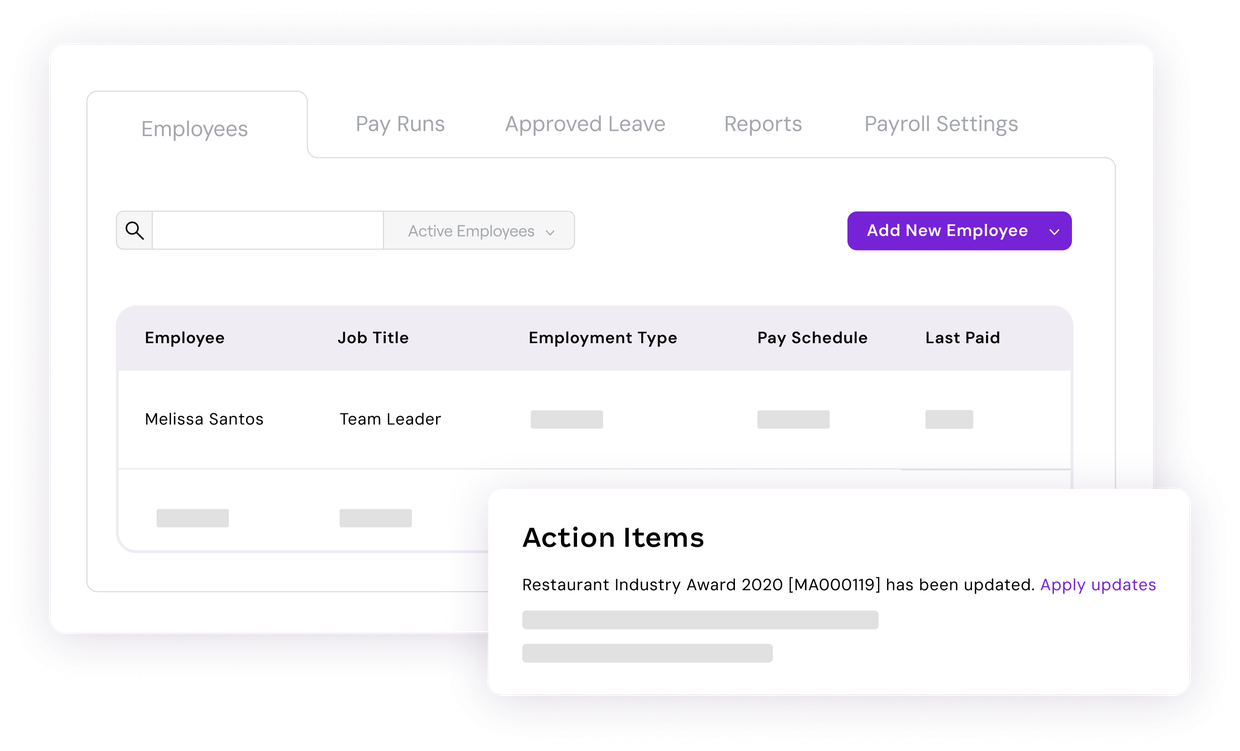
The same underlying checking pattern applies across expenses, timesheets, and leave — so as this expands, it’s a consistent experience for employees and managers, not three separate tools to learn.
TRUSTED BY 350k+ HAPPY CUSTOMERS








Fewer surprises. Less back-and-forth. More confidence at payday.
Payroll Agent surfaces issues while there’s still time to fix them — so payroll admins spend less time chasing and correcting, and more time simply reviewing.

Catch issues early
Problems get flagged when a claim is created, not discovered during the payroll run — giving employees and managers a chance to fix things before they become a payroll admin’s problem.

Fewer post-payroll corrections
Consistent, policy-based checks reduce the chance of a reimbursement mistake or missed policy breach slipping through to be corrected after the fact.

No disruption to how your team works
Payroll Agent adds a signal, not a gate. Nothing about how submissions or approvals work today changes — there’s just more information available at the moment it’s useful.
“As someone working across different countries and employment regulations, having AI-powered support readily available makes my job much easier and improves my productivity.”
Londi

Frequently Asked Questions
Everything you need to know about Payroll Agent.
Today, Payroll Agent checks expense claims against your company’s policy — things like receipt requirements, spending limits, and required details — both when an employee submits a claim and when a manager reviews it. The same underlying pattern extends to timesheets and leave.
No. It’s designed to inform, not block. Approve and decline actions always work regardless of what Payroll Agent flags — it gives managers and employees more visibility, not less control.
Payroll Agent is built to fail safe. If no policy has been uploaded, or if the check service has an issue, it shows a Pass rather than incorrectly flagging something — so a technical hiccup never blocks or wrongly delays a submission.
Right now, Payroll Agent is in open beta for Australian, KeyPay-connected organisations on Premium, Platinum, or Unlimited plans.
Not entirely, and not yet. It’s designed to surface the claims that actually need a closer look, rather than requiring every submission to be manually checked against policy from scratch. The long-term direction is toward more automated review, but today it’s an assistive signal alongside your existing approval workflows.
Resources to help you get more from Payroll Agent
-
 Read more: How Employment Hero’s AI Recruitment Agent helps Australian businesses hire faster
How Employment Hero’s AI Recruitment Agent helps Australian businesses hire faster
Australian businesses are drowning in applications and losing top candidates to faster competitors. Here’s how Employment Hero’s AI recruitment agent…
-
 Read more: Generative AI for HR: Practical framework for business leaders
Generative AI for HR: Practical framework for business leaders
Learn how to apply generative AI in HR with a practical framework covering recruitment, onboarding, compliance and more.
-
 Read more: Examples of AI in business: How real companies are using AI in 2026
Examples of AI in business: How real companies are using AI in 2026
See how businesses are using AI in the real world, from customer service to HR. Practical examples, measurable outcomes and…

Everything employment,
all in one place.