 New Zealand
  United Kingdom
  Singapore
  Malaysia
  Canada (Français)
 Australia



Staff rostering template for Australian employers
Published
Staff rostering template for Australian employers
Last Updated
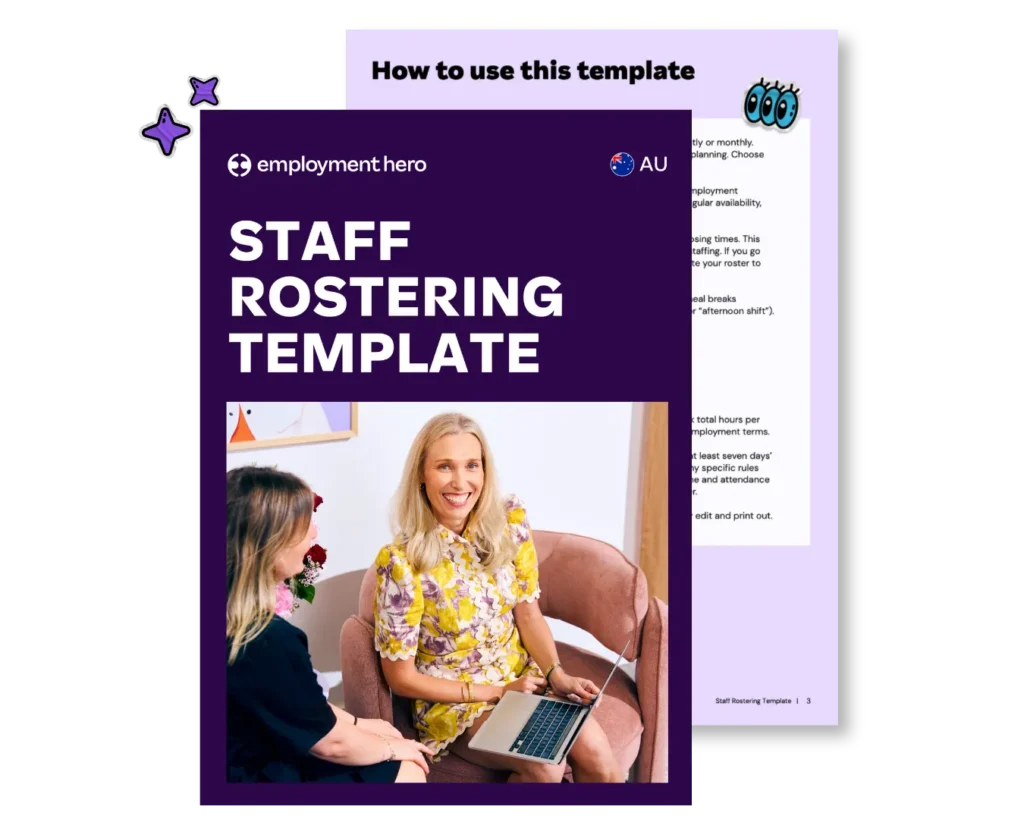
Creating a fair and effective staff roster shouldn’t be a weekly headache, but we know that for many small businesses that’s the reality. To help ease the scheduling dread, we’ve put together a free roster template to help you streamline scheduling, reduce scheduling conflicts and keep your whole team on the same page.
This easy-to-use scheduling template has space for you to assign shifts, manage time off requests and plan employee shifts across the week, all while keeping consistent staff coverage. With this roster template, you’ll have a clear, centralised way to manage staff scheduling, stay organised and keep your business running smoothly.
How to use this roster template
The free staff rostering template is completely customisable to your business.
Adding staff to your roster
The fields in the roster template are fully editable, so you can quickly tailor them to your team before printing or sharing. Simply click into each field to enter employee names, roles, and availability.
For example, type each team member’s name under the ‘Employee’ column, assign their position or shift type under ‘Role’, and note their available days and hours in the ‘Availability’ section. You can then adjust shifts or swap entries as needed.
Customising the template for your business
Add your employee details: List your employees’ names, roles and employment types (full-time, part-time or casual). Record any notes about their regular availability, Rostered Days Off (RDOs) or preferred working times.
Define business operating hours: Add your business opening and closing times. This helps you identify when you need more coverage or when to reduce staffing. If you go through periods of extended trading (like Christmas), be sure to update your roster to reflect the change.
Allocate shifts: Add each person’s shift times for the week. Include meal breaks where applicable. Use consistent formatting (e.g. “7:00am–3:00pm” or “afternoon Shift”).
Colour-code roles or departments: For visibility, assign a colour to each role or department, for example:
- Blue: Front of house
- Green: Kitchen
- Yellow: Admin or management
Review totals and hours distribution: At the end of each week, check total hours per person and make sure they’re fairly distributed and in line with their employment terms.
Share early and communicate clearly: Best practice is to always give staff at least seven days’ notice before a new roster starts, but you’ll also want to check about any specific rostering rules in any modern awards that apply to your business. In addition to a printed roster, you should use a digital time and attendance tool (like Employment Hero) so everyone has easy access to the roster.
Follow this step-by-step process to implement your new roster effectively:
- Gather all employee availability and leave requests before drafting.
- Define your business operating hours and peak periods for the upcoming week.
- Allocate shifts to full-time and part-time staff to meet their contracted hours.
- Fill remaining gaps with casual staff based on their availability.
- Review the final schedule against modern award requirements and budget constraints.
- Publish and share the roster with your team at least seven days in advance.
Tips for managing staff schedules
An effective roster has the potential to be the driving factor behind a great week of sales or a serious hit to your bottom line. Make sure you have consistent employee coverage, reduce unnecessary overtime costs and give your team clear visibility of their schedules in advance.
- Know your legal obligations: Managing rosters comes with important legal responsibilities. They must comply with rules around maximum weekly hours, minimum shift lengths, required breaks and reasonable notice for any changes as set out in any applicable modern awards.
- Promote fairness: Distribute desirable and undesirable shifts (like weekends or late nights) evenly among the team.
- Handle requests transparently: Create a clear process for how employees can request time off or swap shifts.
- Plan for public holidays: Keep an eye on public holidays and understand your obligations for rostering staff, including their right to refuse work and the penalty rates that apply.
- Forecast demand: Use historical trends and point of sale (POS) data to predict busy and quiet periods. This helps you assign shifts more strategically and avoid overstaffing or understaffing.
- Communicate with your team early and often: Publish rosters well in advance so your team has time to plan. This can also reduce last-minute changes or clashes.
- Leverage powerful employment technology: Use Employment Hero’s rostering tools to automate the scheduling process, factor in employee availability and leave, and send real-time updates via the EH Work App.
- Monitor and adjust: Regularly review how your rosters perform. Are you meeting demand, staying within budget and keeping staff happy? Small adjustments can have a big impact on productivity and the overall happiness of your team.
- Encourage feedback: Invite staff to share what’s working and what could be improved. By encouraging open feedback channels, you can identify issues early and create a more engaged, supportive team.

Rostering solutions
For small but mighty businesses, spreadsheets are a great starting point but as your business grows, they can become a liability. Manually calculating penalty rates, cross-referencing availability and managing compliance across multiple awards can snowball into hours of unexpected admin. Not to mention that one small mistake can lead to underpayments, unhappy employees and costly Fair Work penalties.
When you feel like your business has outgrown spreadsheets, it’s time for an automated system. Employment Hero’s employee rostering software can help you to build smart rosters in minutes.
Our platform integrates rostering with HR, payroll, time and attendance and more, giving you one source of truth for everything employment. You can easily build templates, manage shift swaps and send rosters directly to employees via the EH Work App. Best of all, our built-in modern award interpretation automatically calculates complex pay rates, taking one thing off your plate.
There comes a clear growth stage threshold where transitioning from spreadsheets to software becomes essential. Once you manage multiple locations, complex award conditions or a growing casual pool, manual templates are no longer viable. Upgrading to software provides margin protection during scheduling by comparing scheduled wages directly against POS sales data.
|
Feature |
Manual spreadsheets |
Automated software |
|---|---|---|
|
Compliance |
Requires manual award validation |
Built-in modern award interpretation |
|
Scheduling |
Time-consuming manual entry |
AI and auto-scheduling capabilities |
|
Cost control |
No visibility until after payroll |
Real-time margin protection |
|
Updates |
Static documents prone to version issues |
Real-time updates via mobile app |
Shift work regulations and penalty rates
If your workforce is made up of shift workers, it only adds more complexity to your rostering process. The Fair Work Act 2009 and modern awards set strict rules for employers regarding shifts, hours and pay. Getting these wrong can land you and your business in hot water.
While you need to be across all your legal obligations, these are the key considerations for shift workers:
- Penalty rates: Modern awards usually require employers to pay higher rates for work performed on weekends, public holidays, late at night or early in the morning. These rates vary significantly between awards.
- Overtime: When an employee works more than their maximum ordinary hours, overtime rates usually apply. Awards specify when overtime is triggered and the corresponding pay rate.
- Breaks: Employees are entitled to specific rest and meal breaks based on the length of their shift. These rules are outlined in their relevant modern award.
- Notice of roster changes: Modern awards often require employers to provide a certain amount of notice before making changes to a roster.
As you can see, there are many complex factors to consider when putting together a roster and manually tracking these variables is risky. If you’re unsure about your obligations, it’s wise to seek professional advice. Our HR advisory service can provide tailored guidance to ensure you manage your compliance obligations.

Managing casual, part-time and full-time staff in your roster
Your rostering obligations vary depending on an employee’s employment type. It’s essential you understand the differences to avoid misclassification, which can lead to costly fines, back-payments and reputational damage.
Full-time employees
Full-time employees typically work a maximum of 38 ordinary hours per week. Their hours are usually stable and predictable. You can’t roster them for fewer hours than their contract states without their agreement.
Part-time employees
Part-time employees work fewer than 38 hours per week and have a regular pattern of work. Modern awards usually require that their contract must specify their agreed hours and any hours worked outside this agreed pattern may attract overtime penalties.
Learn more about managing part-time employees in our guide on How to Hire Part-Time Employees.
Casual employees
Casual employees have no guaranteed hours of work and are rostered as needed by the business. They are paid a higher hourly rate (known as casual loading) to offset their lack of entitlements like personal and annual leave.
Learn more about managing casual employees in our guide on How to Hire Casual Employees.
Download your free rostering template
Take control of your staff scheduling today. Build efficient rosters that support your team, protect your bottom line and keep you on track to reaching your business goals. Download our free template to get started.
When you’re ready to ditch the spreadsheets and automate your rostering, payroll and HR, book a demo with one of our small business specialists.
FAQ
The main difference between Excel templates and online roster tools is automation and compliance. Excel templates lack automated compliance checks and require manual award validation, whereas purpose-built software can calculate penalty rates, track availability and sync with payroll.
You can track shift swap requests effectively by using a dedicated shift swap and coverage roster template or automated software (like Employment Hero). This makes sure all exchange requests are documented, approved by management and updated in the final schedule without confusion.
Managers can fill open shifts without being at their desk by using a mobile app. Mobile apps (like Employment Hero Work) allows managers to instantly share open shifts to available staff, approve replacements and update the roster directly from their phones.
Disclaimer: The information in this article is current as at 22 July 2026 and has been prepared by Employment Hero Pty Ltd (ABN 11 160 047 709) and its related bodies corporate (Employment Hero). The views expressed in this article are general information only, are provided in good faith to assist employers and their employees, and should not be relied on as professional advice. The Information is based on data supplied by third parties. While such data is believed to be accurate, it has not been independently verified and no warranties are given that it is complete, accurate, up to date or fit for the purpose for which it is required. Employment Hero does not accept responsibility for any inaccuracy in such data and is not liable for any loss or damages arising either directly or indirectly as a result of reliance on, use of or inability to use any information provided in this article. You should undertake your own research and to seek professional advice before making any decisions or relying on the information in this article.
Register for the Template
Related Resources
-
 Read more: Changes to Junior Pay Rates in Retail, Fast Food and Pharmacy Awards from 1 December 2026
Changes to Junior Pay Rates in Retail, Fast Food and Pharmacy Awards from 1 December 2026
Junior pay rates for 18, 19 and 20 year olds in retail, fast food and pharmacy are changing. Here’s what’s…
-
 Read more: AI skills assessment template for your team
AI skills assessment template for your team
Help your team build their AI skills. Download our free AI skills assessment template for managers and employees.
-
 Read more: Build on Employment Hero’s HR API and get more out of every client relationship
Build on Employment Hero’s HR API and get more out of every client relationship
Learn how developers, consultants and software vendors build on Employment Hero’s HR API and earn recurring revenue through the Referral…


