AI Recruitment Agent

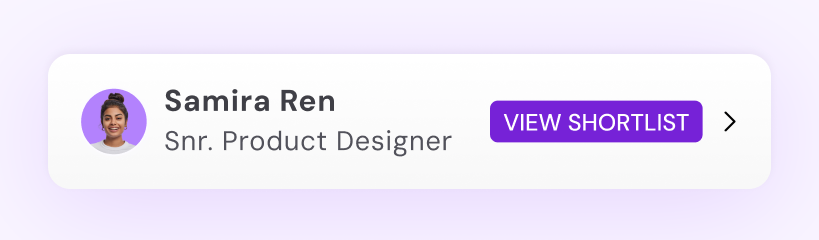
Screen thousands of candidates, delivering ranked shortlists in minutes.

Efficient Hiring

Shortlist candidates more efficiently — reduce manual screening & time-to-hire by 90%.

Lower Cost

Cut cost-per-hire significantly by automating the repetitive parts of recruitment.

2+ Million Job Seekers

Screen from candidates you source or tap directly into our job-ready pool.

AI HR Agent

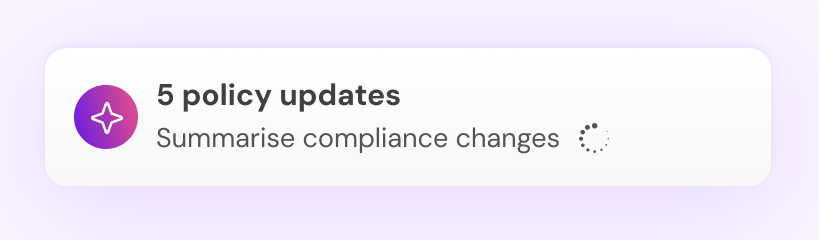
Faster answers to HR questions, fewer support tickets, more compliance.

Deflect 95% of HR tickets

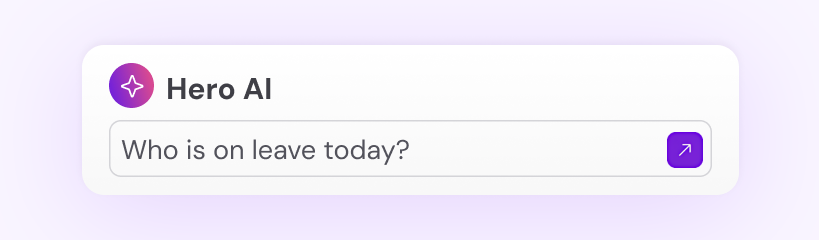
AI provides instant answers to employee questions

Focus your time

Spend less on admin, more on strategic initiatives that actually move your business forward.

Stay compliant automatically

Real-time policy and contract updates are applied automatically.

AI Payroll Agent

Hero AI processes payroll in seconds, identifying anomalies for you to approve.

Automated calculations

Complex award interpretations and leave accruals computed instantly and accurately.

Anomaly detection

AI flags unusual patterns like overtime spikes before they reach the pay run.

NPP settlement

Same-day payments via New Payments Platform infrastructure — no delays.

Employment Operating System

See how HeroForce and Hero AI make end-to-end employment easy by doing the hard work for you.

“Hero AI handles compliance, onboarding, payroll queries — we went from hours of admin to almost nothing.”

Sarah M. HR Manager

Google Pay. Pay here, pay there, pay everywhere.

A better way to pay, by Google.
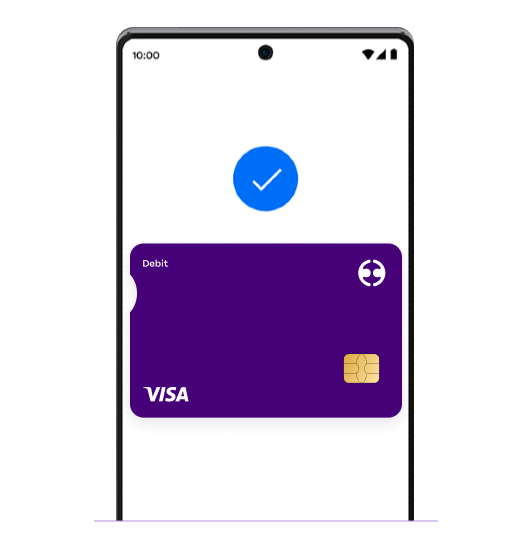
Pay in shops with speed and security.

So long, swipe. When you pay in shops, Google Pay doesn’t share your actual card number, so your information stays secure.

Pay in apps just like that.

With Google Pay, you can check out hundreds of apps without having to enter your payment information. Google Pay is available anywhere you see one of these symbols.

Encrypted and secured by Google.

Google Pay protects your payment info with multiple layers of security, using one of the world’s most advanced security infrastructures to help keep your account safe.

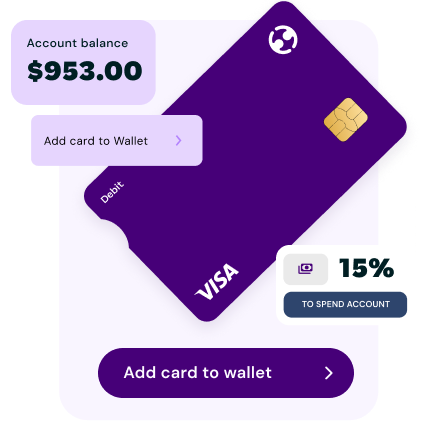
Add your card to Google Wallet.

Method 1

  • Step 1: Sign into the Employment Hero Work app
  • Step 2: Navigate to ‘Money’ and tap ‘Card’
  • Step 3: Add to Google Wallet OR

Method 2

  • Step 1: Open Google Wallet
  • Step 2: Tap ‘Add to Wallet’
  • Step 3: Follow the instructions

Want a smarter way to work?