

















Designing an employee work schedule: template and guide
Published
Designing an employee work schedule: template and guide
Published
We’ve all been faced with a roster that feels impossible to solve. You’re juggling shifts, availability and budget constraints, while trying to make everything line up without stretching your team too thin.
The reality is that scheduling shouldn’t feel like a constant battle. Clinging to rigid, outdated rostering practices can limit flexibility, strain your team and slow your operations down.
Now’s the time to start using scheduling as a strategic advantage. You gain clearer visibility over resources, more control over costs and the flexibility to support your team in a way that prevents burnout and boosts performance.
It’s time to replace the stress with a smarter approach and build a schedule that works for your business and the people who power it.
What’s in the work schedule template?
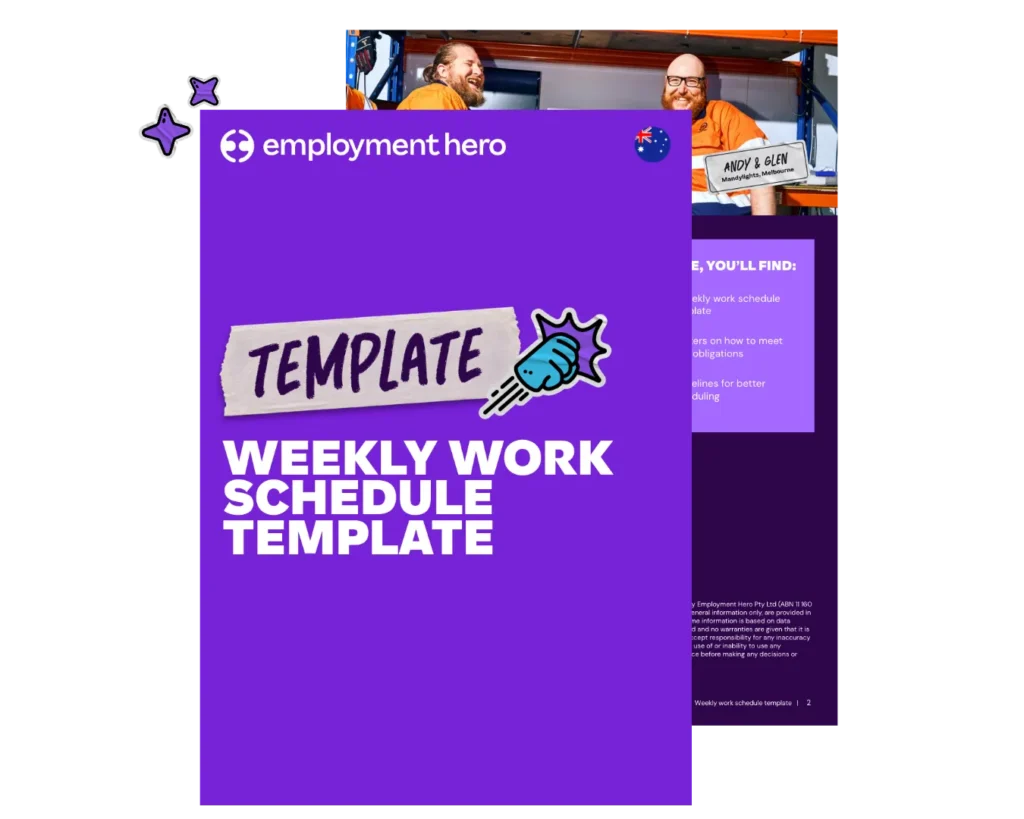
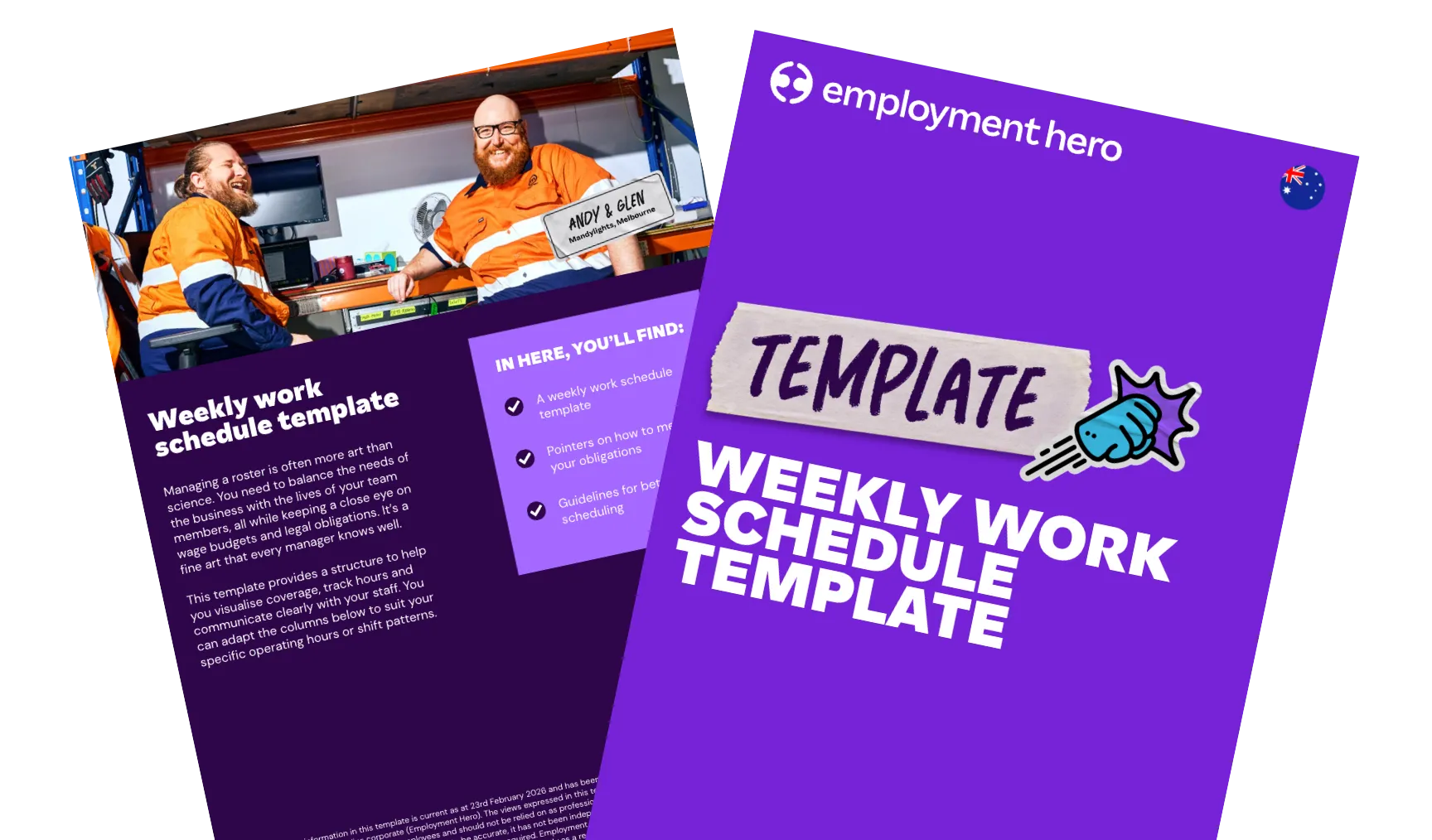
This template provides a structure to help you visualise coverage, track hours and communicate clearly with your staff. You can adapt the columns to suit your specific operating hours or shift patterns.
In here, you’ll find:
- A weekly work schedule template
- Pointers on how to meet your obligations
- Guidelines for better scheduling

What is a work schedule template?
A work schedule template is a framework for managing employee working hours.
It’s a pre-formatted document where you can plug in names, times and roles. It’s meant to save you from reinventing the wheel every single week.
How can a schedule template make your life easier?
Starting with a solid, flexible framework is a massive win for efficiency. You don’t need to start from a blank page every Monday morning.
Using a well-designed schedule template can make a huge difference to your admin load and here’s why:
Saves you time
If you’re manually writing out 9:00 AM – 5:00 PM fifty times a week, you’re spending hours that could be spent on other important tasks. A template gives you a baseline. You start with 80% of the work done and just tweak the variables.
Reduces decision fatigue
Managers make thousands of decisions a day. “Who opens on Tuesday?” shouldn’t be the one that’s on your mind at night. A template provides you with a default setting.
You know that you always need three people on the floor on Friday nights. The template holds that structure for you, so you don’t have to carry it in your head.
Creates consistency for your team
Your employees want certainty and they want to know what their working schedule looks like in the upcoming weeks. Using a consistent template framework means shifts aren’t all over the place.
Acts as a single source of truth
When your whole team relies on a unified template, confusion disappears. Instead of people hunting through email chains, chat threads or old versions of rosters, everyone knows exactly where to find the most current schedule.
What should you look for in a daily schedule or planner?
Whether you’re picking a software tool or designing your own spreadsheet, not all planners are created equal. If you’re shopping around for a solution, you need to consider functionality that matches the reality of running an Australian business.
Here is your non-negotiable checklist for a work schedule or rostering tool:
- Flexibility is essential
Can you drag and drop? Can you copy last week’s roster to next week with one click? If making a change requires erasing half the document or breaking complex formulas, it might not be a good option. The best tools allow for fluid changes so you can quickly adapt when someone calls in sick.
- Ease of use (for everyone)
A good schedule is intuitive. A new manager should be able to look at it and understand who is working where within 30 seconds.
- Automated reminders and notifications
This is the secret sauce. A static piece of paper can’t tap your employee on the shoulder and say, “Hey, you start in an hour.” Digital rosters that send push notifications or email reminders can help reduce no-shows and late starts.
- Goal-setting tools
A schedule should be a roadmap of what to achieve. Look for rostering tools that allow you to attach notes or goals to specific shifts. For example, “Friday Shift – Focus: Inventory Count.” It turns a block of time into a productive list of things to achieve.
How do you create an employee schedule that works?
You’ve got your template or your software. Now, how do you fill it in effectively? Creating a schedule that’s fair, compliant and efficient is an art form.
Here are some practical tips to master it.
1. Know your team’s availability
Nothing kills morale faster than scheduling someone on a day they explicitly said they couldn’t work. Before you build the roster, have a clear, up-to-date record of everyone’s unavailability. Better yet, use a system where they can input this themselves.
2. Build for the rush, not the lull
Review your sales data or foot traffic. Don’t schedule a flat number of staff across the day if your business peaks between 12pm and 2pm. Use your schedule to match labour costs to revenue. It’s smarter business and prevents your team from being overwhelmed during the rush.
3. Handle shift swaps transparently
Shift swaps are inevitable. If you make it hard to swap, people will just call in sick. Create a clear policy that puts in rules around time frames for shift swaps.
If you’re using rostering software like Employment Hero, employees can easily swap shifts directly within the app and you just get a notification to approve it. Easy.
4. Communicate changes instantly
You published the roster on Friday. By Saturday, three shifts had changed. Did everyone know? You need a dependable way to send updates straight to your team the moment changes happen. SMS or app notifications are the gold standard for making sure no one misses a thing.
5. Compliance is not optional
This is the big one. You need to make sure your schedule adheres to Modern Awards. Are there enough hours between shifts? Are you triggering overtime rates by rostering someone for 10 hours instead of 8? A manual schedule won’t warn you about this. You need to know the rules inside out or use software that knows them for you.

Can you use Google Sheets or Google Docs for your schedule templates?
Yes, but you might outgrow it faster than you think.
Google Sheets is the go-to for small businesses. It’s free, it’s in the cloud and everyone knows how to use it. For a team of 5 or 10, it’s often a perfectly fine place to start.
The advantages
- It’s free: No subscription fees.
- Accessibility: You can share a link and your team can view it on their phones
- Customisable: You can merge cells, colour code and build formulas to add up hours automatically.
The limitations
- Manual updates: Every change is manual. If someone swaps a shift, you have to type it in. If you copy a row incorrectly, your whole budget formula breaks.
- Zero automation: Google Sheets won’t text your casual staff to remind them of a shift. It won’t warn you that you’ve rostered a junior staff member without a supervisor present.
- Version control chaos: Ever had someone accidentally delete a row? Or had two managers editing the sheet at the same time, overwriting each other’s work? It’s a recipe for confusion.
- Compliance blind spots: A spreadsheet doesn’t know the difference between a Saturday rate and a Sunday rate. It relies entirely on your manual calculations for payroll, which is where expensive mistakes happen.
Google Sheets is a great starting point, but it’s a risky long-term operating system for a growing business.
Make scheduling seamless with Employment Hero
While a template is a great start, the real magic happens when you move beyond manual tracking. With Employment Hero, you can remove the clunky, error-prone spreadsheets and fully automate your time and attendance through our intuitive Employment Operating System.
Our Employment Operating System is designed to make scheduling seamless, reducing administrative headaches and making sure your business runs like a well-oiled machine. If you’re ready to see how much easier life can be with a streamlined workflow, get in touch with one of our business specialists today for a personalized walkthrough.
Keen to learn more? Get in touch with one of our business specialists today and see how much easier life can be.
The information in this template is current as at 23rd February 2026 and has been prepared by Employment Hero Pty Ltd (ABN 11 160 047 709) and its related bodies corporate (Employment Hero). The views expressed in this template are general information only, are provided in good faith to assist employers and their employees and should not be relied on as professional advice. Some information is based on data supplied by third parties. While such data is believed to be accurate, it has not been independently verified and no warranties are given that it is complete, accurate, up to date or fit for the purpose for which it is required. Employment Hero does not accept responsibility for any inaccuracy in such data and is not liable for any loss or damages arising directly or indirectly as a result of reliance on, use of or inability to use any information provided in this template. You should undertake your own research and seek professional advice before making any decisions or relying on the information in this template.
Register for the template
Related Resources
-
 Read more: Talent acquisition audit checklist
Talent acquisition audit checklist
A talent acquisition audit is your secret weapon to cut costs, find better candidates and build the team of your…
-
 Read more: Designing an employee work schedule: template and guide
Designing an employee work schedule: template and guide
Learn how to create a flexible work schedule that can boost productivity among your employees.
-
 Read more: Essential HR documentation checklist for employee management
Essential HR documentation checklist for employee management
Use our HR documentation checklist to figure out what you’re missing, then download our free templates to close the gaps.

