














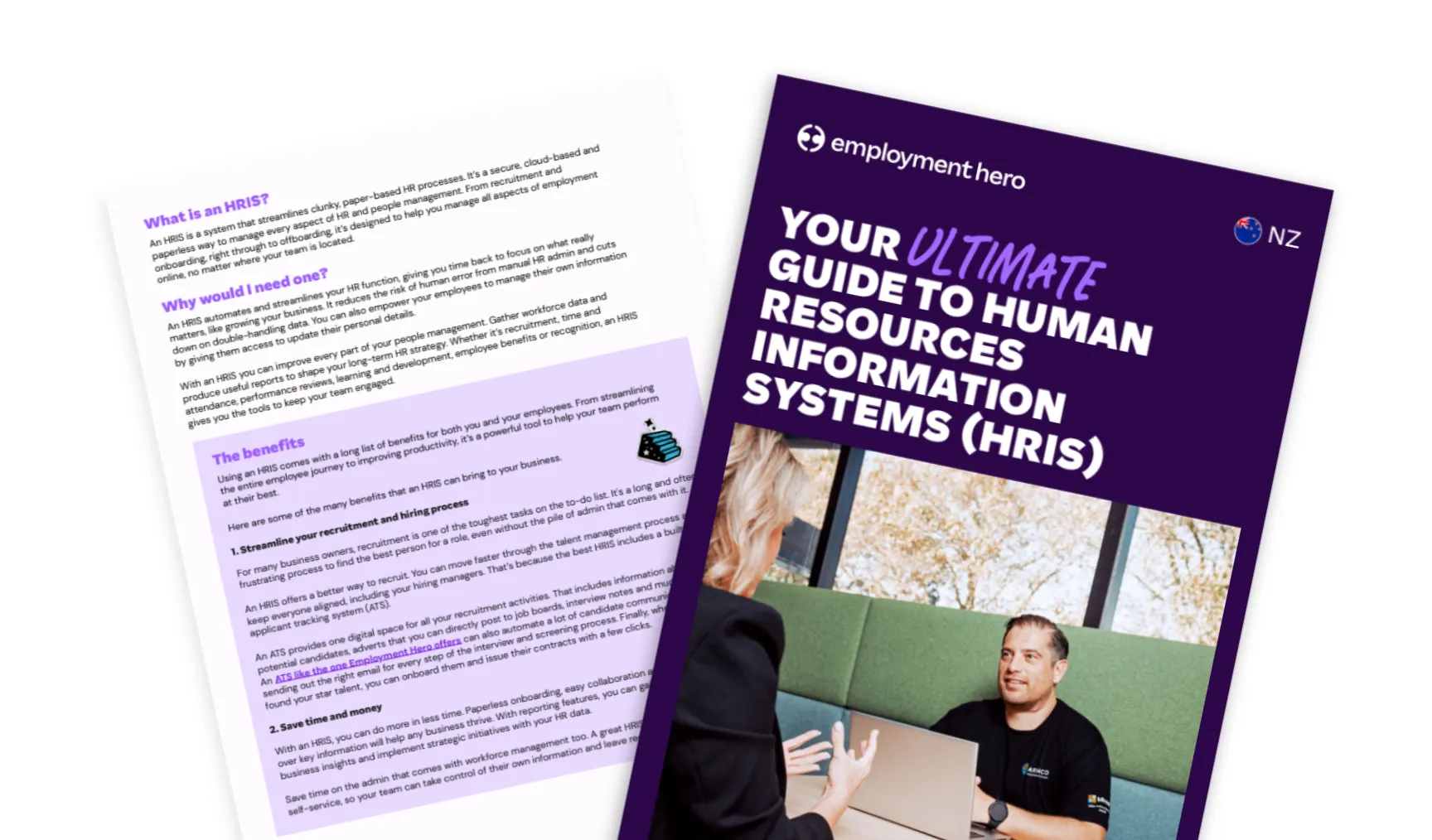
Your ultimate guide to Human Resources Information Systems (HRIS)
Published
Your ultimate guide to Human Resources Information Systems (HRIS)
Published
Small and medium-sized business owners are some of the busiest people on the planet. You wear countless hats and you’re passionate about growing the business you built from the ground up. From product development to marketing, finance to retail, you keep the cogs turning.
But as your business grows and you hire new people, the admin piles up. Suddenly you’re faced with hours of mindless, time-consuming hiring and HR tasks.
There’s an easier way. It’s called an HRIS (Human Resources Information System), and it will help you, your business and your team. It can also make managing your workforce a little more joyful.
Our guide explains everything you need to know about an HRIS, including:
- How it can help your business
- The top features to look out for
- How to choose the right HRIS for you
We’ve also included a free, ready to use selection template and scorecard. Use it to analyse your options and make the right choice for your business.
What is an HRIS (human resources information system)?
An HRIS (Human Resources Information System) is the digital heartbeat of your people management. It’s software that centralises, stores and manages your employee data, effectively bridging the gap between human resources and information technology.
Think of it as your single source of truth. Instead of drowning in spreadsheets, paper files and disconnected systems, an HRIS brings your HR, payroll and people management into one secure, cloud-based platform.
Key functions of an HRIS
An HRIS isn’t just a digital filing cabinet. It’s a complete ecosystem for managing your most valuable asset: your people.
Core data management
Your employee data shouldn’t be scattered across three different hard drives and a physical folder. An HRIS consolidates everything. We’re talking personal details, employment contracts, role history and banking information. It’s all there, secure and accessible. This creates a solid foundation for reporting, allowing you to track trends in retention, leave liability and workforce demographics without the manual headache.
Payroll integration and IRD reporting
If your HR platform doesn’t talk to your payroll, you’re doing it wrong. In New Zealand, this connection is critical. An integrated HRIS (or better yet, an all-in-one HR and payroll platform) can automate the flow of data from timesheets and leave requests directly into your pay run. It can calculate KiwiSaver contributions, student loan deductions and PAYE automatically. Better yet, it makes it easy to submit payday filing with the Inland Revenue Department (IRD) straight from the platform.
Employee self-service portals
We live in an on-demand world. Your employees expect the same from their work tools. An employee self-service portal puts the power back in their hands. They can view payslips, update their own bank details, request leave and check their balances from their phone. It reduces the admin burden on your team and gives your staff the autonomy they crave.
Compliance and record-keeping
Navigating New Zealand employment law can feel like walking a tightrope. An HRIS acts as your safety net. It helps you when managing compliance with the Holidays Act 2003 by tracking leave entitlements and holiday pay. It’s a secure space for you to retain records for the legally required seven years too.
Recruitment, onboarding and offboarding
First impressions count. An HRIS streamlines the entire employee lifecycle. You can post job ads, track applicants and move successful candidates straight into onboarding. Digital contracts can be signed before day one, and induction content can be delivered automatically. When it’s time to say goodbye, the system handles offboarding checklists and final pay calculations, ensuring a smooth exit for everyone.
HRIS vs other HR software: what’s the difference?
The acronyms can get messy. You might hear HRIS, HRMS (Human Resource Management System) and HCM (Human Capital Management) used interchangeably. While there is overlap, the distinction usually comes down to complexity.
HRIS generally focuses on core administrative needs: data management, recruiting and benefits.
HRMS typically includes everything in an HRIS plus payroll and time and attendance.
HCM covers the lot, often adding talent management and global capabilities.
But here’s the reality for most SME employers: you don’t need to get bogged down in definitions. You need a solution that solves your problems. Modern platforms like Employment Hero blur these lines, offering a comprehensive suite that scales from simple data management right up to complex performance and payroll needs.
The benefits of using an HRIS
Why should you invest in tech? Because manual admin is the enemy of growth.
Save time and reduce manual admin
You didn’t start a business to fill out forms. A great HRIS automates the mundane and chases timesheets so you don’t have to. It can automatically calculate leave balances and generate reports in seconds. This frees up hours in your week — time you can spend on strategy, culture or just getting home on time for once.
Streamline payroll and reporting to IRD
Payroll in New Zealand is notoriously complex. An HRIS that handles payroll as well can remove the friction. It makes it easy to update KiwiSaver rates and tax codes, and leave can be calculated in a couple of clicks. Plus, the automatic connection to the IRD means your filing obligations are super quick, not a complex manual process.
Empower employees through self-service
Transparency builds trust. Giving employees access to their own data through a self-service app fosters a culture of openness. They don’t have to email HR to ask how much annual leave they have left. They can see it instantly. This empowerment boosts engagement and reduces the “admin noise” that distracts your leadership team.
Improve data accuracy and security
Spreadsheets break. Paper gets lost. An HRIS provides a secure, single source of truth. With role-based permissions, you control who sees what, helping you comply with the Privacy Act 2020. Cloud storage means your data is backed up and protected against physical disasters, unlike that filing cabinet in the corner.
Support remote and hybrid workforces
Work isn’t a place you go anymore; it’s something you do. Whether your team is in Auckland, Christchurch or working from a bach in the Coromandel, an HRIS keeps everyone connected. Digital onboarding, paperless contracts and cloud access mean geography is no longer a barrier to hiring the best talent or managing your team effectively.
How to choose the right HRIS system
Ready to make the switch? Don’t just pick the first tool you Google. Here is how to find the right fit.
Identify your business requirements
Start with the why. Are you bleeding time on payroll? Is your onboarding process a mess? Do you need better reporting? Map out your critical pain points. If you have 20 staff, your needs will look different to a business with 200. Be clear on what is a “must-have” versus a “nice-to-have”.
Consider payroll and compliance integration
For a Kiwi business, this is non-negotiable. If the system doesn’t handle holiday pay calculations correctly or integrate with the IRD, walk away. The friction of running separate systems for HR and payroll often negates the time savings you were hoping for. Look for an all-in-one solution that understands the local landscape.
Evaluate security and data protection
Your employee data is sensitive. Ask the tough questions. Where is the data hosted? Is the platform ISO 27001 certified? How do they handle backups? You are entrusting them with your team’s personal information, so their security standards need to be world-class.
Test user experience and scalability
Software is useless if no one uses it. The interface should be intuitive, clean and mobile-friendly. If it requires a three-day training course just to request leave, it’s too complex. Also, look ahead. Will this system grow with you? You don’t want to be migrating data again in 18 months because you’ve outgrown the platform.
Check vendor local support and implementation timelines
Global tools are great, but local support is better. When you have a payroll query on a Tuesday before payday, you want to talk to someone who knows what KiwiSaver is. Check the vendor’s support options and implementation process. A good partner will guide you through the setup to ensure you’re running smoothly from day one.
Common mistakes when choosing an HRIS (and how to avoid them)
We’ve seen it all. Avoid these traps to ensure your implementation is a success.
Choosing a global tool with no local context
A US-centric platform might look slick, but if it doesn’t handle NZ public holidays or the complexities of ‘relevant daily pay’, you’re in for a headache. Always prioritise a platform with a local team behind it.
Ignoring the end-user
HR might love the reporting features, but if the mobile app is clunky for employees, adoption will fail. involve a cross-section of your team in the selection process.
Underestimating implementation time
Good things take time so don’t rush the setup. Ensure you allocate resources to clean your data before migrating it.
Not involving payroll early
HR and payroll are two sides of the same coin. If you choose an HR system without consulting your payroll officer or accountant, you risk creating integration nightmares down the line.
Best practices for HRIS implementation
Success doesn’t happen by accident, so follow these steps when implementing a new HRIS.
- Clean your data first: Before you migrate, audit your current records. Delete old files and update missing info.
- Phased rollout: Don’t try to launch everything at once. Start with core HR and payroll, then roll out performance reviews and goals later.
- Communicate the ‘why’: Tell your team why you are changing systems. Focus on the benefits for them (like the mobile app and faster leave approval).
- Train your champions: Identify tech-savvy staff in different departments to be your “super users”. They can help train others and troubleshoot minor issues.
Embracing HRIS for smarter people management
The world of work has changed. Sticking to manual processes isn’t just inefficient; it’s a risk to your business. The right HRIS empowers your team, protects your business and gives you the freedom to focus on strategy over admin.
Employment Hero offers everything that a top HRIS should – and much, much more. With our Employment Operating System, you can handle everything from hiring to contract signing through to leave management and payroll in one secure, easy-to-use platform.
Best of all, your employees will love it too. They can view and sign their contracts digitally, access their documents anytime and feel confident knowing their employment details are always accessible in the palm of their hand.
The information in this article is current as at 30 December 2025, and has been prepared by Employment Hero Pty Ltd (ABN 11 160 047 709) and its related bodies corporate (Employment Hero). The views expressed in this article are general information only, are provided in good faith to assist employers and their employees, and should not be relied on as professional advice. Some information is based on data supplied by third parties. While such data is believed to be accurate, it has not been independently verified and no warranties are given that it is complete, accurate, up to date or fit for the purpose for which it is required. Employment Hero does not accept responsibility for any inaccuracy in such data and is not liable for any loss or damages arising directly or indirectly as a result of reliance on, use of or inability to use any information provided in this article. You should undertake your own research and seek professional advice before making any decisions or relying on the information in this article.
Register for the guide
Related Resources
-
 Read more: Your ultimate guide to Human Resources Information Systems (HRIS)
Your ultimate guide to Human Resources Information Systems (HRIS)
Learn what an HRIS is, how it works, and why it matters for NZ businesses. Discover key functions, benefits, and…
-
 Read more: The AI Advantage: HR’s Playbook For 2026
The AI Advantage: HR’s Playbook For 2026
Unlock the AI advantage for HR in 2026. Learn real use cases, get expert insights and walk away ready to…
-
 Read more: Employment Essentials: Understanding Workplace Health & Safety
Employment Essentials: Understanding Workplace Health & Safety
Learn everything you need to know about workplace health and safety.

