 New Zealand
  United Kingdom
  Singapore
  Malaysia
  Canada (Français)
 Australia


Swag Spend account
Lead the way to financial well-being. Apply now in the Swag app!
What is a Swag Spend account?
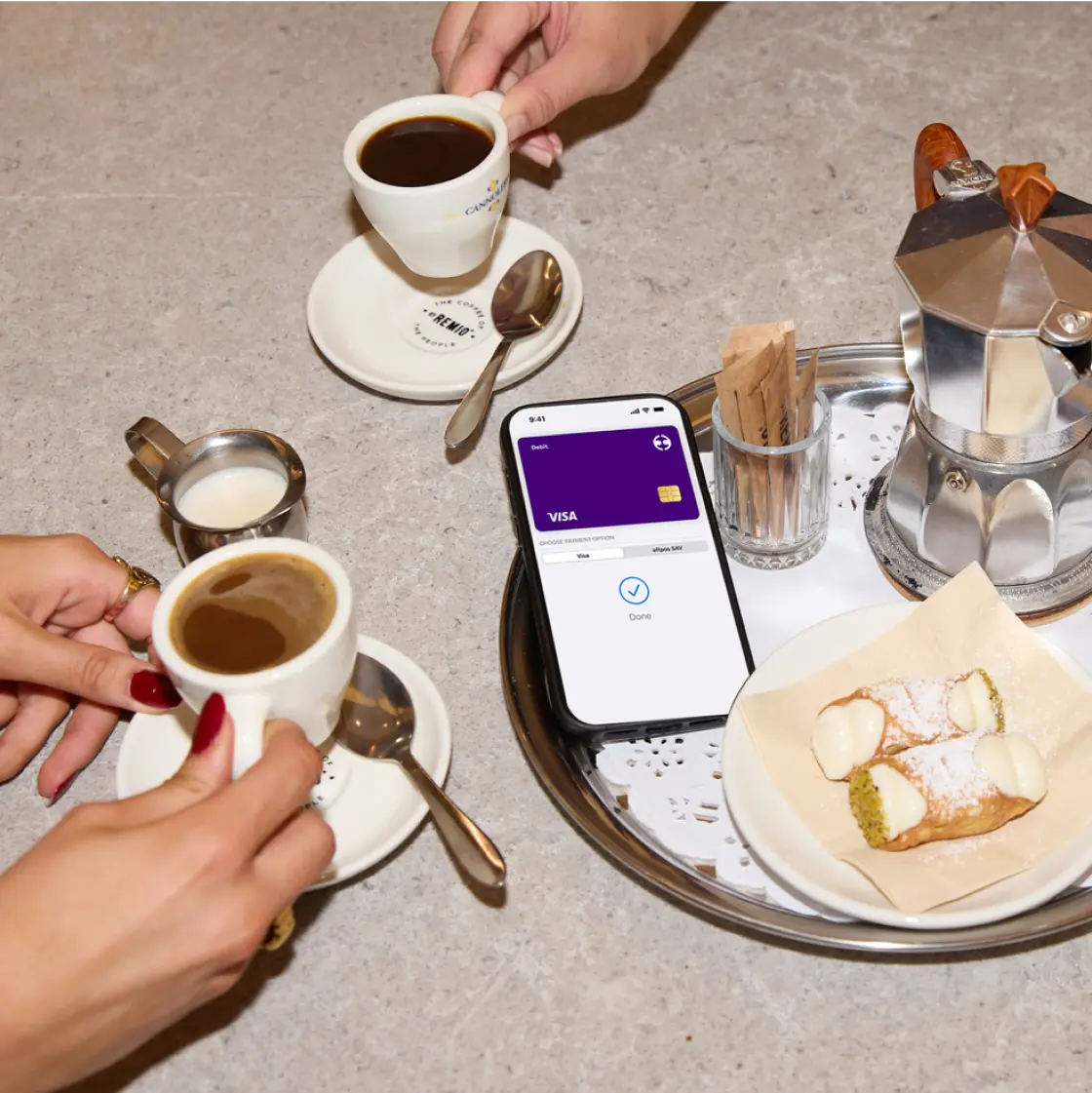
The Swag Spend account is a feature within Swag that enables employees to manage their money, earn Cashback on everyday purchases, and budget better.
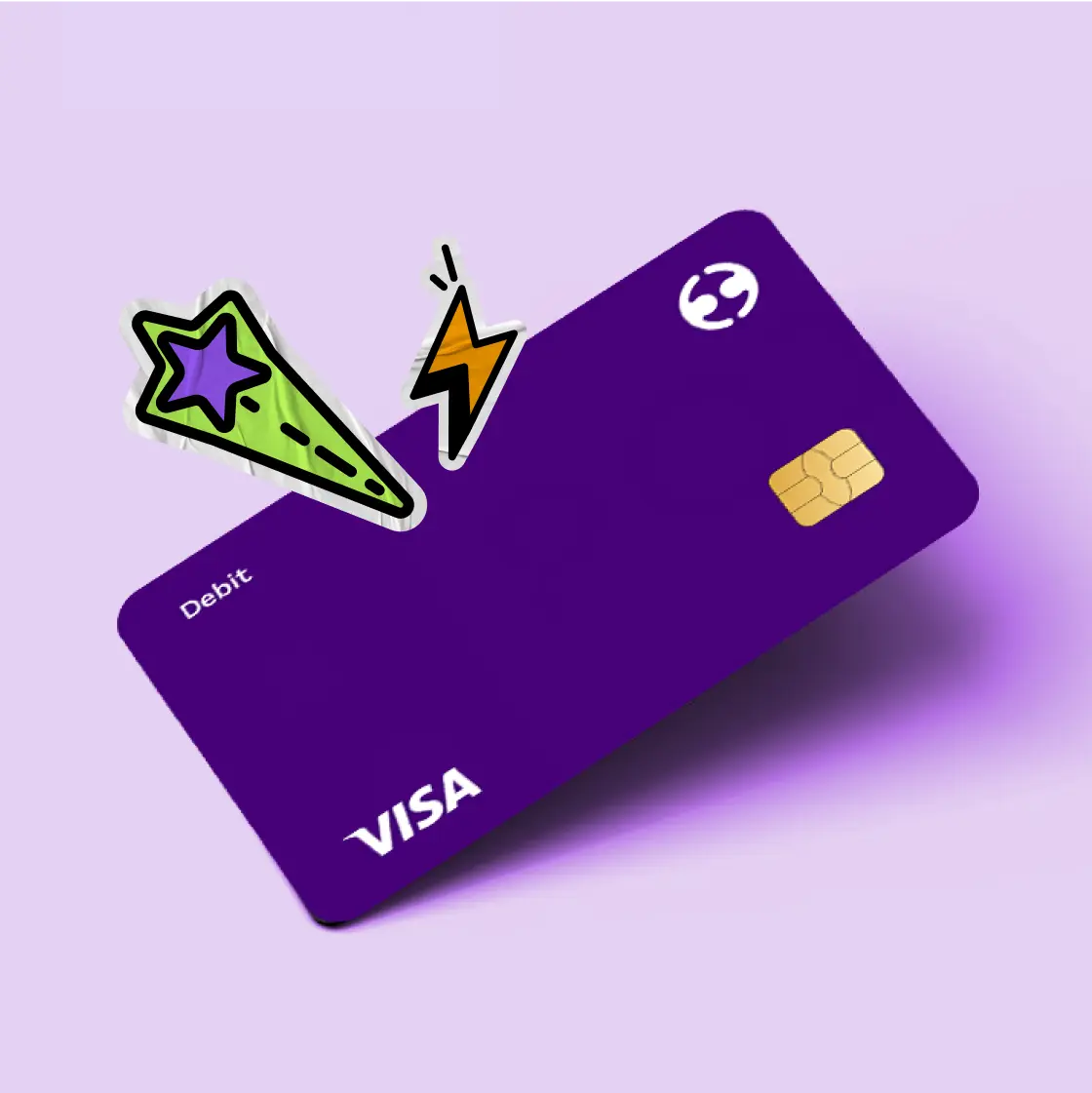
The Swag Spent account also includes a linked Swag Visa Debit card that can be used with Apple Pay and Google Play.
Swag Visa Debit card
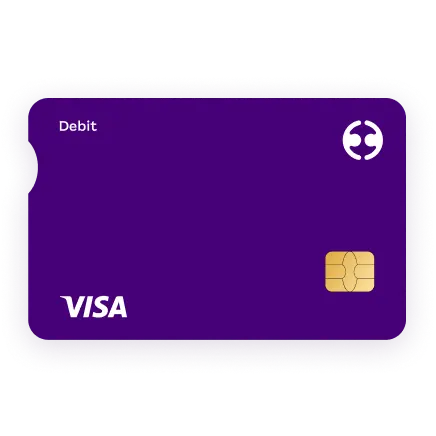
Employees receive a Swag Visa Debit card within 7-10 business days. The Swag Visa Debit card is instantly available on mobile devices. Your employees will be able to redeem their Hero Points with their Swag Visa Debit card.
Stash accounts
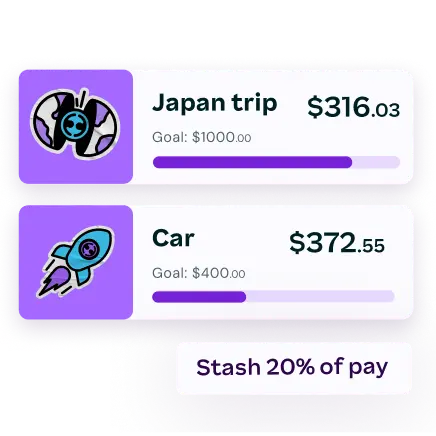
When you set up a Swag Spend account, you can track your spending and build budgets with Stash accounts. Open up to 9 sub-accounts to transfer and separate funds from your main Swag Spend account. Name these accounts, and set targets for Travel, Bills, Groceries, Festivals—you name it.
On-demand pay with InstaPay
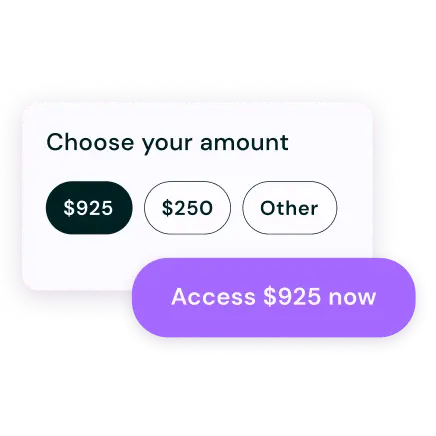
InstaPay is an Earned Wage Access product that gives your employees early access to their earned wages before payday, 100% credit-free. By using InstaPay, your employees have an alternative to credit cards, BNPL and payday loans—all of which put people into debt.
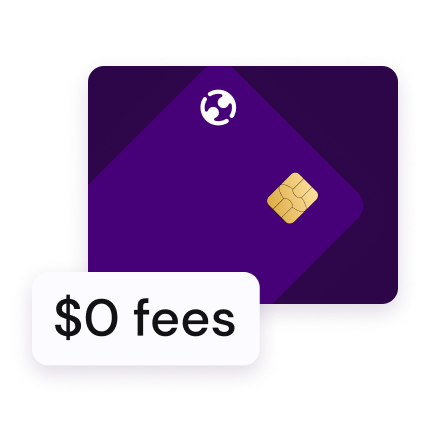
$0 fees
The Swag Spend account has no monthly fees. No setup fees. No dishonour fees. And no fees at all major bank ATMs in Australia and overseas. Instapay and merchant fees may still apply.***
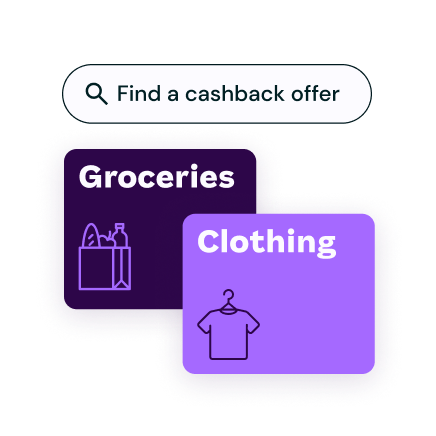
Earn cashback
Offer your employees exclusive access to cashback and in-store offers in the Swag app. Supercharge your employer brand by offering discounts from leading retailers.
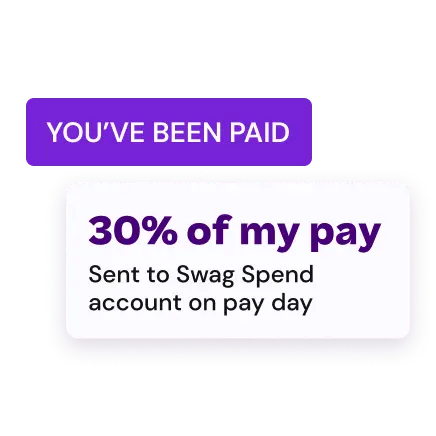
Pay Split
Employees can choose how much they want automatically deposited into their Swag Spend account each time they get paid.****
Why did we create the Swag Spend account?
Give your people the tools to tackle their finances and help lower the cost of living.
The Swag Spend account allows you to offer your employees unique discounts and savings on everyday items. Your employees can redeem
Hero Points using their Swag Visa Debit card.
Offer pay flexibility with InstaPay, an Earned Wage Product which promotes better budgeting and lowers reliance on credit like BNPL.
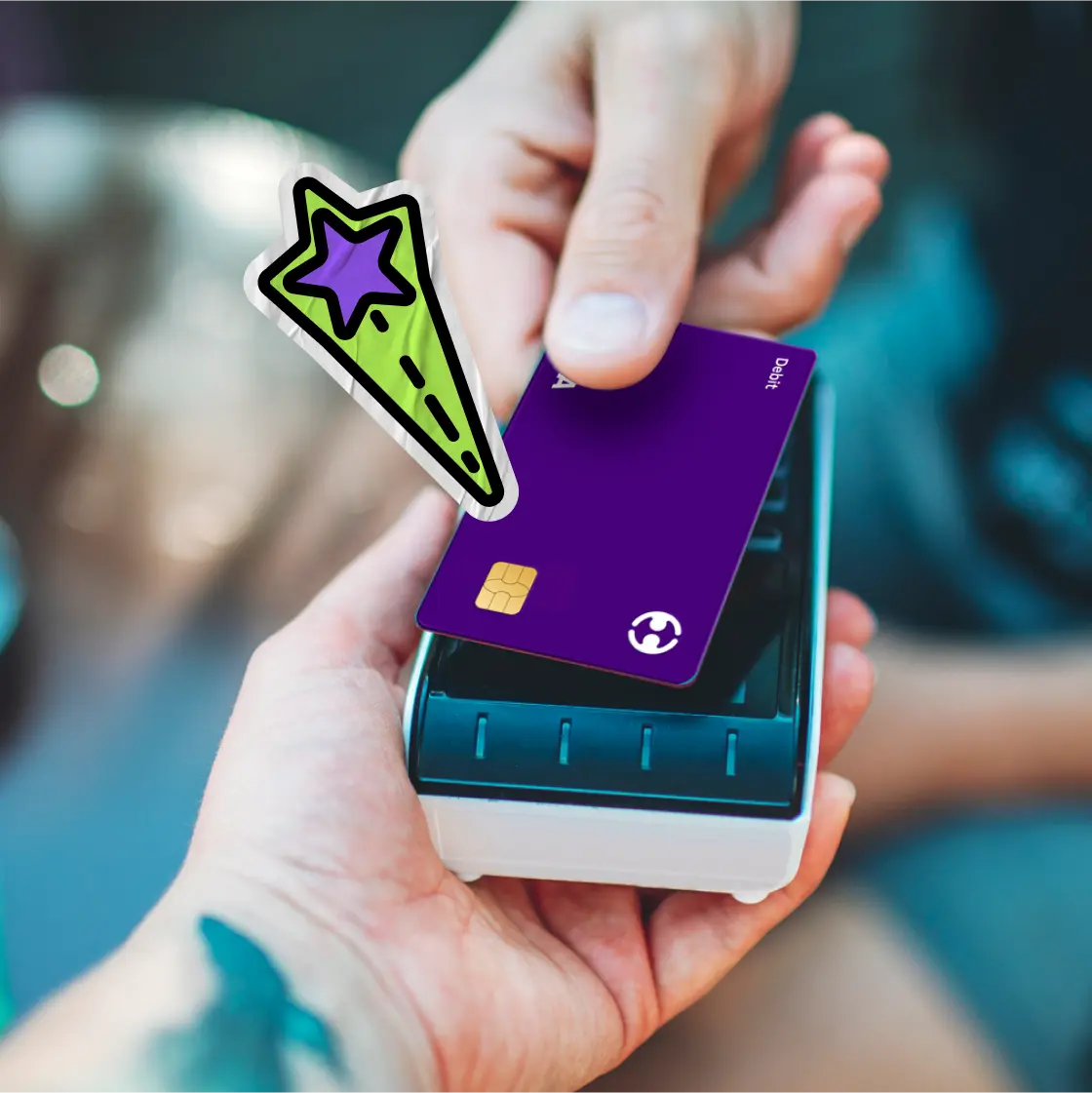
Add the Swag Visa Debit card to your device
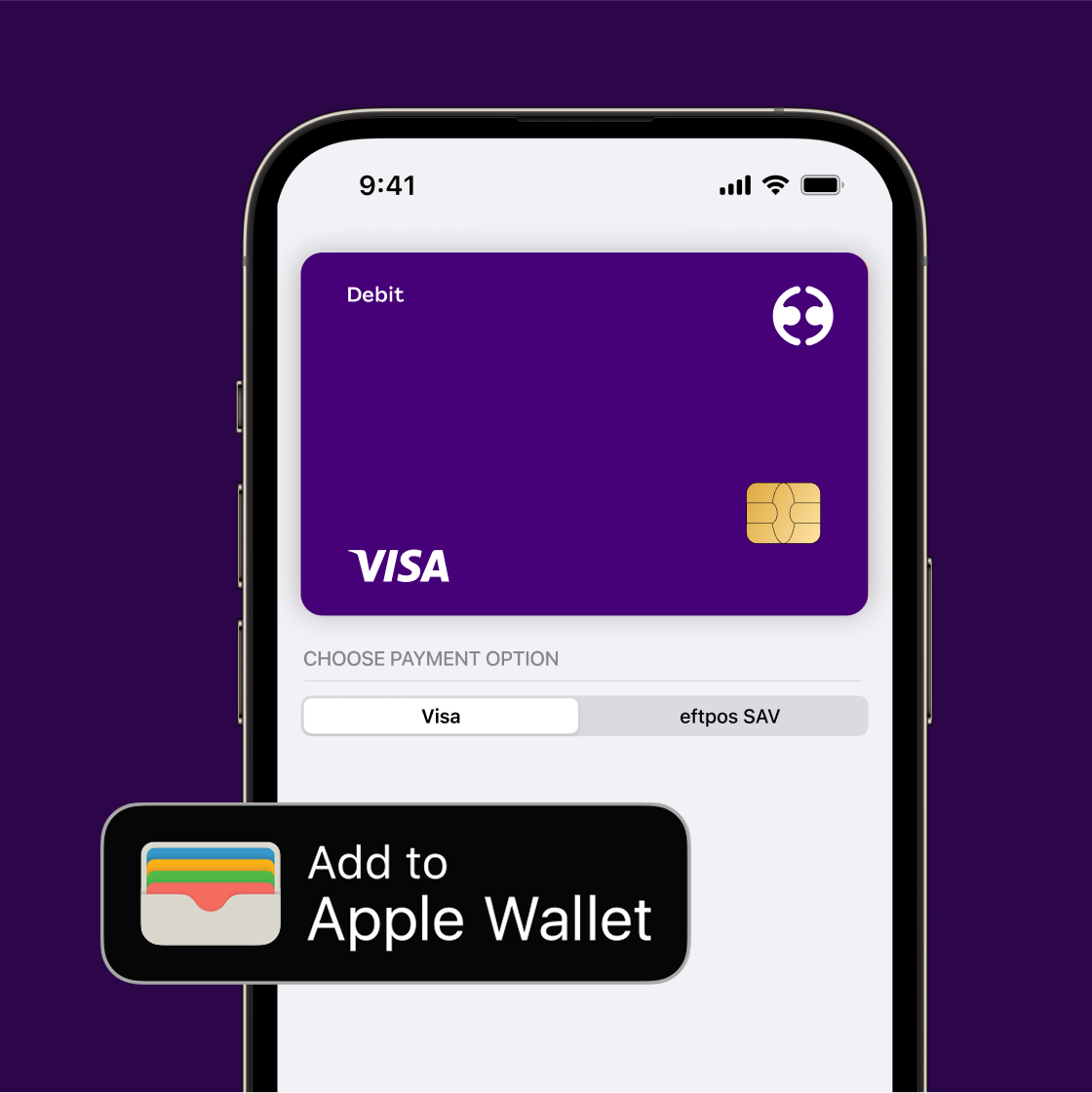
Add your card to Apple Wallet
- Sign into the Swag app
- Navigate to Wallet and tap “Card”
- Add to Apple Wallet
Add your card to other devices
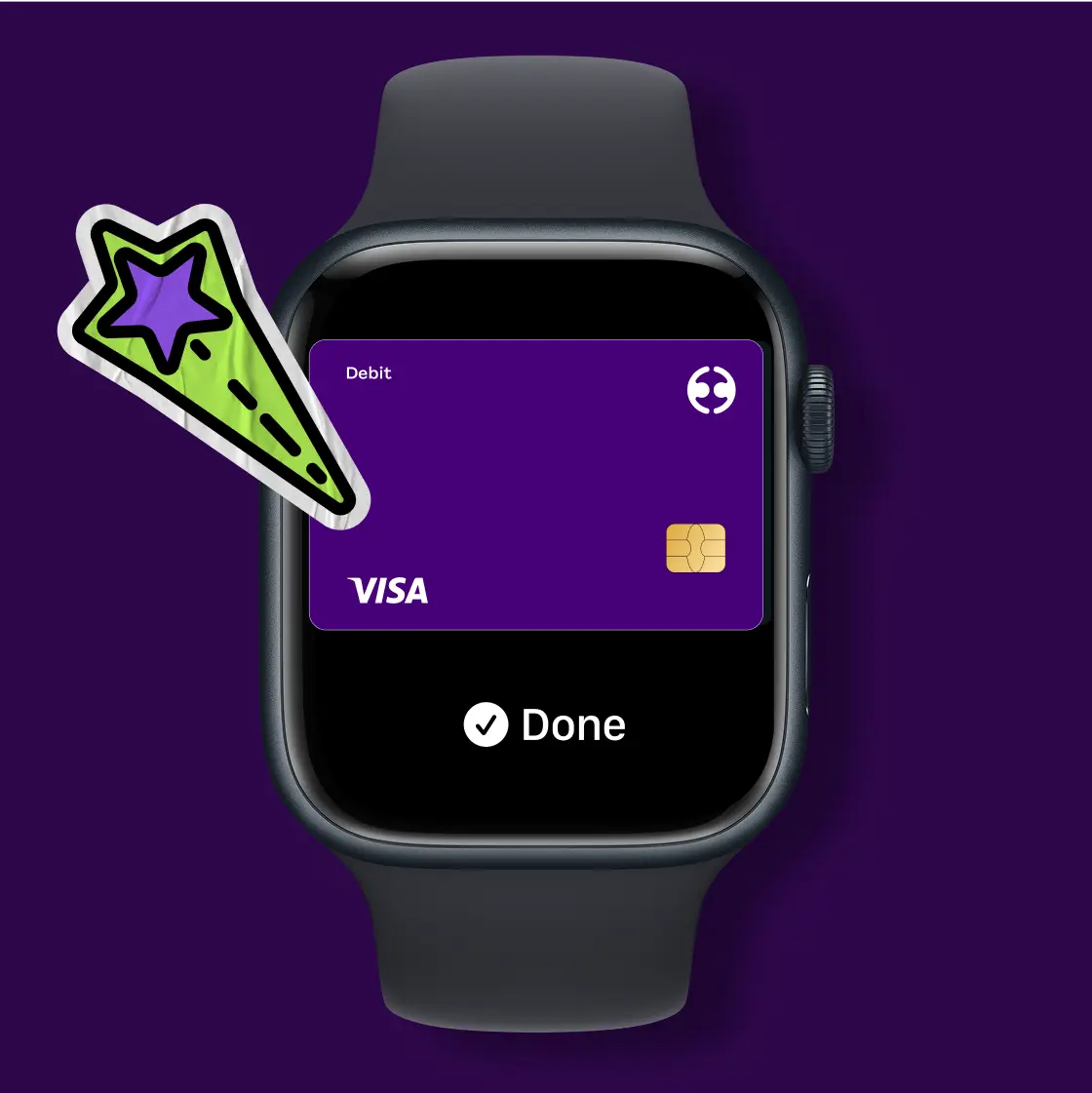
Apple Watch
- Go to settings.
- Tap “Wallet & Apple Pay” and select “Add Debit card”
Macbook Pro with Touch ID
- Go to system preferences.
- Select “Wallet & Apple Pay” and select “Add Card”
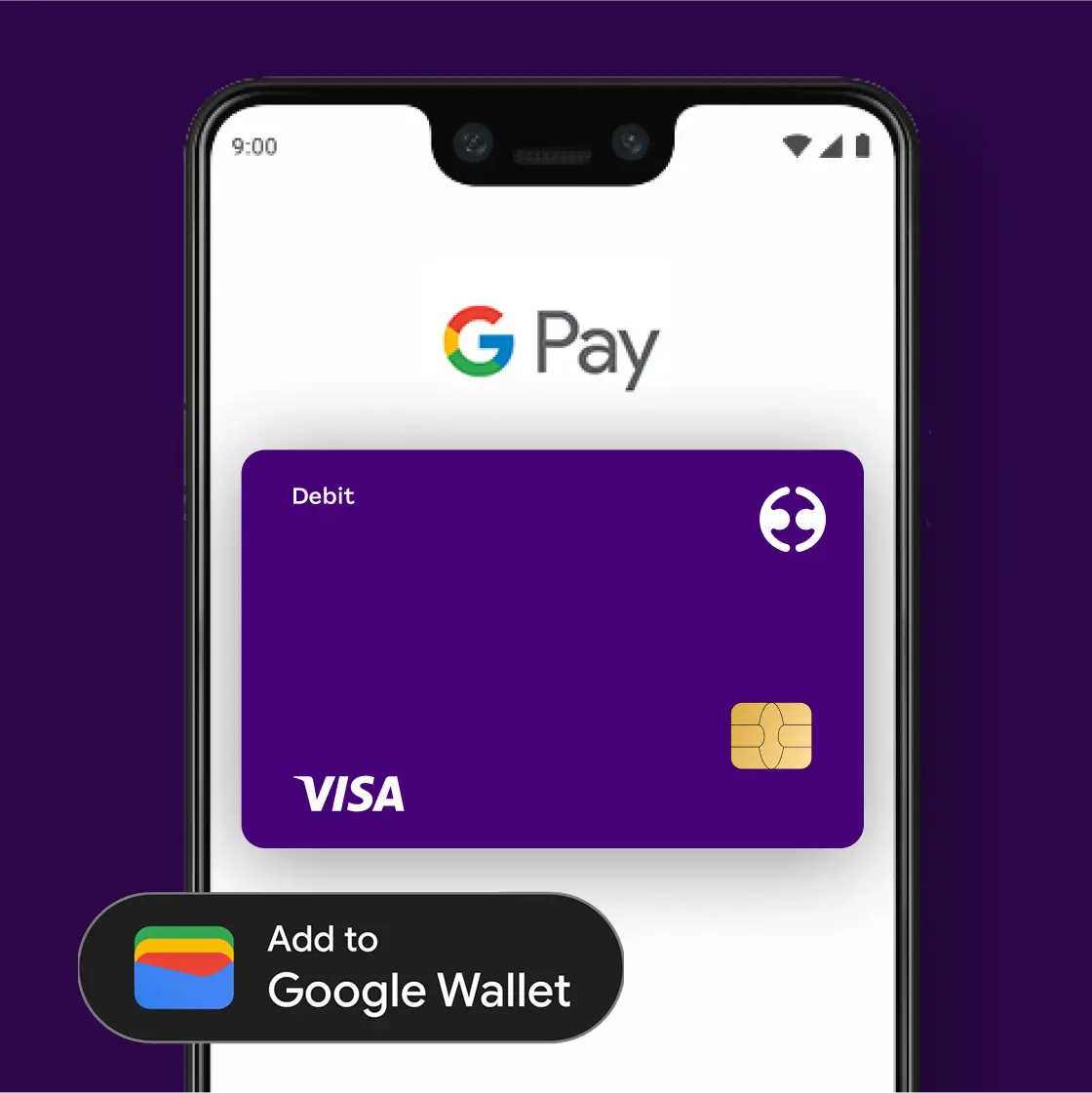
Add your card to Google Wallet
- Sign into the Swag app
- Navigate to “Wallet” and tap “Card”
- Add to Google Wallet
OR
- Open Google Wallet
- Tap “Add to Wallet”
- Follow the instructions
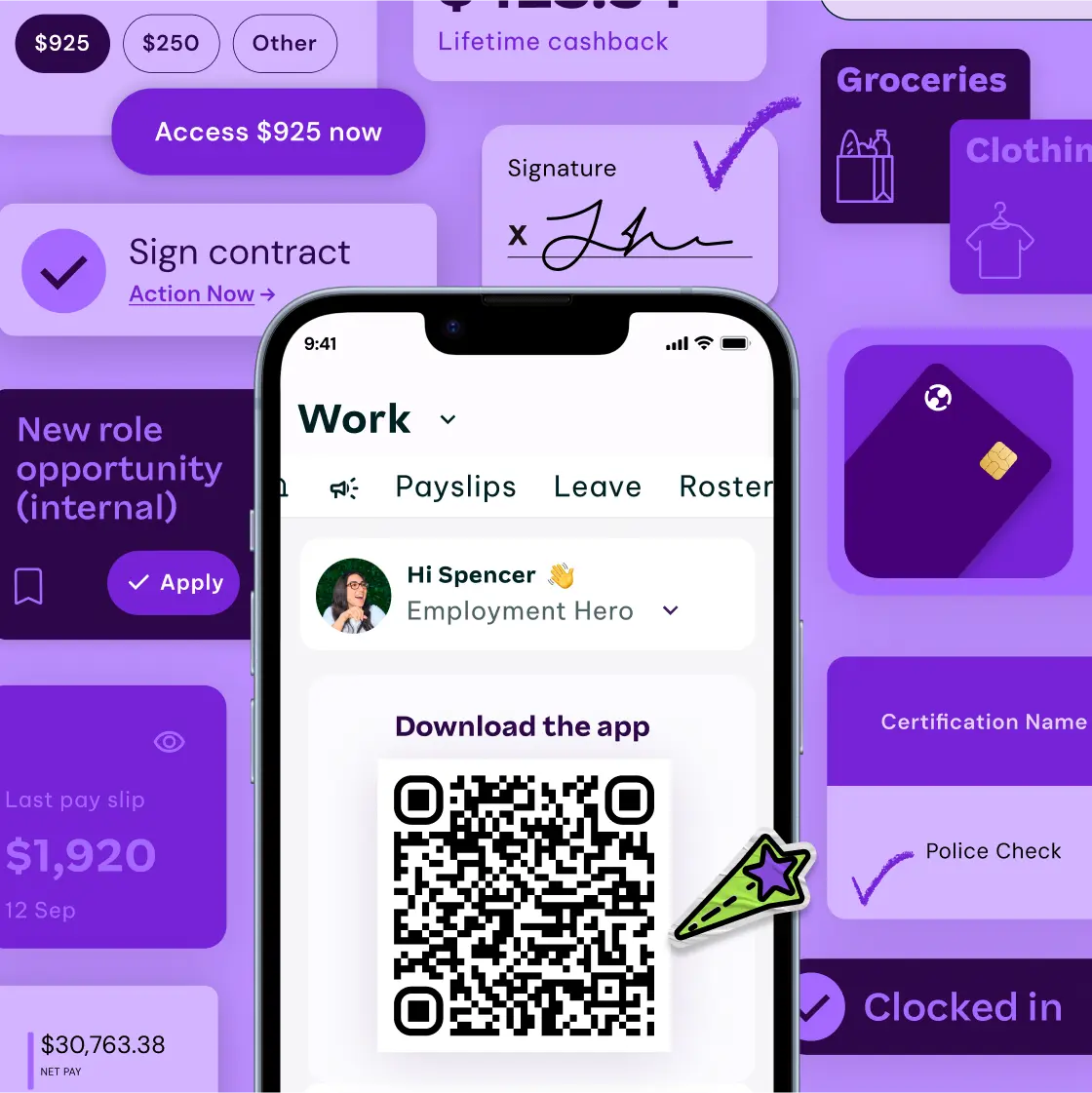
Download the Employment Hero Work app
Manage your work, career, money and benefits all in the palm of your hand.
The Swag Spend account can only be accessed via the Swag app. Apply for Swag Spend account under the Money tab.


Apple, the Apple logo, Apple Pay, Apple Watch, Face ID, iPad, iPhone, iTunes, Mac, MacBook Pro, Safari and Touch ID are trademarks of Apple Inc., registered in the U.S. and other countries. Touch Bar is a trademark of Apple Inc.
For a list of compatible Apple Pay devices, go here.
Google, Google Pay, Google Wallet are trademarks of Google registered in the U.S. and other countries.
View the full Google Pay terms and conditions here.
Find the Swag Spend Account FAQs here.
The Swag Spend Account is currently not available for Samsung Pay.
**InstaPay may not be available to all users, depending on what level package your employer has with Employment Hero. Access to InstaPay is via the Employment Hero app only. Instapay is not a credit product, and there are no related interest charges. InstaPay fees are $3 per withdrawal into a Swag Spend Account and $4 per withdrawal into an external bank account. Instapay is not a credit product, and there are no related interest charges.
***A Swag Spend account is fee-less. ATM operator fees may apply. You can withdraw cash from your Available Balance using your Swag Spend Visa Debit card at any ATM up to the limit that applies for ATM transactions. There are no Employment Hero fees for using ATMs. However, you may be charged fees by other financial institutions or ATM providers when using some ATMs. ATM withdrawals are currently free at most major banks in Australia, including the 4 major banks ANZ, CommBank, NAB & Westpac. Swag Visa Debit card does not charge ATM fees, we don’t control the fees charged by independent ATM operators or any other financial institution. All ATMs must display any fee at the transaction time and allow you to accept or decline. If you choose to accept the fee we do not offer ATM rebates.
****Pay Split is only available to people who have an employer who uses Employment Hero software for payroll.
Overseas purchases: When you make purchases with your Swag Visa Debit t card online or in-store with overseas merchants, your account will be debited in AUD as it is an AUD only account. At the point of sale, Employment Hero will convert the AUD to equivalent currency.
A merchant fee of 0.99% applies for any purchases using a credit or debit card in the Swag Store. You may not have access to the Discounts store depending on your Employer’s product package with Employment Hero.
Swag is a brand of Employment Hero Financial Services Pty Ltd (EHFS) 58 606 879 663. Employment Hero Financial Services Pty Ltd has been appointed as an authorised representative (001234046) of Hay Limited (ABN 34 629 037 403 AFSL 515459), who is the issuer of the Swag Spend Account and associated Swag Visa Debit card. You are required to read the Financial Services Guide (which you agree to be provided by accessing this link). Any information given does not take into account your objectives, financial situation or needs so please consider whether it is appropriate for you. Please also ensure you read and consider the Product Disclosure Statement (which you agree to be provided through this link) that includes all fee information before making any decision about the product. The Target Market Determination is also available here. Fees and charges may apply. Please visit the Swag Spend Account Terms & Conditions for more information about the product, our Privacy Policy and other important legal documents.Any general advice or factual information we provide has been prepared without taking into account your objectives, financial situation or needs. Before acting on any information, you should consider whether it is appropriate for you. Before making any decision about whether to acquire one of Employment Hero’s products, you should obtain and read the relevant terms and conditions relating to that product and also seek independent financial, legal and taxation advice.


