
 Australia
 New Zealand
 United Kingdom
 Canada
 Singapore
 Malaysia





AI Employment Operating System
AI that helps you get work done faster and with confidence
Reduce admin, stay compliant, and give your team time back – with AI built into Employment Hero.

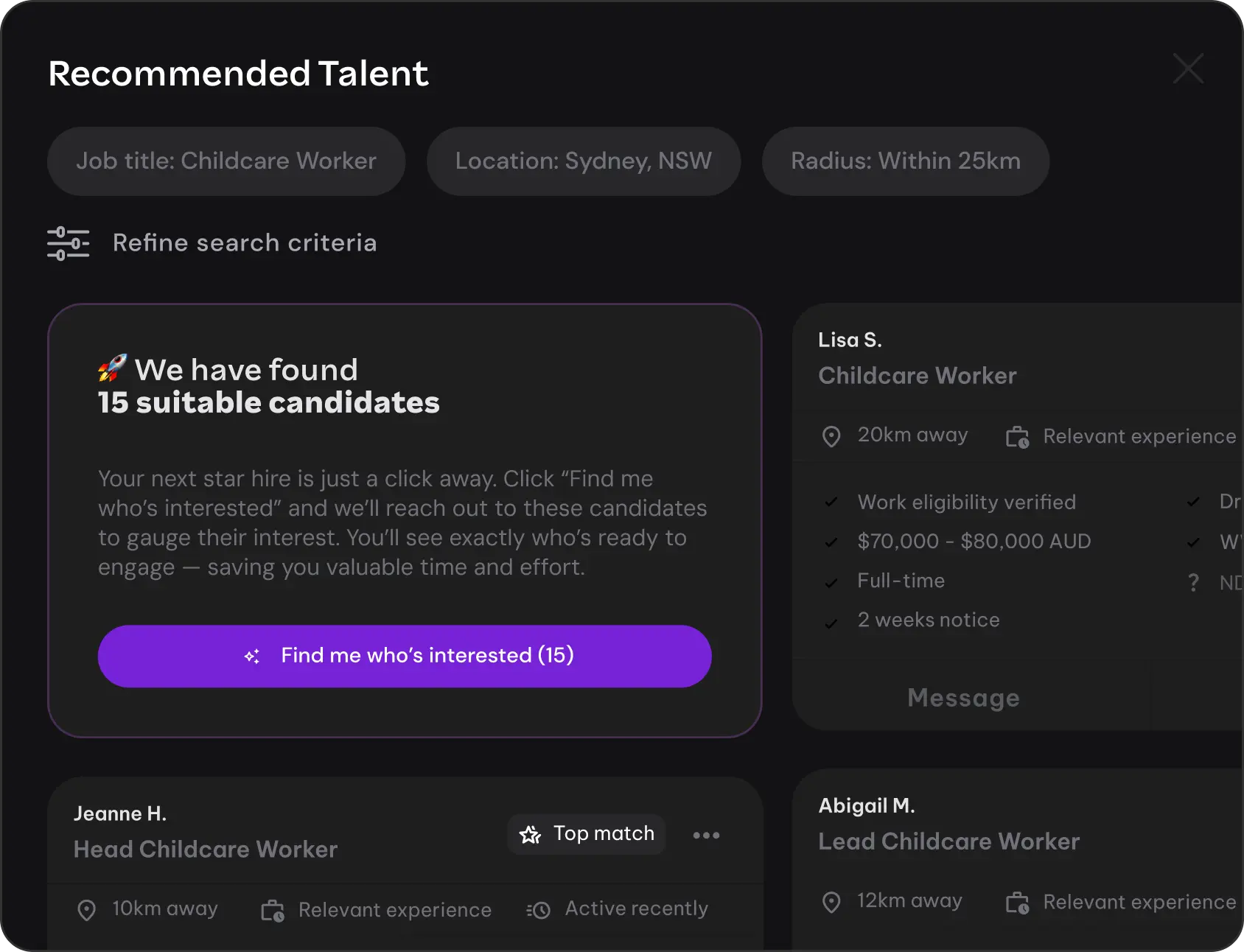
Recruitment
●
RECRUITMENT AGENT
Hire faster with less admin
Shortlist candidates more efficiently, reduce manual screening time, and lower cost-per-hire.

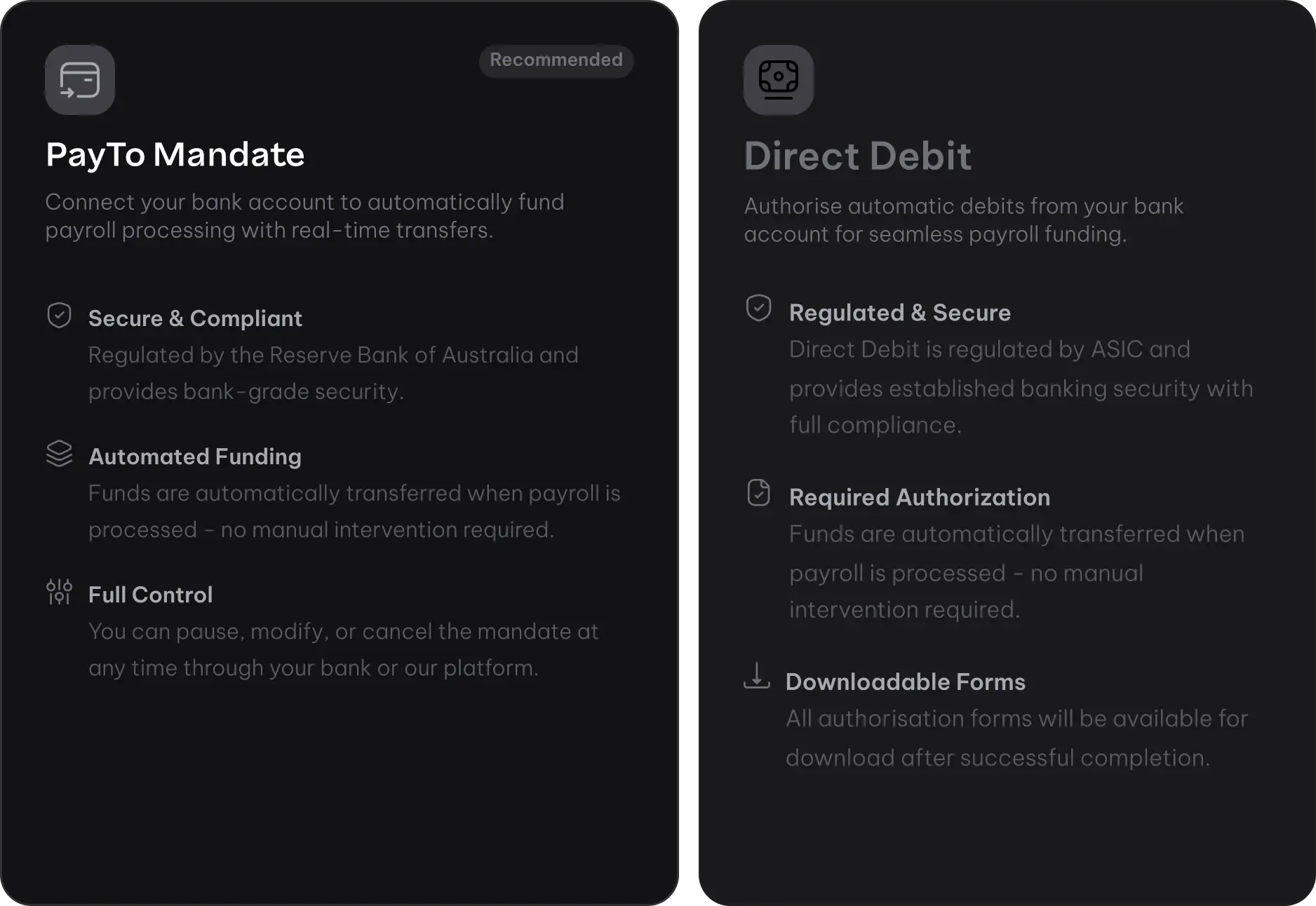
Payroll & Compliance
●
ATO LINKED
Stay compliant with confidence
Built-in Payday Super validations, clear contribution statuses, and reduced risk of penalties.



ROI Calculator
Calculate your potential savings
Turn time saved into real business value. See how Employment Hero AI could help your business reduce admin hours, lower recruitment costs, and minimise compliance risk.

Cost Savings
$7,160
$7,160 saved per hire across 10 annual hires
Hours Saved Per Year
100+
Hours freed from policy queries annually

Reduced Payroll Risk Exposure
AI-powered validation eliminates manual super fund verification errors

TOTAL ANNUAL SAVINGS
Based on your employee count
$26,060
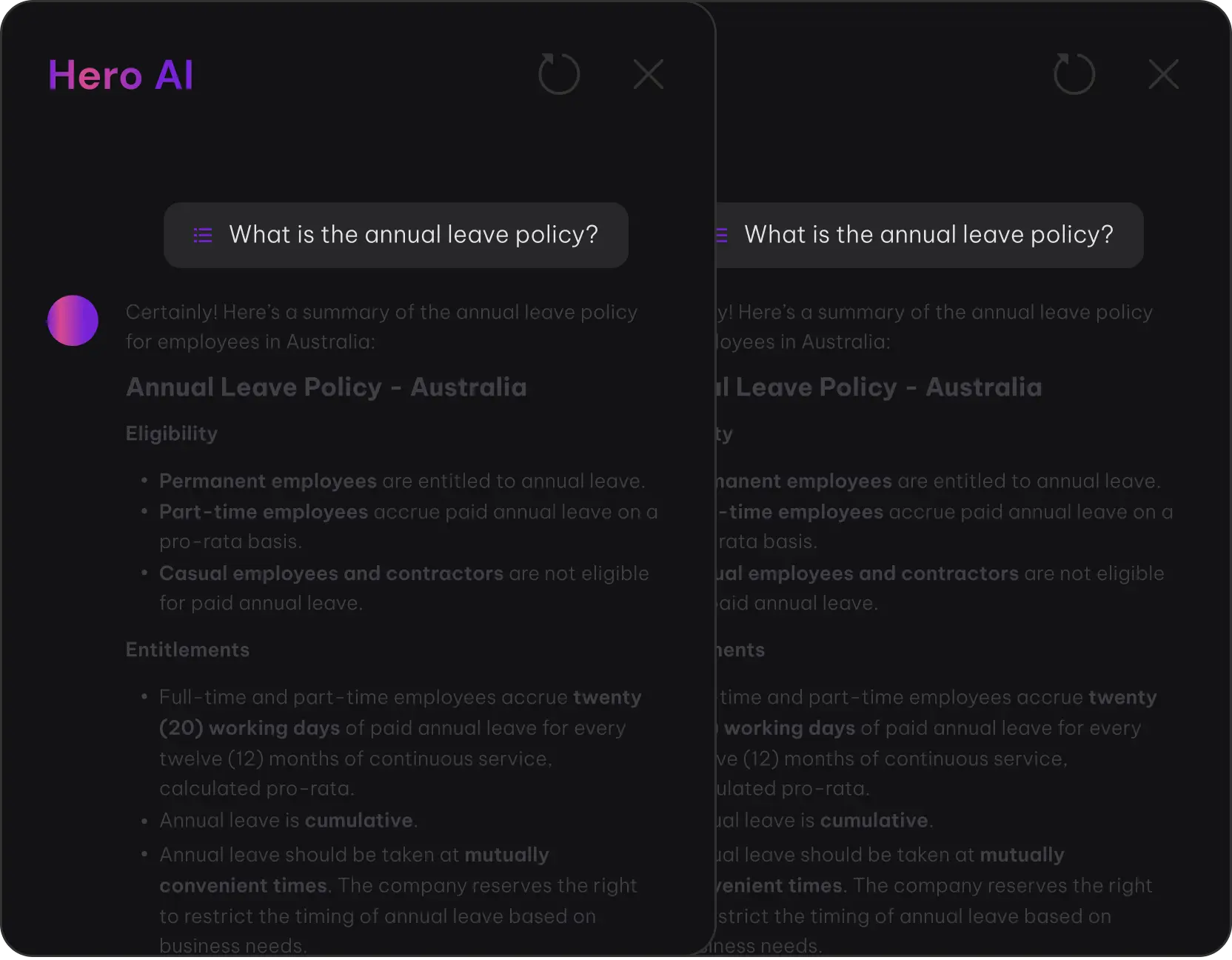
Hero AI Playground
Get answers faster without the digging
Hero AI helps you find the information you need across Employment Hero, all in one place. It uses your Employment Hero data and knowledge base to surface relevant answers, with human review always in your control. Designed to reduce support tickets and save hours every month.
SYSTEM OF ACTION
-

Instant Retrieval
Searches your entire document library in milliseconds
-

Source Verification
Every answer cites the exact document and section
-

No Hallucinations
Responses come only from your approved documents
-

Ticket Deflection
Reduces HR support tickets by up to 95%


Hero AI
Click a prompt chip below
Hero AI will provide the answers you need
Here’s how to update an employee’s pay rate in Employment Hero:
Steps to Update Pay Rate.
- Go to People > Select the employee
- Click Pay Details tab
- Select Edit Pay Rate
- Enter the new rate and effective date
- Click Save Changes
Important Notes:
- Changes take effect from the next pay run after the effective date
- Historical pay rates are preserved for compliance
- The employee will receive an automatic notification
Bulk Updates: For multiple employees, use Payroll > Bulk Actions > Pay Rates to upload a CSV with new rates.
 Source: Sample_Company_Payroll_Policy.pdf
Common payroll errors and their meanings:
STP-001: Invalid TFN
The employee’s Tax File Number is missing or invalid. Verify in People > Tax Details.
SUPER-003: Fund Not Found
The super fund details couldn’t be validated against the ATO database. Check the USI and fund name.
PAY-007: Negative Net Pay
Deductions exceed gross pay. Review leave balances and deduction amounts.
TIME-012: Missing Timesheet
No approved timesheet exists for this pay period. Contact the employee’s manager.
Quick Fix: Most errors can be resolved in the Payroll > Exceptions dashboard where you can edit and revalidate entries before finalising the pay run.
Source: Payroll_Reference_Guide.pdfTo view employees with incomplete onboarding:
Go to People > Onboarding > Filter by "In Progress"
Currently Incomplete (3 employees):
- Sarah Chen – Missing bank details (started 5 days ago)
- Marcus Webb – Pending TFN declaration (started 3 days ago)
- Lisa Park – Super fund choice not submitted (started 7 days ago)
Actions Available:
- Send reminder email to selected employees
- View detailed checklist progress
- Extend onboarding deadline
- Assign HR buddy for assistance
Auto-Reminders: Employment Hero sends automatic nudges at 3, 5, and 7 days. You can customise this in Settings > Onboarding.
Source: Onboarding DashboardReduce the risk of Payday Super Penalties
HeroClear helps businesses prepare for Payday Super by validating employee details and surfacing issues before they become problems. The result: fewer surprises, clearer visibility, and greater confidence every pay run.

Details Checked
Super details verified before payroll runs
Real-time Status A.I processing
See what's confirmed, pending or needs action
Clear Guidance
Resolve issues quickly with AI assistance
NPP Settlement
Contributions flow via real-time payment network
ATO Verified
Compliance confirmed within 7 days

Pre-Payroll Checks
Employee super details are checked before payroll run.

Clear Guidance
Real-time statuses show what’s confirmed, pending or needs action.

NPP Settlement
Contributions flow through NPP real-time payment network.


AI designed with people in control
Built for trust, transparency and accountability. Employment Hero AI is designed to support decision-making – not replace it. Human-in-the-loop checkpoints, clear visibility over actions taken, no hidden automation, no black-box decisions.

Recruitment Agent
Reduce time-to-hire by 90%
Our AI autonomously screens thousands of candidates, delivering ranked shortlists in minutes instead of weeks.

Hero AI
Deflect 95% of policy-related support tickets
Instant answers to employee questions means your HR team can focus on strategic initiatives, not repetitive queries.

HeroClear
Automatic 7-day compliance for Payday Super
Real-time validation ensures every superannuation payment meets the ATO’s 2026 mandate without manual intervention.

Recruitment Agent
Human-in-the-Loop
AI ranks talent based on skills, but a human conducts the final interview. Every hiring decision remains in human hands.

Hero AI
Verified Sources
Answers are retrieved only from your human-approved company documents. No hallucinations, no external data leakage.

HeroClear
Final Oversight
AI validates data against ATO records, but a human must authorize the final payment. Full audit trail maintained.

