 Australia
  New Zealand
  Singapore
  Malaysia
  Canada (Français)
 United Kingdom




Instant answers. Faster HR.
Meet your new HR teammate. HR Agent gives employees and managers instant, permission-aware answers to HR questions — and gets routine tasks done in natural language, 24/7.
From question to action, in seconds.
HR Agent handles the repetitive HR questions and requests that eat into your team’s day. It understands what’s being asked, checks what the person is allowed to see or do, and either answers directly or guides them through the task — without anyone leaving Employment Hero.
Policy & knowledge base Q&A
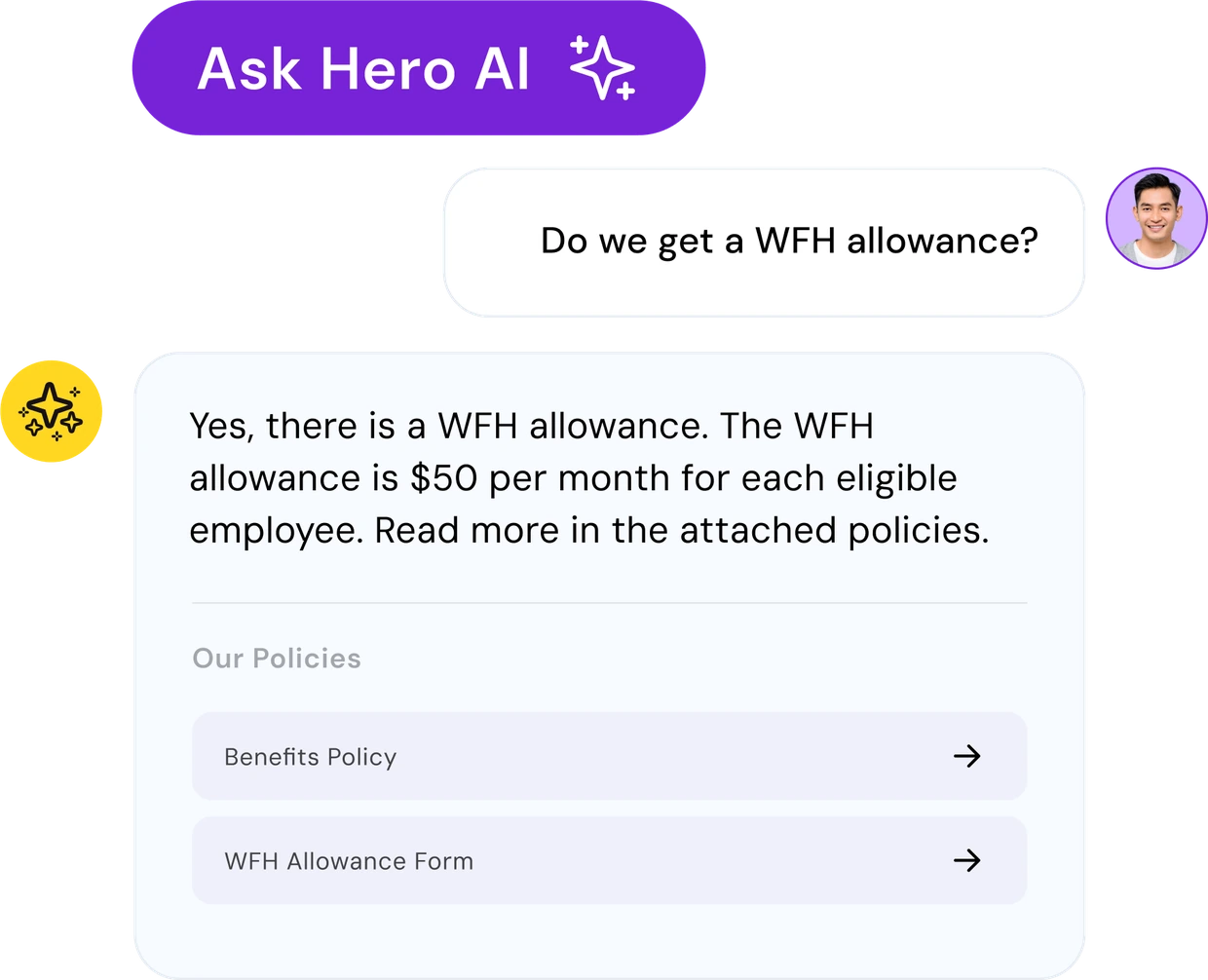
No more digging through the intranet. HR Agent answers questions directly from your company policies and platform know-how — from “what’s our parental leave policy?” to “how do I update my bank details?” — with clear, sourced answers.
Leave management, self-serve
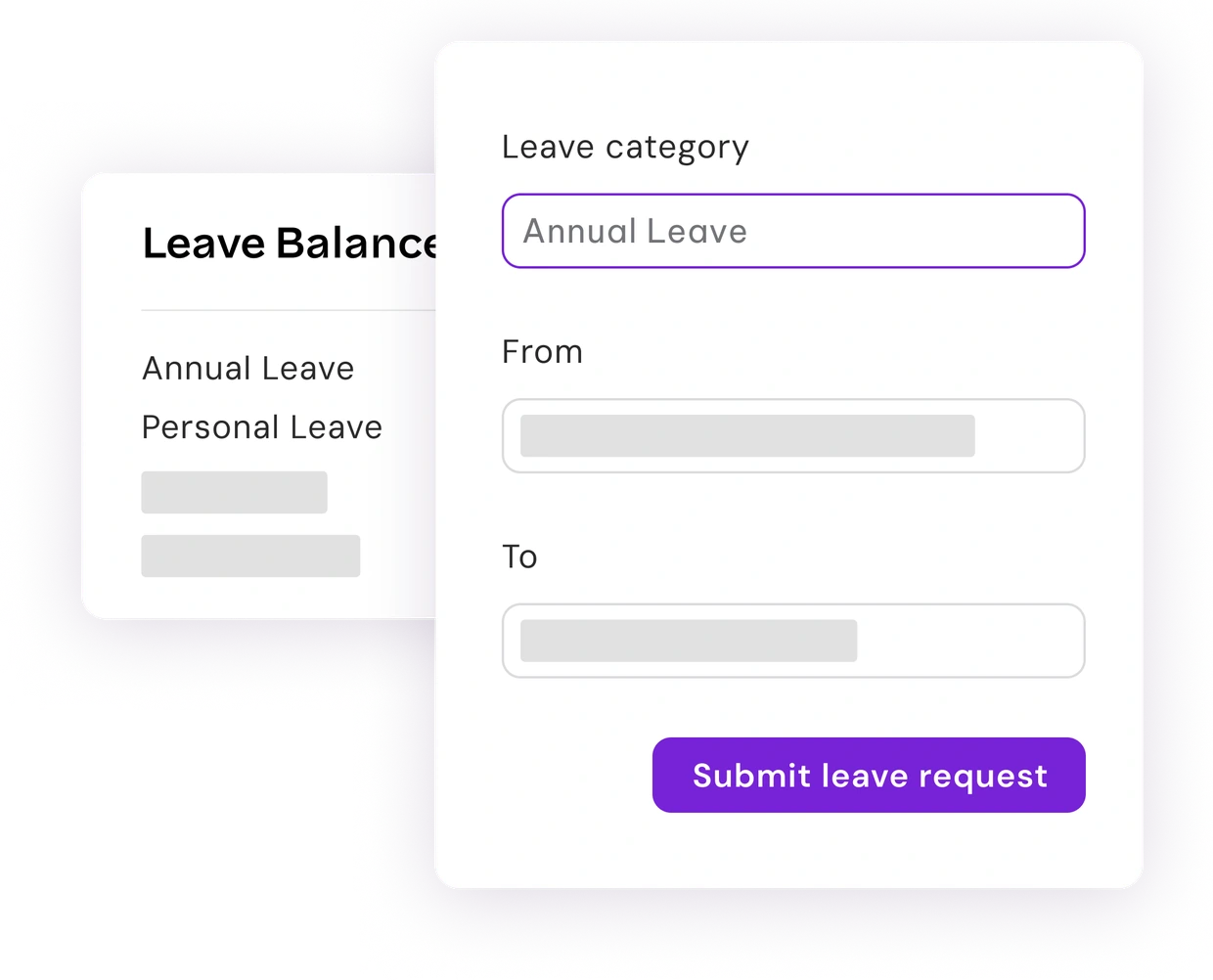
Employees can check balances, apply for leave, and view history without raising a ticket. Managers can see who’s off next week, review team requests, and approve or deny — all through natural language.
Rostering & timesheets
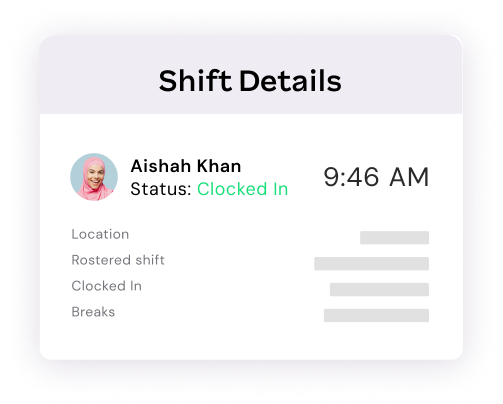
See upcoming shifts, mark unavailability, or pull up a team roster in one question. Managers can spot unfilled shifts and review timesheets without switching screens.
Payroll & pay information
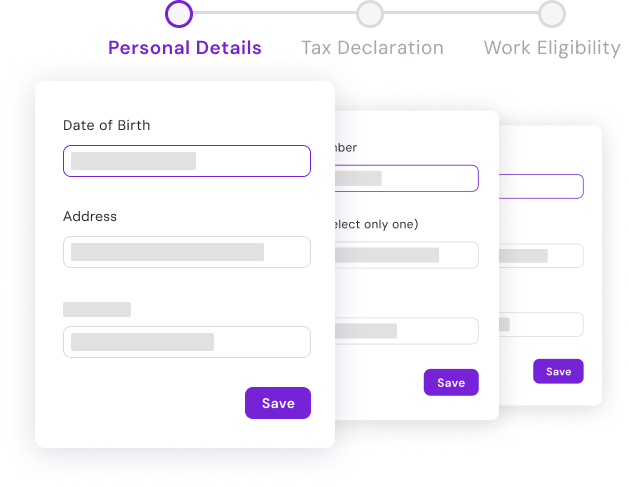
Payslips, salary history, bank details, tax declarations, and super details — surfaced instantly, scoped to what each person is already entitled to see.
Employee records, benefits & performance
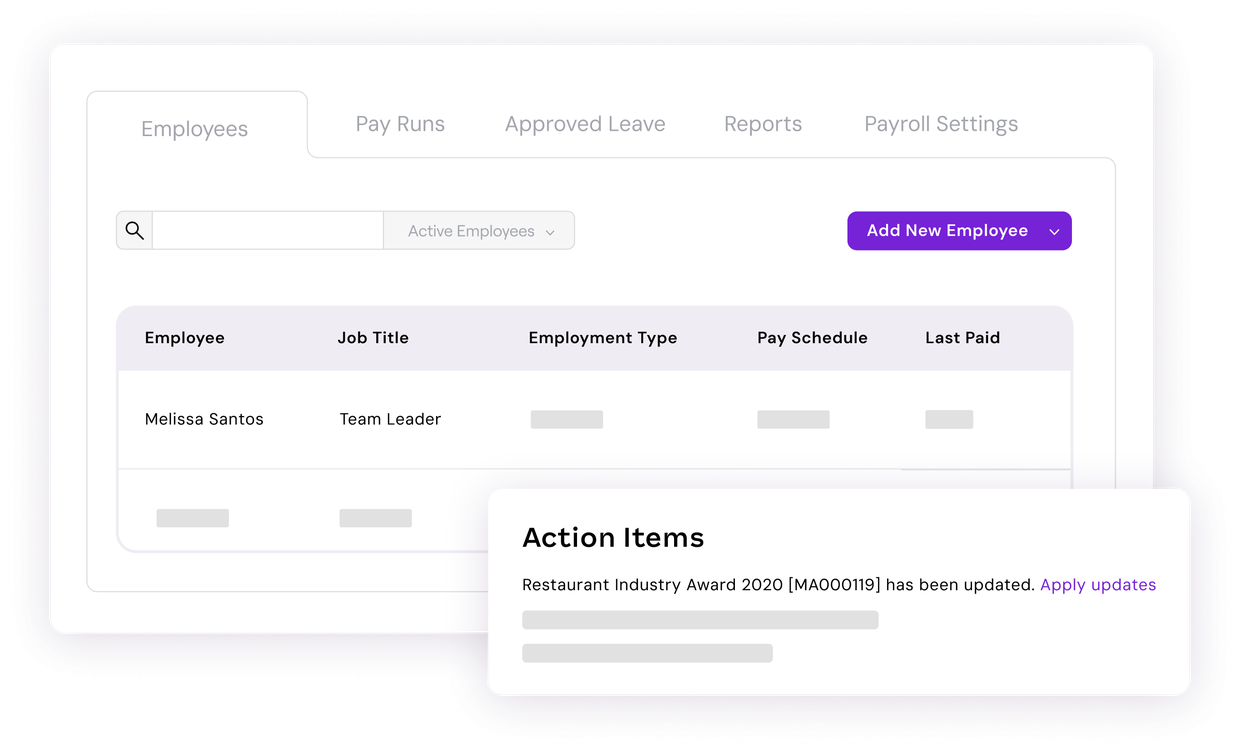
Emergency contacts, certifications, employment history, available benefits, goals, and review cycles — all accessible through conversation, for employees and managers alike.
TRUSTED BY 350k+ HAPPY CUSTOMERS










Less admin. Faster answers. Happier teams.
HR Agent removes the back-and-forth between employees, managers, and HR — so questions get answered and tasks get done without anyone waiting on a reply.

Reporting & Compliance Made Easy
Managed ATO reporting and compliance, including STP and super

Secure by design
End-to-end managed pay runs while you have full visibility with our best-in-class cloud software

Less load on HR
Integrated time and attendance tools for employee time tracking
“I love how it provides instant answers to HR-related questions, helps me navigate the platform, and offers guidance without having to search through multiple help articles or documents.”
Londi

Frequently Asked Questions
Everything you need to know about HR Agent.
HR Agent doesn’t just point you to an article — it gives you a direct answer based on your company’s actual policies, and can complete the task itself where permissions allow (like applying for leave), rather than leaving you to do it manually.
No. HR Agent inherits Employment Hero’s existing permission model. It only surfaces information and actions a user is already authorised to access — there’s no separate access layer or workaround.
No. It’s designed to absorb repetitive, routine questions so your HR team can spend their time on the complex, judgement-based work that actually needs a person. Final decisions stay human.
Yes. Where platform permissions allow, managers can perform manager-level actions — like approving leave, viewing team rosters, or reviewing direct reports’ details. HR Agent never elevates a user beyond what they’re already permitted to do.
No. It’s built directly into Employment Hero and uses your existing policies, data, and permissions. There’s no heavy integration work required.
Resources to help you get more from HR Agent
-
 Read more: What’s new at Employment Hero: Here’s our 2026 product recap
What’s new at Employment Hero: Here’s our 2026 product recap
Explore Employment Hero’s 2026 product updates for the UK: Employ Locally, Zinc background checks, compliance tools, Hero AI and Chat.
-
 Read more: “I read nearly 4,000 CVs, one by one. Then I stopped.”
“I read nearly 4,000 CVs, one by one. Then I stopped.”
What Employment Hero’s own talent lead learned about AI candidate screening, including where she still won’t use it
-
 Read more: The applicant avalanche: what AI recruitment actually changes
The applicant avalanche: what AI recruitment actually changes
Too many job applicants, slower hiring. Why UK application volume has doubled, what it costs, and how to sift without…

Everything employment,
all in one place.