














Asynchronous Communication: Best Practices and How to Avoid Decision Latency
Published
Asynchronous Communication: Best Practices and How to Avoid Decision Latency
Published
Is your team drowning in meetings? Do you feel like your best people spend their days jumping from one video call to the next, with no time left for the deep, focused work that actually moves the needle? You hired them to innovate and execute, not to have their calendar look like a game of Tetris gone wrong. It’s time to break the cycle.
The “always on” culture of instant responses and back-to-back meetings is a relic of the past. It’s burning out your team and strangling your productivity. There is a better, more powerful way to get things done. It’s about giving your team the space to think, focus and do their best work on their own schedule. And it’s called asynchronous communication.
What is in this guide?
This isn’t just another article about email etiquette. This is your action plan to reclaim your team’s time, protect their focus and unlock a new level of productivity.
We’ll dive into:
In the guide, you’ll find:
- Asynchronous vs synchronous communication.
- The communication audit.
- Setting up an async first framework.
- Step-by-step implementation plan.
What is asynchronous communication?
Let’s get straight to the point. Asynchronous communication is a powerful way of working where you don’t expect an immediate response or real-time interaction. Instead of expecting people to reply instantly, information is shared in a way that allows teammates to review, reflect and respond when they have the time and focus to give it proper attention.It’s the definitive antidote to the “always on,” notification-driven culture that fragments our attention and kills deep work. It’s about creating space for what matters.
Common examples include:
- Emails.
- Project management comments.
- Recorded video messages.
- Shared documents with threaded feedback.
- Wiki or knowledge base updates.
Synchronous vs asynchronous communication
To master asynchronous work, you need to understand its counterpart. It’s not about one being better than the other; it’s about choosing the right tool for the job to maximise your impact.
Synchronous communication
Synchronous communication happens in real time, with participants interacting live. It’s ideal when immediate input, rapid problem-solving, or emotional nuance is required.
Examples:
- Face-to-face conversations.
- Video calls.
- Live workshops.
- Instant messaging requiring quick responses.
Best for:
- Urgent issues.
- Complex discussions.
- Sensitive or high-trust conversations.
- Collaborative brainstorming.
Asynchronous communication
Asynchronous communication happens on each person’s own schedule, without the expectation of an instant reply. It gives people the space to think, focus and contribute when they’re best able to.
Examples:
- Emails.
- Comments in project management tools.
- Updates in shared documents.
- Recorded video messages.
- Wiki or knowledge base posts.
Best for:
- Status updates.
- Sharing information.
- Reviewing documents.
- Providing thoughtful feedback.
- Work that spans time zones.
The benefits of asynchronous communication for modern teams
Shifting to an asynchronous-first model isn’t just an efficiency hack; it’s a strategic business decision with powerful outcomes. When you give your people control over their time, you unleash their true potential.
- It enables deep work: Constant interruptions are the enemy of breakthrough thinking. Asynchronous communication protects large blocks of time for focused, high-value tasks.
- It shatters meeting culture: It frees your team from the tyranny of the calendar, reducing meeting fatigue and giving them back hours in their week.
- It supports true flexibility: For remote and hybrid teams, it’s a necessity. It allows people to collaborate effectively across different time zones, working patterns and personal schedules.
- It improves work-life balance: By removing the pressure to be constantly available, you empower employees to build a healthier, more sustainable way of working, which is key to long-term engagement.
When you still need to communicate in real-time
Asynchronous communication is not a silver bullet. There are absolutely times where real-time communication is not just better, but essential. The secret is knowing when to use it. Reserve synchronous time for high-value interactions that truly require immediate back-and-forth.
Save your real-time conversations for:
- Urgent crises: When something is on fire and needs immediate, collaborative problem-solving.
- Complex brainstorming: For the initial, messy stages of ideation where energy and rapid-fire ideas are key.
- Sensitive one-to-one conversations: For performance feedback, personal check-ins or any discussion where tone and empathy are paramount.
- Building team rapport: Especially in the early days of a team, real-time interaction is crucial for building the personal connections that fuel trust. Fun virtual team-building games and activities are perfect for this.
Your toolkit for essential asynchronous communication
You don’t need a dozen new apps to make asynchronous communication work. You just need the right types of tools to create a central nervous system for your team’s interactions. The brand doesn’t matter as much as the function.
- Project management software: This is your single source of truth for who is doing what, by when. All updates, questions and files related to a task live with the task itself.
- Internal wikis: This is your company’s brain. It’s where you document processes, policies and key information so people can find answers for themselves instead of asking a colleague.
- Team chat apps: Powerful for quick questions and social connection, but they must be managed. Create clear channel guidelines to prevent them from becoming a 24/7 distraction machine.
- Video messaging tools: The secret weapon of async communication. A quick video can add tone, context and a human touch that text alone can’t provide.
How asynchronous video messages are bridging the gap
One of the biggest (and most valid) fears about async work is that it feels impersonal. But it doesn’t have to be. Video messages are the perfect way to bridge the gap between a sterile email and a time-consuming meeting.
Recording a quick video allows you to explain a complex idea with visuals, give nuanced feedback while showing your facial expressions or simply share a team update with warmth and personality. It delivers the human connection of a face-to-face chat with the flexibility of an email.
The crucial role of async communication in hybrid work
For hybrid teams, an asynchronous-first approach isn’t just helpful, it’s the great equaliser. When conversations happen primarily in meetings and in-person chats, remote employees are automatically at a disadvantage. They miss out on spontaneous decisions, lack the same access to information and can quickly feel like second-class citizens.
By defaulting to written or recorded interactions in a shared space, you ensure that every team member has the same opportunity to contribute, regardless of their location. It prevents the creation of an “us vs. them” culture and builds a truly inclusive environment. This is fundamental to inspiring a team at work when everyone isn’t in the same room.
The challenges of asynchronous work and how to solve them
Let’s be direct: switching to an async model isn’t without its challenges. But framing them as problems to be managed, not deal-breakers, is the key to success.
The challenge: Decision latency
This is the big one. The delay caused by waiting for people in different time zones to weigh in can slow things down.
The solution: Assign a clear “decider” for every project. Set explicit deadlines for feedback (e.g., “Please provide feedback by 4 pm tomorrow”). If a decision is truly blocked, escalate to a quick synchronous call.
The challenge: Miscommunication
Without tone and body language, text can easily be misinterpreted.
The solution: Encourage over-communication. Provide extra context. Default to assuming positive intent. Use emojis and video messages to add tone.
The challenge: Isolation
Without the buzz of the office, team members can feel disconnected, resulting in silos and people feeling isolated.
The solution: Be intentional about social connection. Schedule regular, non-work-related virtual catch-ups. Use tools like Donut to pair people for virtual coffees and explore other free online team-building games.
How to find the right balance between synchronous and asynchronous work
There is no one-size-fits-all answer, but a simple framework can help your leaders make intentional choices every day.
A good rule of thumb:
- Use synchronous communication for: Building relationships, complex and urgent problem-solving and sensitive 1:1s.
- Use asynchronous communication for: Sharing information, providing status updates, giving thoughtful feedback and collaborative work on documents or projects.
The goal is to treat synchronous time as a precious, expensive resource and to use it only for the interactions that deliver the highest value.
Best practices for mastering asynchronous communication
Making async work is a cultural shift that requires clear rules of engagement. Here are some of the most critical practices to adopt.
- Over-communicate with context: When you send a message, provide all the background information, links and context needed for someone to act on it without asking follow-up questions.
- Set clear deadlines for feedback: Don’t just ask for feedback; specify when you need it by. This manages expectations and prevents decision latency.
- Establish clear communication channels: Have a clear policy on what tool is used for what purpose. For example: Use the project tool for project updates, email for external comms and a specific Slack channel for urgent IT issues.
- Build a culture of trust, not micromanagement: Asynchronous communication requires you to trust that your team is working, even when you can’t see them. Focus on outcomes, not hours logged. This is where clear goal-setting for remote teams becomes non-negotiable.
- Document everything: Your internal wiki or knowledge base is your best friend. Every time a decision is made or a process is defined, document it in a central, searchable place.
The impact of communication style on productivity and work-life balance
The way your team communicates has a direct and profound impact on your business. A culture of constant interruptions and back-to-back meetings leads to stressed, burnt-out employees who are busy but not productive.
A deliberate shift to an asynchronous-first culture tackles burnout head-on. It reduces meeting fatigue, empowers employees with autonomy over their day and fosters a healthier, more sustainable way of working.
The result? Higher productivity, increased job satisfaction and a powerful advantage in attracting and retaining top talent who crave a modern, flexible work environment.
How to build a communication policy for your organisation
Don’t leave your communication norms to chance. Empower your managers and teams to create their own “communication charter” that sets clear expectations. Your policy, which can be managed within your HR software, should answer these key questions:
- What are our core collaboration hours (if any)?
- What is our expected response time for different channels (e.g., 24 hours for email, 3 hours for Slack)?
- Which tool do we use for which specific purpose?
- How do we signal our availability and focus time?
- What is our meeting philosophy (e.g., every meeting must have an agenda and a clear goal)?
Download the guide and start building a more focused team
It’s time to stop letting unproductive communication habits dictate your team’s day. You have the power to create an environment where people can finally do the work you hired them to do.
Want to know more about asynchronous communication?
To download the guide, we just need a few quick details.
Related Resources
-
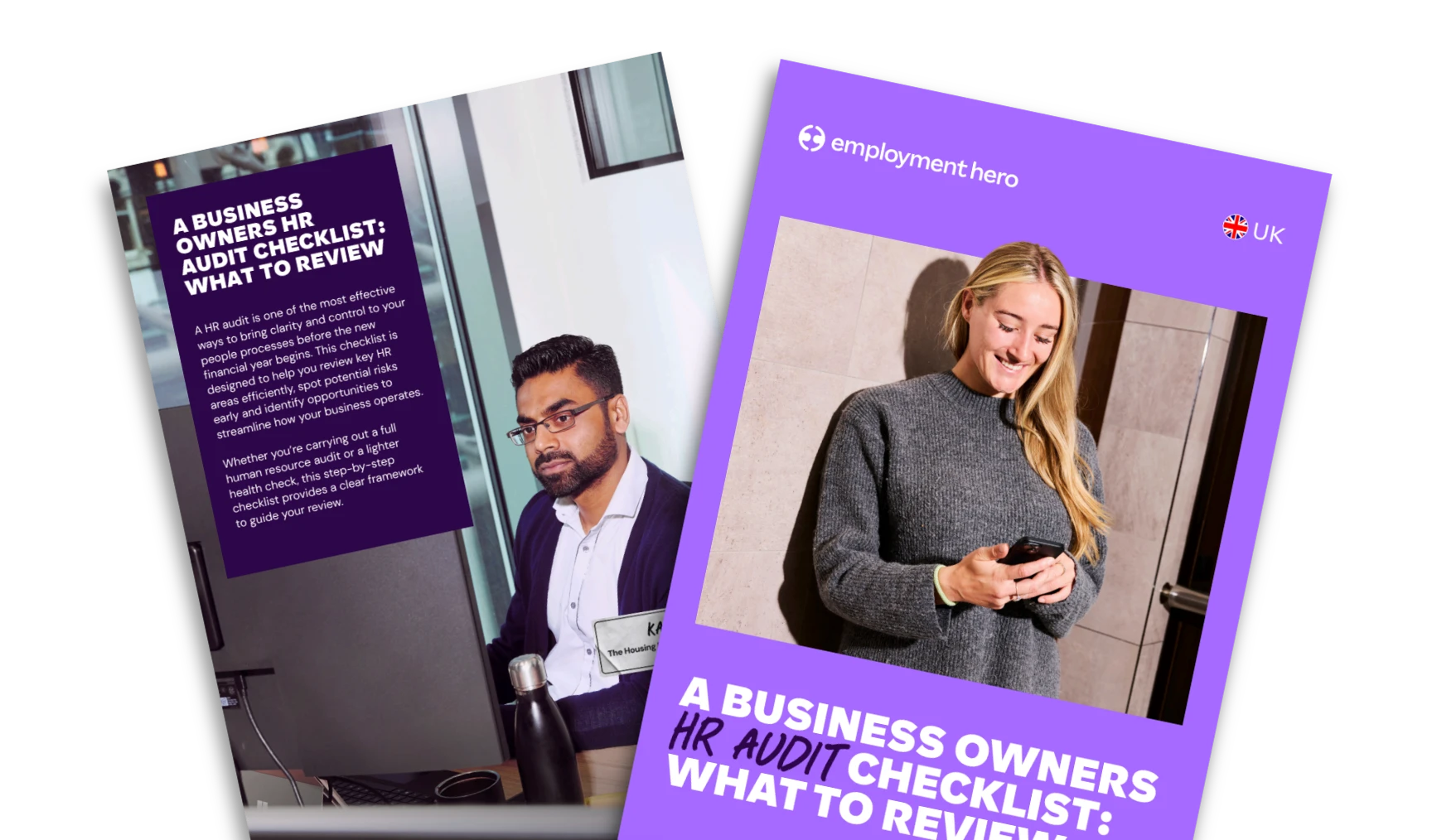 Read more: EOFY HR Audit: What to Review in March
EOFY HR Audit: What to Review in March
Complete a EOFY HR audit with our practical checklist. Review compliance, people processes and compliance to reduce risk before the…
-
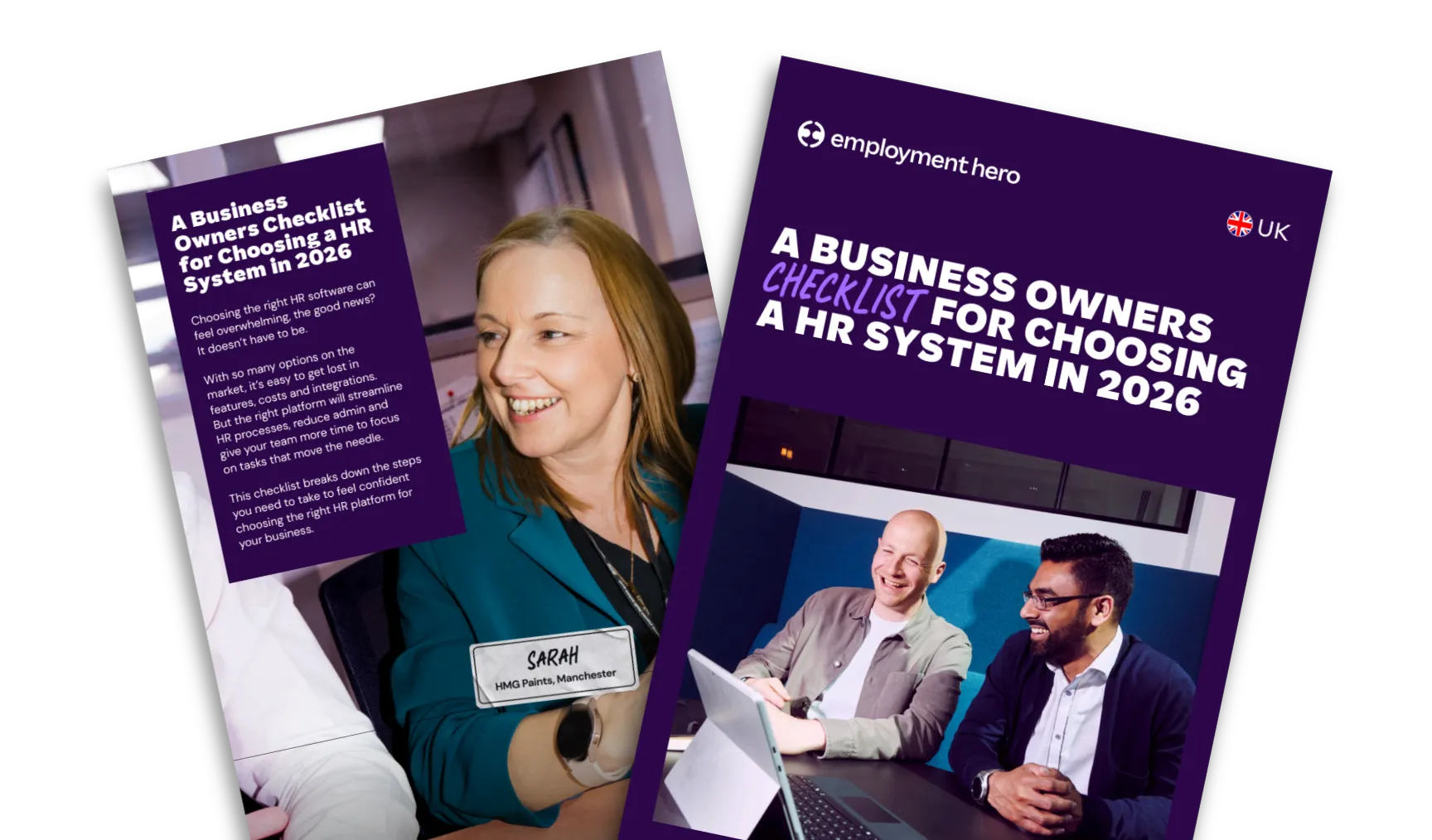 Read more: How to Choose an HR System: A 2026 Buyer’s Checklist
How to Choose an HR System: A 2026 Buyer’s Checklist
HR software is more than features. Discover how the right system can streamline operations, boost efficiency and future-proof workforce management.
-
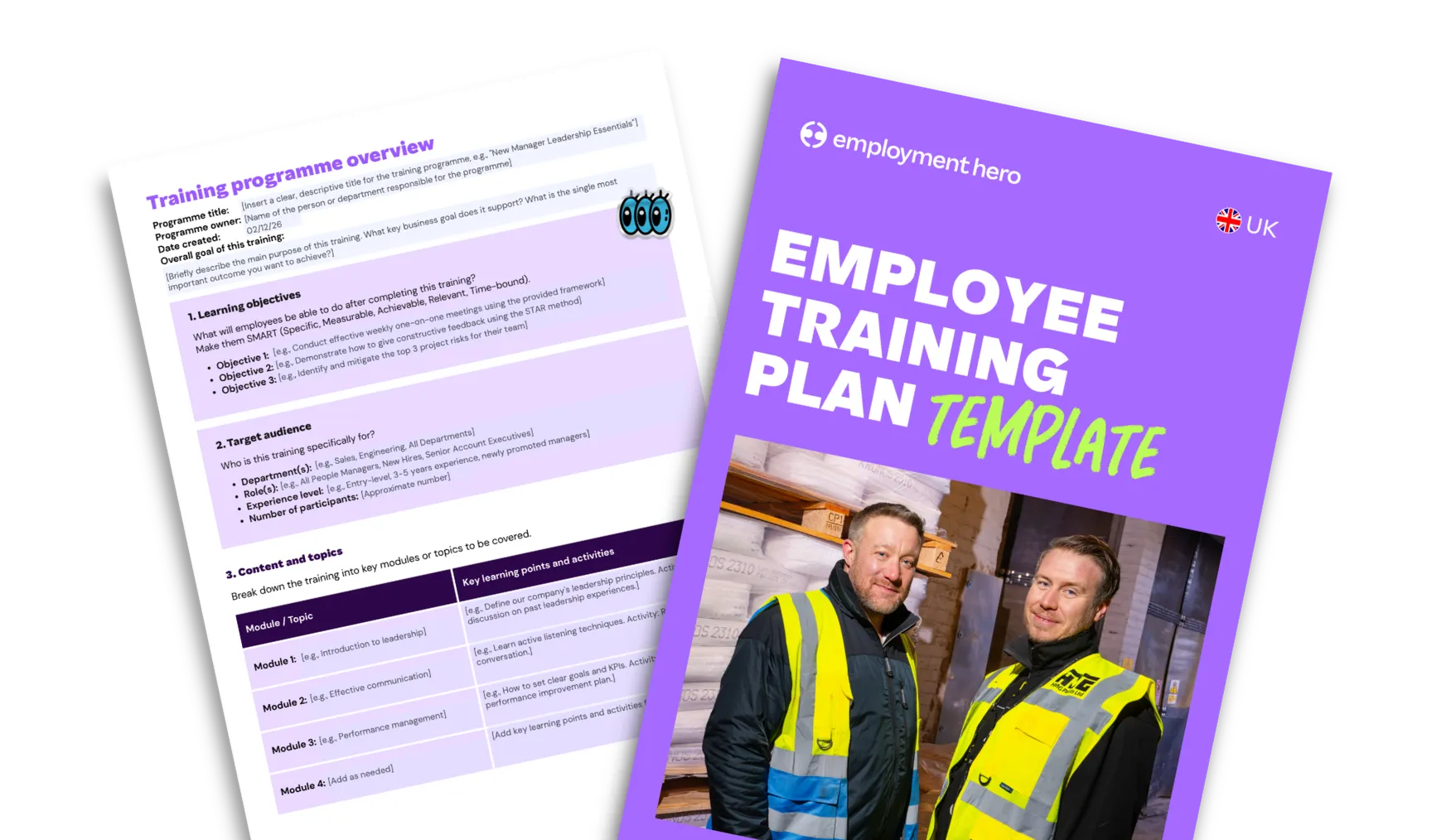 Read more: How to Create an Employee Training Plan: Template & Guide
How to Create an Employee Training Plan: Template & Guide
Ready to build a training program that drives results? Learn how to create an effective employee training outline that aligns…
