

















Interview scheduling email templates for NZ employers
Published
Interview scheduling email templates for NZ employers
Published
Finding the right talent is tough enough without the administrative headache of scheduling interviews. You’ve sifted through CVs, shortlisted your favourites and now it’s time to meet in person.
That sounds simple, but the back-and-forth of coordinating diaries can quickly become a time sink. It can also be a critical moment for your employer brand. The way you communicate during this phase sets the tone for the entire employee relationship.
To help you move faster, we’ve created interview scheduling email templates designed specifically for New Zealand businesses. These include templates for two different interview stages, along with an invitation to a virtual interview and a request to reschedule,
Download the email templates by filling in the form on the right.
What’s included in this free interview scheduling template
This resource is designed to take the thinking out of your daily admin. We know that as a business owner or hiring manager, you likely don’t have hours to craft the perfect email from scratch every time you find a promising candidate.
Inside this downloadable pack, you will find editable email scripts that cover the most common hiring scenarios. These templates are designed to ensure your tone strikes the right balance between professional and approachable. We’ve included placeholders for all the critical details so you never miss a beat, alongside tips for customising the message to reflect your unique company culture.
Whether you are hiring for a permanent role, casual cover or a seasonal position, these templates ensure your communication is consistent and clear.
What is an interview scheduling email?
An interview scheduling email is the bridge between a successful application and the first real conversation. It’s a formal invitation sent to a candidate to arrange a specific time and date for an interview.
In modern recruitment workflows, this email serves multiple purposes. It confirms the candidate is progressing to the next stage, provides them with necessary logistical information and offers a first glimpse into how your company operates. If your process is disorganised or your communication is abrupt, candidates might assume your workplace operates the same way.
Effectively, this email is a logistical tool that doubles as a marketing asset for your employer brand.
Why clear interview invitations matter
You might think an email is just an email, but a well-written invitation can significantly impact your hiring success.
First, it improves the candidate experience. Job hunting is stressful and candidates are often juggling current employment with multiple applications. When you send a clear, detailed invitation, you respect their time and reduce their anxiety. They know exactly where to go, who they are meeting and what to prepare.
Second, it reduces scheduling delays. Ambiguous emails lead to unnecessary clarification loops. If you propose a time without being specific about the location or the format (video vs in-person), you invite a chain of emails just to sort out the basics. Clear invitations get you to the interview stage faster.
Finally, it protects your employer brand. In a tight labour market, talented candidates have options. A professional, warm interaction can be the deciding factor for someone choosing between you and a competitor.
What to include in every interview scheduling email
Every invitation needs to cover specific bases to be effective. While you want to be friendly, accuracy is paramount.
You must clearly state the specific role the candidate has applied for. It is easy to forget that candidates often apply for multiple jobs at once, so referring to “the job” isn’t helpful. Be specific.
Proposed dates and times are essential. Rather than asking “when are you free?”, offer a few distinct slots. For example, you might suggest “Tuesday, 1 April at 10am or Thursday, 3 April at 2pm”. This gives the candidate concrete options to accept or decline.
Location details must be precise. If it is in-person, provide the full address and parking advice. If it is virtual, include the specific platform link (Zoom, Teams, Google Meet).
Let them know who they will be meeting. Including the names and job titles of the interviewers helps the candidate prepare and reduces nervousness.
Finally, tell them what to bring or prepare. If you need to see their portfolio or identification, state this clearly in the email. It is also good practice to ask if they have any special requirements or need accommodations for the interview.
Tips to streamline your interview scheduling process
Writing the email is just one part of the puzzle. To truly speed up your time-to-hire, you need to look at your operational process.
Using calendar management tools can eliminate the “email ping-pong” entirely. Those allow you to send a link where candidates can pick a slot that works for them. This syncs directly with your diary, ensuring you are never double-booked.
You should also set up automated reminders. A simple automated email sent 24 hours before the interview dramatically reduces no-show rates. It reminds the candidate of the time and location, and gives them a prompt to cancel early if their circumstances have changed. A comprehensive applicant tracking system can automate this step, along with many others.
Batching your interview times is another efficiency hack. Instead of scattering interviews throughout your week, try to block out two specific days for all first-round interviews. This keeps you in the right headspace and makes it easier to compare candidates while the conversations are fresh in your mind.
Common mistakes to avoid in scheduling emails
Even experienced hiring managers make mistakes that can cost them good candidates.
The most common error is being vague about details. Sending an email that says “Can you come in next week?” without specific slots forces the candidate to do the heavy lifting. Always offer concrete options.
Broken links in virtual interview invitations are another frequent frustration. Always double-check your Zoom or Teams link before hitting send. There is nothing worse than starting an interview ten minutes late because of technical difficulties.
Another pitfall is using an overly impersonal tone. While you want to be professional, you don’t want to sound like a robot. Remember that you are speaking to a person who is likely nervous and excited. A little warmth goes a long way.
Finally, ensure you are respecting the candidate’s privacy. If you are emailing multiple candidates (for example, regarding a group assessment day), always use BCC or individual emails. Breaching privacy is a serious issue. For more on your obligations regarding privacy and information handling, you can refer to guidance from Employment New Zealand.
How Employment Hero helps you manage interview scheduling
Managing recruitment manually becomes impossible as you scale. Employment Hero offers an integrated approach to hiring that simplifies the entire journey.
Our platform includes a built-in Applicant Tracking System (ATS) that allows you to manage candidates from application to offer in one place. You can use our pre-built email templates to communicate with candidates at every stage, ensuring no one gets lost in the pile.
With our tools, you can move candidates through stages — from “applied” to “interviewing” to “hired” — with simple drag-and-drop functionality. This triggers automated communications, saving you hours of admin time. Instead of copy-pasting emails and checking spreadsheets, you can focus on the person sitting in front of you.
Use our time-saving interview scheduling templates
Ready to upgrade your recruitment process? Download our free interview scheduling email templates today to ensure every candidate interaction is professional, consistent and clear.
The information in this article is current as at 30 December 2025, and has been prepared by Employment Hero Pty Ltd (ABN 11 160 047 709) and its related bodies corporate (Employment Hero). The views expressed in this article are general information only, are provided in good faith to assist employers and their employees, and should not be relied on as professional advice. Some information is based on data supplied by third parties. While such data is believed to be accurate, it has not been independently verified and no warranties are given that it is complete, accurate, up to date or fit for the purpose for which it is required. Employment Hero does not accept responsibility for any inaccuracy in such data and is not liable for any loss or damages arising directly or indirectly as a result of reliance on, use of or inability to use any information provided in this article. You should undertake your own research and seek professional advice before making any decisions or relying on the information in this article.
Register for the template
Related Resources
-
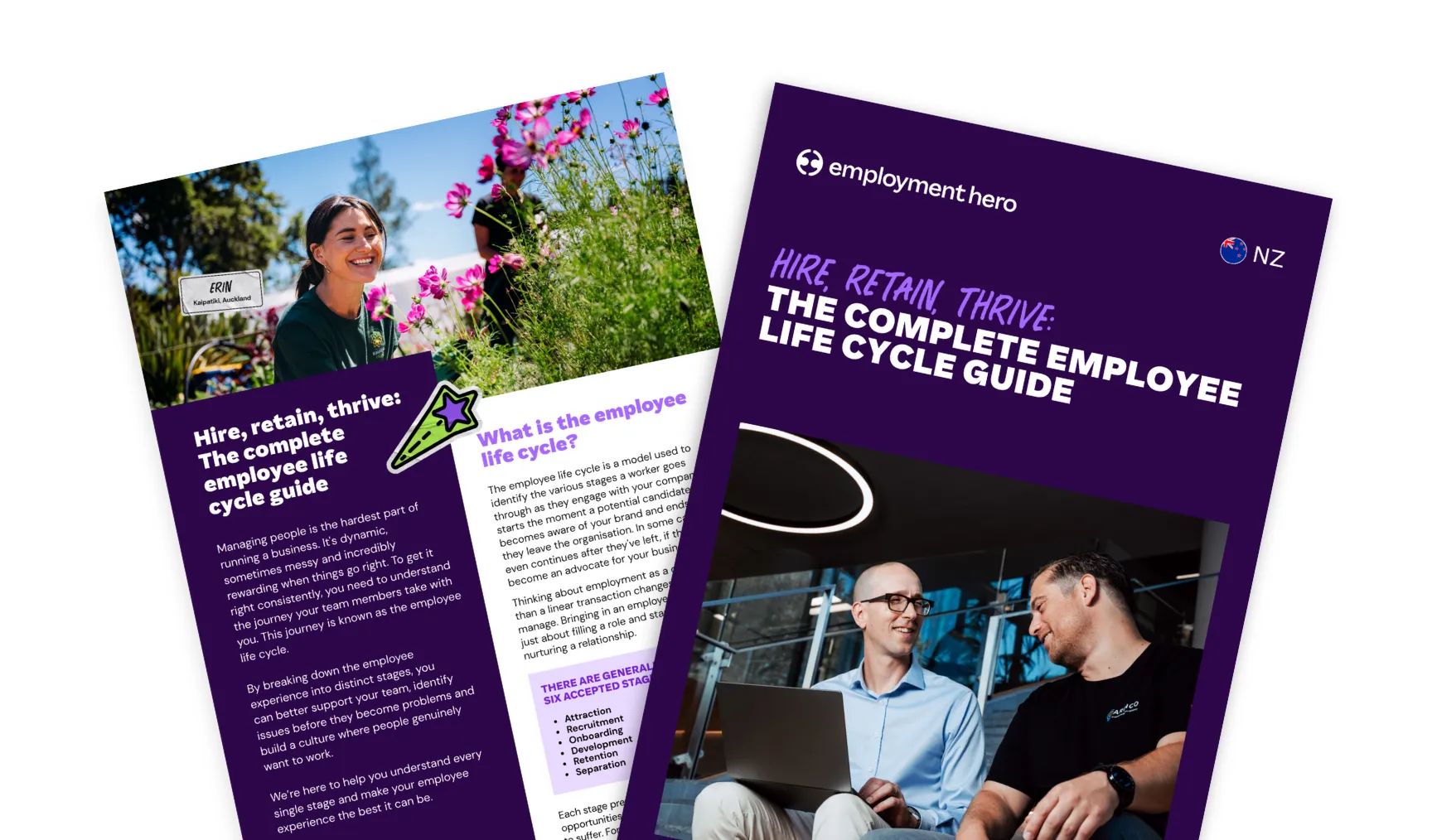 Read more: Hire, retain, thrive: The complete employee life cycle guide
Hire, retain, thrive: The complete employee life cycle guide
Learn the full scope of the employee life cycle and how it impacts recruitment, onboarding and retention.
-
 Read more: The Invisible Duty: Navigating NZ’s Psychosocial Safety Landscape
The Invisible Duty: Navigating NZ’s Psychosocial Safety Landscape
Join Employment Hero’s Employment Counsel, Sanam Ahmadzadeh Salmani, for a practical webinar on NZ health and safety duties.
-
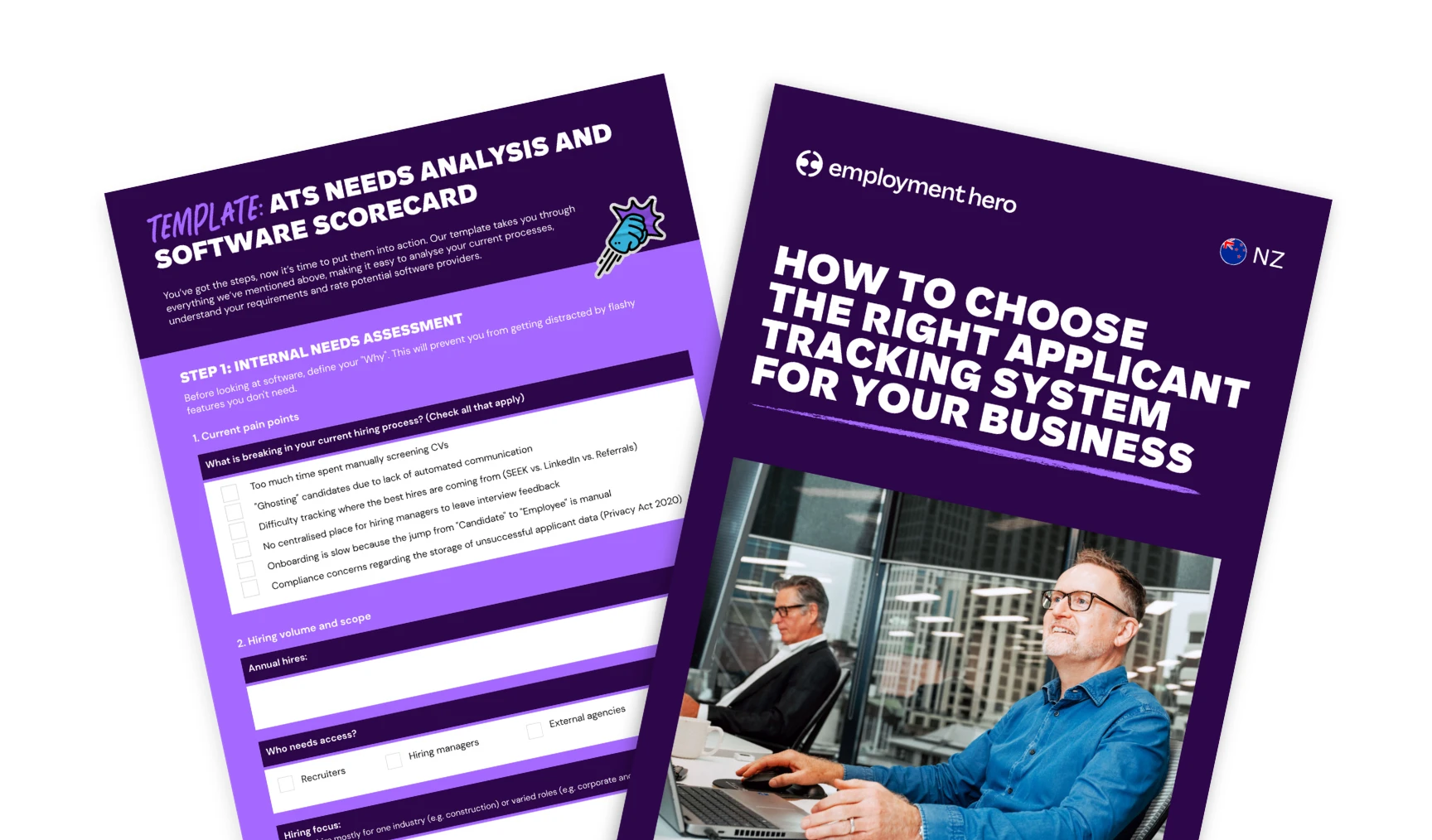 Read more: How to choose the right ATS for your business
How to choose the right ATS for your business
Learn how to choose the right applicant tracking system. Explore features, vendor questions, red flags, and comparison tips in this…

