 Australia
 United Kingdom
 Singapore
 Malaysia
 Canada (Français)

 New Zealand

Searching for the best payroll software in New Zealand? Here’s the honest answer: there’s no single best one. There’s a best one for your business — and the way you find it is by asking every provider the same six questions.
New Zealand payroll is harder than it looks. Three things make it different from a generic pay-run tool: the Holidays Act (average weekly earnings vs relevant daily pay calculations), KiwiSaver with its per-employee enrollment, opt-out, and contribution rules, and payday filing with Inland Revenue — a legal requirement every single time you pay someone, not a year-end report.
Before you compare price or interface, the real question is: does the system actually understand New Zealand employment law, or is it a general ledger with a pay run bolted on?
THE 6 QUESTIONS TO ASK ANY NZ PAYROLL PROVIDER
Does it calculate Holidays Act leave automatically — or does your team run the formula in a spreadsheet?
Is payday filing with IRD built into the pay run, or is it a separate export and upload step?
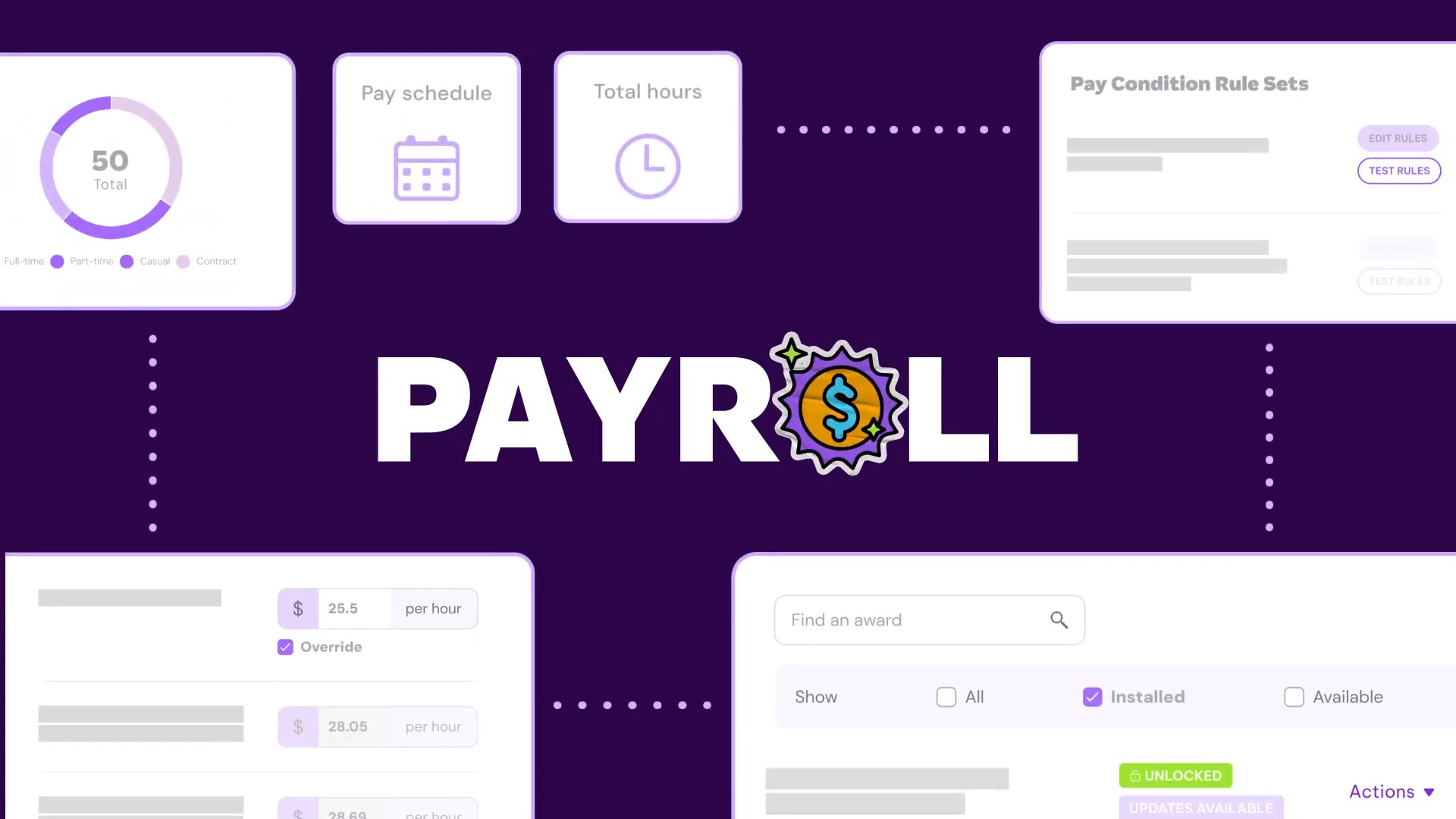
Do you have pay condition rules built in — handling shifts that span midnight, public holidays mid-shift, and multiple classification rates automatically?
Does it manage the full KiwiSaver lifecycle (enrollment, opt-outs, contribution rate changes) or just apply a percentage at payday?
Is payroll part of one system, or a standalone tool you have to connect to HR, rostering, and onboarding separately?
What does support actually look like when a pay run goes wrong on a Friday afternoon?
HOW EMPLOYMENT HERO ANSWERS THEM
▸ Holidays Act calculations (AWE and RDP) automated directly inside the pay run
▸ IRD-recognised intermediary — payday filing happens as part of processing payroll, not after
▸ Built-in pay condition rules for complex employment agreements, overtime, split shifts, and minimum engagement periods
▸ KiwiSaver managed end-to-end within the payroll platform
▸ Payroll connected to HR, leave, timesheets, and onboarding in one employment operating system — no double handling
▸ Local New Zealand support team
Providers commonly compared for NZ payroll include Xero Payroll, MYOB, iPayroll, SmartPayroll, and Crystal Payroll. Ask them the same six questions.
Video transcript
Minimise
If you have searched for the best payroll software in New Zealand, here is the honest answer. There is no single best one. There is a best one for your business, and the way you find out is by asking every provider the same six questions.
This video gives you those six questions, tells you why each one matters under New Zealand law, and shows you how Employment Hero answers them. Ask any other Kiwi payroll provider the same questions before you decide. New Zealand payroll is harder than it looks because three things make it different from a generic pay run tool. First, the Holidays Act, which governs how you calculate leave using average weekly earnings and relevant daily pay. Getting this wrong is one of the most common sources of underpayment claims in the country. KiwiSaver is another tricky requirement, and it has its own contribution and opt out rules that a generic international payroll tool will not handle outside of the box.
Third, payday filing with in line revenue, which is a legal requirement every time you pay someone, not an optional report you run at year end. So before you prepare price or interface, the real question is simple. Does the system actually understand New Zealand employment law? Or is it a general ledger with a pay run bottled on? Here are the six questions you should ask anyone you are considering, including us. We will answer them for Employment Hero as we go, and we'll tell you why each one matters.
Question one, does it calculate the holidays actually for you or do you calculate it yourself? Average weekly earnings and relevant daily pay are two different calculations the law requires you to compare and apply correctly every single pay run. Ask any provider, is this calculated automatically in side the system or is it a manual formula your payroll person has to run-in a spreadsheet next to the software? For employment error, our payroll automates Holidays Act calculations, including average weekly earnings and relevant daily pay built directly into the payroll.
Question two: Is payday filing with IRD built in or is it a separate step? Every payroll has to be filed with inland revenue within two working days. Does the software file directly with IRD as part of processing payroll? Or do you need to export a file and upload it somewhere else yourself?
Employment Hero is an IRD recognized intermediary. So payday filing happens as part of your normal pay run, not as an extra task afterwards. Question three, do you have pay condition rules built into the platform? For New Zealand businesses, pay conditions aren't simple.
Shifts span midnight, employees work across multiple classifications, public holidays form mid shift. Getting this wrong isn't just an admin headache, it's a compliance condition rules automate the most complex part of payroll, correctly applying the right rate into the right hours every time. You can eliminate manual rate calculations, so you always apply the right pay category to every shift. This means you stay compliant even with complex employment agreements, multi tier overtime, higher classification rates, split shift allowances, and minimum engagement periods.
Question four, does it manage KiwiSaver contributions and opt outs, or does it just calculate the number? KiwiSaver has enrollment rules, contribution rate changes and opt out windows that need to be tracked per employee, not just a percentage applied at pay time. Ask, does the system manage the full KiwiSaver lifecycle or only the mass on payday. Employment Hero manages KiwiSaver contributions as part of the payroll platform, so changes an employee makes are reflected without extra admin.
Question five, is payroll part of one system or a standalone tool you have to connect to HR separately? This is the question we're spending the most time on because it is where the real cost of a tool shows up months after you've signed up. A standalone payroll product can be excellent at running pay and still leave you manually reentering the same employee data into a separate HR system, a separate rostering tool, and a separate onboarding process. Ask any provider, if I need to also manage leave requests, time sheets, onboarding, and HR records, is that a seamless system or a bunch of point solutions taped together?
Employment Heroes payroll sits inside one employment operating system. So leave, time sheets, onboarding, and HR records feed straight into the pay run without double handling. Question six, what does support actually look like when a pay run goes wrong on a Friday afternoon? Payroll is one piece of software in your business where a bug does not just cost you time, it means someone does not get paid correctly.
Ask, is there a local New Zealand support team? What hours are they actually available? And what happens if something breaks down the day before payday? Employment Hero provides local support from a team that works with New Zealand small and growing businesses specifically.
Providers commonly compared for New Zealand payroll include Xero Payroll, MYOB, I Payroll, Smart Payroll and Crystal Payroll. To recap what you're looking for: Holidays Act calculations built into the payroll. IRD payday filing as an IRD recognised intermediary. KiwiSaver managed end to end payroll connected to everything else, employment in one seamless system, local New Zealand support and built in pay condition rules.
Brian Gilchrist, CEO of Step Ahead, a New Zealand non for profit organization called Employment Hero a total game changer.
I'm no longer buried in admin. I can focus on fundraising, compliance, and ensuring our service model is being delivered properly. These are the things I should be doing as a CEO, but couldn't because I was stuck in payroll. So the best payroll software in New Zealand is the one that answers yes to those six questions for your business specifically. Ask us, ask anyone else you're looking at. If you wanna see how Employment Hero answers them in practice, book a demo using the link below.