














The beginner’s guide to AI at work

Contents
Artificial intelligence (AI) is no longer a concept reserved for tech giants and research labs. It’s transforming workplaces across the globe, including Canadian small-to-medium enterprises (SMEs). Whether it’s automating repetitive tasks or providing strategic insights, AI is here to make day-to-day business operations smoother, smarter and more efficient. For beginners, the idea of integrating AI can seem complex or maybe even overwhelming, but it doesn’t have to be.
This blog will break down the essentials to get you started with AI at work in a clear, actionable way, helping your team streamline their work.
Want to see how AI can transform your HR?
What does ‘AI at work’ actually mean?
When we talk about AI in the workplace, we’re referring to the use of intelligent systems and algorithms to support human-led tasks and decision-making. For example, HR professionals can use AI to sift through job applications more quickly, while marketing teams can analyze campaign data to identify trends and refine strategies. It’s about making work processes more intelligent, not replacing jobs or teams. AI at work can take many forms:
Automation
Example: Streamlining repetitive tasks like data entry or email sorting.
AI can significantly enhance workplace efficiency by automating repetitive and time-consuming tasks. This includes streamlining data entry, which often involves manual input and is prone to errors, as well as sorting and categorizing large volumes of emails. By handling these mundane yet essential tasks, AI frees up human employees to focus on more complex, creative and strategic activities that require critical thinking and interpersonal skills. This not only boosts productivity but also reduces the likelihood of human error in routine operations. If you’ve ever found yourself wishing that someone could just take a task off your plate, it might be time to see if AI can do it for you.
Decision support
Example: Analyzing data to recommend the best course of action.
Another powerful application of AI in the workplace is its ability to provide sophisticated decision support. AI systems can analyze vast datasets, identify patterns and uncover insights that might be imperceptible to humans. Do you really have time to read through all 500 rows of that spreadsheet? Probably not.
This analytical capability allows AI to recommend the most optimal course of action in various scenarios, from financial forecasting and market trend analysis to resource allocation and risk assessment. By presenting data-driven recommendations, AI empowers employees and managers to make more informed and strategic decisions, leading to better outcomes for the organization.
Task assistance
Example: Tools like chatbots or AI assistants help with scheduling or customer support.
AI tools, such as chatbots and AI assistants, are increasingly being integrated into daily workflows to provide immediate task assistance. These tools can help with a wide range of administrative and customer-facing functions. For example, AI assistants can efficiently manage calendars, schedule meetings and set reminders, reducing the administrative burden on employees. In customer support, AI-powered chatbots can handle common queries, provide instant information and even resolve basic issues, ensuring 24/7 availability and improving customer satisfaction while allowing human agents to focus on more complex or sensitive customer interactions.
Why AI matters in the workplace

Integrating AI into your business operations offers numerous benefits, particularly for smaller organizations aiming to stay efficient and competitive. Here are just a few reasons why AI is worth considering:
- Boosted productivity: By automating mundane tasks, your team can focus on high-value activities.
- Time savings: AI tools can work faster than humans at large-scale data analysis and task execution.
- Smarter decisions: With AI insights, you can make data-driven decisions confidently and in less time.
- Enhanced employee experience: Freeing employees from repetitive tasks increases job satisfaction.
- Competitive edge: Early adoption of AI can give you a head start over competitors who are slower to adapt.
It’s important to view AI as a supportive tool for your team, rather than something that will replace them. This distinction is critical to addressing concerns among beginners who may worry about job security or the complexity of using AI.
The best ways to start using AI at work
Starting small and piloting AI in manageable areas is the key to success. Here are some beginner-friendly ways to explore AI at work:
Automate repetitive tasks
AI thrives on automation. Use AI tools to handle routine processes such as:
- Sorting emails.
- Inputting data into spreadsheets.
- Generating reports.
Applications like Zapier or RPA (robotic process automation) tools can perform these tasks seamlessly and free up time for your team.
Employ AI assistants in familiar tools
If your organization uses platforms like Microsoft 365 or Google Workspace, integrate their AI-powered features. That way, your team won’t have to learn a whole new platform and way of working from scratch. They might’ve even had a play around with some of the tools already. For example:
- Use Microsoft’s AI capabilities to create and format documents or analyze Excel data.
- Leverage Google Calendar’s AI scheduling suggestions to book meetings efficiently.
Start with a pilot workflow
Rather than rolling out AI across multiple departments, start small; no need to exhaust yourselves. Select a single workflow or task to automate or enhance using AI. Monitor the impact, gather feedback and scale from there.
How to use AI effectively at work

While the potential of AI is enormous, using it effectively requires some planning. Here’s how to ensure you’re leveraging AI in the best possible way:
Choose the right use case for your team
Dive deep into the heart of your workflow to unearth those persistent snags and time-consuming tasks where AI could truly revolutionize the way you work. Then, it’s about playing matchmaker: finding the perfect AI tools that seamlessly align with your team’s unique needs, ensuring enthusiastic adoption and a powerful ripple effect of positive change.
Set clear goals and track outcomes
Before you start using AI, it’s really important to know what you want to achieve. Think about how you’ll measure if it’s working well. For example, will it help you save time, get more done or make fewer mistakes? By setting clear goals, you can see the real benefits of using AI.
Upskill your team on basic AI literacy
Invest in training to familiarize your team with AI tools and applications. This doesn’t have to be complicated – start with the basics and gradually build skills. Provide workshops, online courses or dedicated learning resources to help employees understand how AI can enhance their roles and workflows. Encouraging experimentation and providing a safe space for questions can also foster greater adoption.
Encourage experimentation and feedback
Position AI adoption as a collaborative process. Allow your team to experiment with tools and provide feedback to improve their usability and effectiveness. By framing AI adoption as a collaborative process, you empower your team to be active participants rather than passive recipients. This involves encouraging them to explore various AI tools, test their functionalities and openly share their experiences. Their feedback is invaluable for identifying areas where tools can be improved, customized or integrated more effectively into existing workflows, ultimately increasing their practical value and user acceptance.
Top beginner-friendly AI tools to try
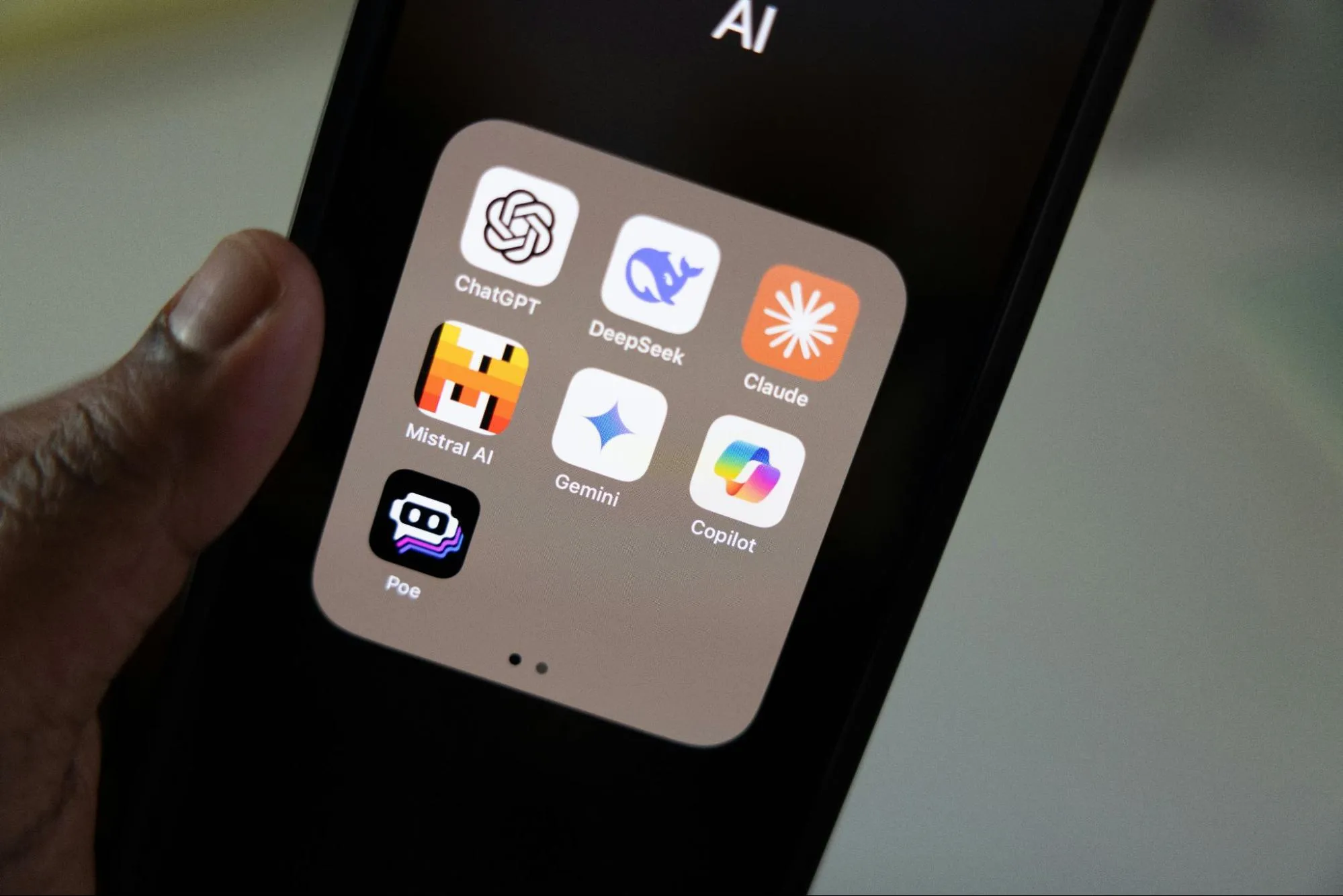
If you’re unsure where to begin, start with these beginner-friendly tools that require little technical expertise. The go-to tool is usually ChatGPT – a conversational assistant for generating content or answering business queries.
Rather than overwhelming your team with lots of different tools or information on platforms, encourage them to start using a tool like ChatGPT for everyday tasks, even non-work tasks. The more they start to use it and get familiar with the tool and outputs, the better their experience and adoption will be.
For example, here are a few very easy prompts to get started with personal use:
- Meal planning. I have potatoes, chicken and broccoli at home. Can you provide me with three different weekday meal options that I could make using these ingredients, general pantry items and spices?
- Exercise. I have an hour lunch break at work, and I’m getting a sore neck from sitting at my computer. Can you recommend a 20-minute exercise program I can do during the day without needing any gym equipment?
- Career planning. I want to progress my career and step up to a new role. My current role is X, and I want to move up to the X role. What are the key skills I need to develop, and can you build me a career improvement plan for the next 6 months?
The results won’t always be perfect (watch out for any broccoli cake recommendations), but your team can enjoy sharing the answers and what they did to refine the output.
Overcoming the most common AI fears at work
AI adoption often comes with several concerns, some justified, others less so. Here’s how to address common fears and help teams feel confident:
“Will AI take my job?”
AI is a tool, not a replacement. It complements human skills by handling repetitive tasks, allowing employees to focus on high-value, creative and strategic work.
“Do I need to code to use AI?”
Most business-grade AI tools are no-code or low-code, meaning you don’t need technical skills to deploy them. They’re designed with intuitive user interfaces.
“What if I make a mistake?”
Many AI tools come with built-in safeguards, like undo functions or approval workflows, to minimize errors. Start small – mistakes made during pilot projects are easier to manage.
Final checklist to get started with AI at work
Making AI adoption seamless and successful starts with a practical, step-by-step approach. Here’s an expanded checklist to guide your team through the process:
1. Identify a task to automate
Start by mapping out routine, repetitive or time-consuming tasks in your workflow. Common candidates include data entry, scheduling, email sorting or basic report generation.
Tips and hints:
- Survey your team to pinpoint which tasks eat up the most time or are prone to human error.
- Look for processes that are rules-based and consistent—they’re often the best fit for AI automation.
- Prioritize tasks that don’t affect mission-critical functions, so you can experiment without risking core operations.
2. Choose your tool
Once you’ve targeted a workflow, research available AI-powered tools geared towards that specific need. Seek out platforms known for their user-friendliness and strong customer support.
Tips and hints:
- Read case studies or reviews from businesses similar to yours to evaluate effectiveness.
- Trial multiple tools with free versions or demos before committing.
- Consider integration—choose tools that work well with your existing software stack.
3. Set a mini-goal
Define what success will look like for your initial pilot. This could be a measurable benefit, such as “save two hours per week on scheduling” or “reduce manual data errors by 80%.”
Tips and hints:
- Make your goal specific, measurable and time-bound.
- Communicate the goal to all team members so everyone knows what you’re aiming to achieve.
- Start with a conservative target—early, easy wins build momentum and confidence.
4. Measure success
Track the results of your pilot against your mini-goal using clear metrics. Gathering data will help you evaluate if the tool is delivering the promised value.
Tips and hints:
- Document before-and-after metrics, such as hours saved, errors reduced or team satisfaction.
- Use surveys or regular check-ins to collect team feedback on usability and impact.
- Identify any unexpected benefits or setbacks and note them for future projects.
5. Share insights with your team
After the pilot phase, review your findings with your team. Transparent sharing helps reinforce trust and encourages organization-wide learning and improvement.
Tips and hints:
- Host a debrief session to discuss what worked well and what should be improved.
- Celebrate wins—recognize early adopters and share their success stories to encourage wider involvement.
- Use feedback to refine your approach and identify the next task or area for AI adoption, fostering a cycle of continuous improvement.
By following this structured checklist (one step at a time), you’ll create a strong foundation for AI adoption in your workplace and set your team up for long-term success.
Unlocking the potential of AI at work
AI can seem complex at first glance, but it offers countless opportunities for SMEs to improve efficiency, productivity and employee satisfaction. By starting small, focusing on real-world problems and taking a structured approach, anyone can integrate AI into their workflow effectively. Keep experimenting, improving and building confidence, and before long, AI will feel as natural in your workplace as email or video conferencing does today.
Make today the day you take your first step into AI at work – your team and your business will thank you for it.
Ready to lead your team into the future?
Related Resources
-
 Read more: 55 fun icebreaker games and activities for your team in 2026
55 fun icebreaker games and activities for your team in 2026
Break the ice and boost meeting productivity. Discover 55 fun and engaging icebreaker games to help your team feel comfortable,…
-
 Read more: 11 professional goal examples for 2026
11 professional goal examples for 2026
Help your team thrive in 2026. Discover 11 practical professional goal examples and actionable steps to drive growth, productivity, and…
-
 Read more: The beginner’s guide to AI at work
The beginner’s guide to AI at work
Is AI complex? It doesn’t have to be. Learn how Canadian businesses are using AI to automate repetitive tasks, boost…

